Upgrade your Bring Digital Key software to the latest version using the Bring & T update app.
Upgrade your Bring Digital Key software to the latest version using the Bring & T update app.
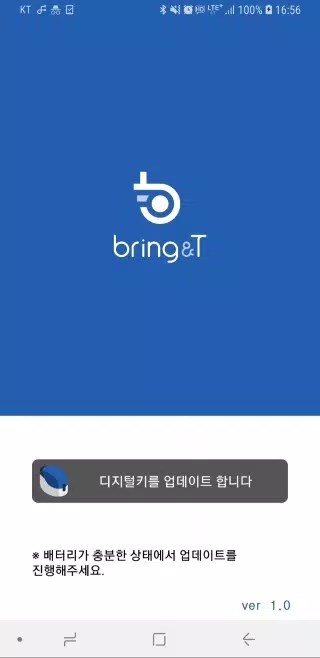
1. Launch the BringAnti update app.
2. Tap “Update digital key” at the screen’s bottom.
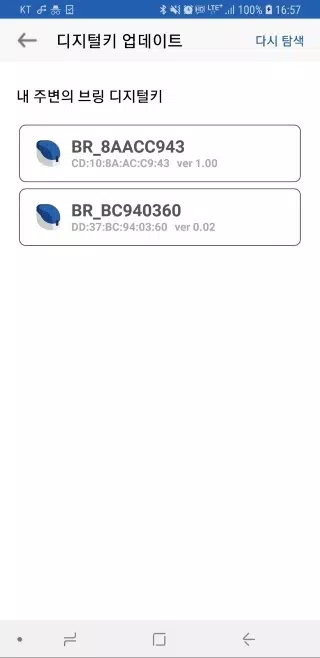
3. Choose the digital key “BR_xxxxxxxx” from the list.
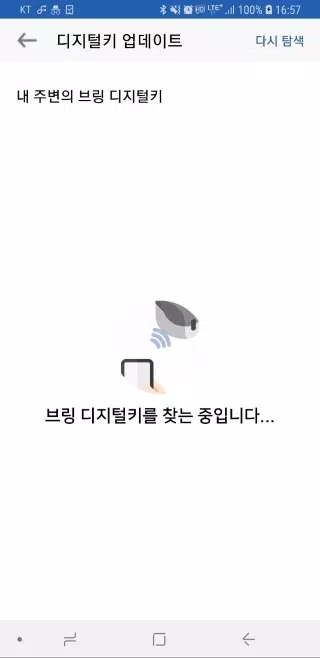
If the digital key isn’t listed, press the [Search again] button to rescan.
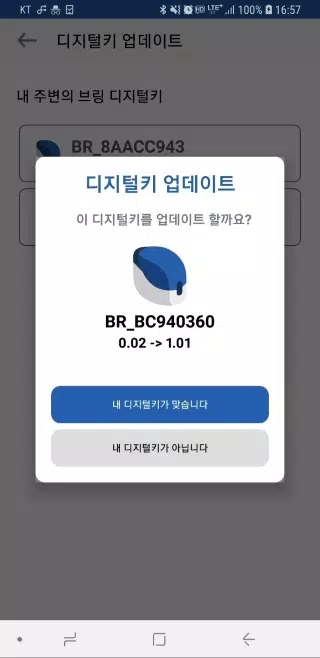
4. Selecting a digital key displays its current and target software versions.
5. Tap “Your device is correct”; the digital key’s lamp flashes purple for 10 seconds.
Briefly press the digital key’s button for 0.5 seconds.
6. The lamp turns purple, then blue, indicating a successful software update.
7. Once complete, tap “Close” to exit the app.
8. Keep the digital key near the device during the wireless update.
9. The update, lasting 2-3 minutes, cannot be paused, so ensure sufficient battery.
10. If the update stalls or errors occur, close and restart the app.
11. Software updates require prior digital key registration.
Unregistered keys cannot be updated.
Tags : Auto & Vehicles