A digital illustration and painting app for creating Anime and Manga art.
SketchPro is a professional drawing, design, and illustration app for tablets and phones, crafted with care by the Drawing Desk Team.
It now includes advanced AI tools to enhance the creative workflow of professional digital artists.
Ideal for creative professionals like graphic designers, illustrators, and comic, anime, and manga artists, SketchPro combines a full suite of drawing tools with advanced AI for creating your artwork.
SketchPro is equipped with creative, professional drawing features:
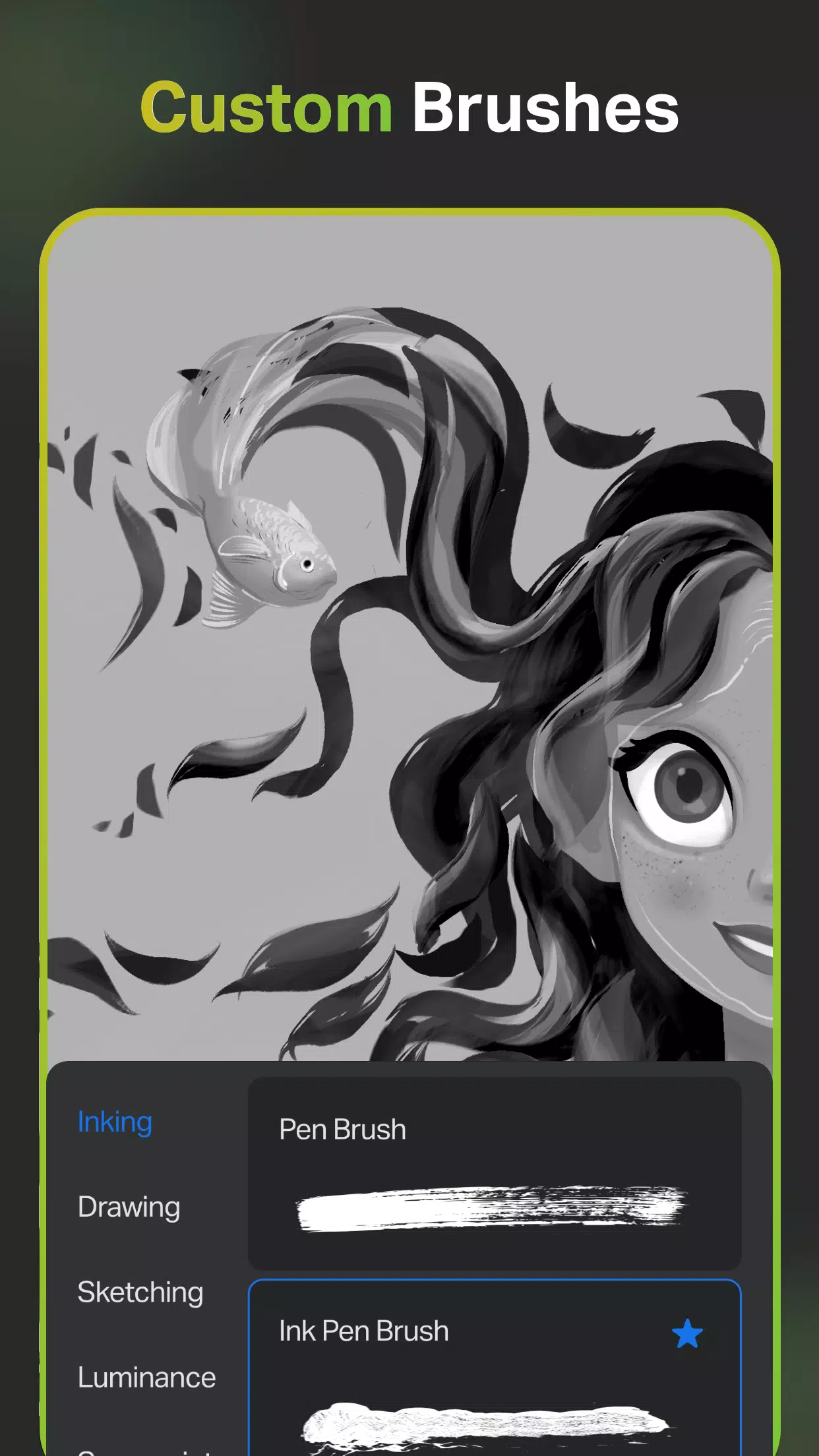
Professional Customizable Brushes for all digital artists
- A range of creative brushes for sketching, painting, doodling, illustrating, and professional drawing
- Customizable brushes to create your drawings and sketches
- A list of favorite brushes for quick drawing, design, and painting
- A free Roller Brush with 100+ patterns for professional drawing and design
Pro Digital AI Drawing Tools to accelerate your creative process
- Create artwork effortlessly using the Text to Image AI tool with simple prompts
- Transform hand-drawn sketches into images using the advanced Sketch to Image AI tool
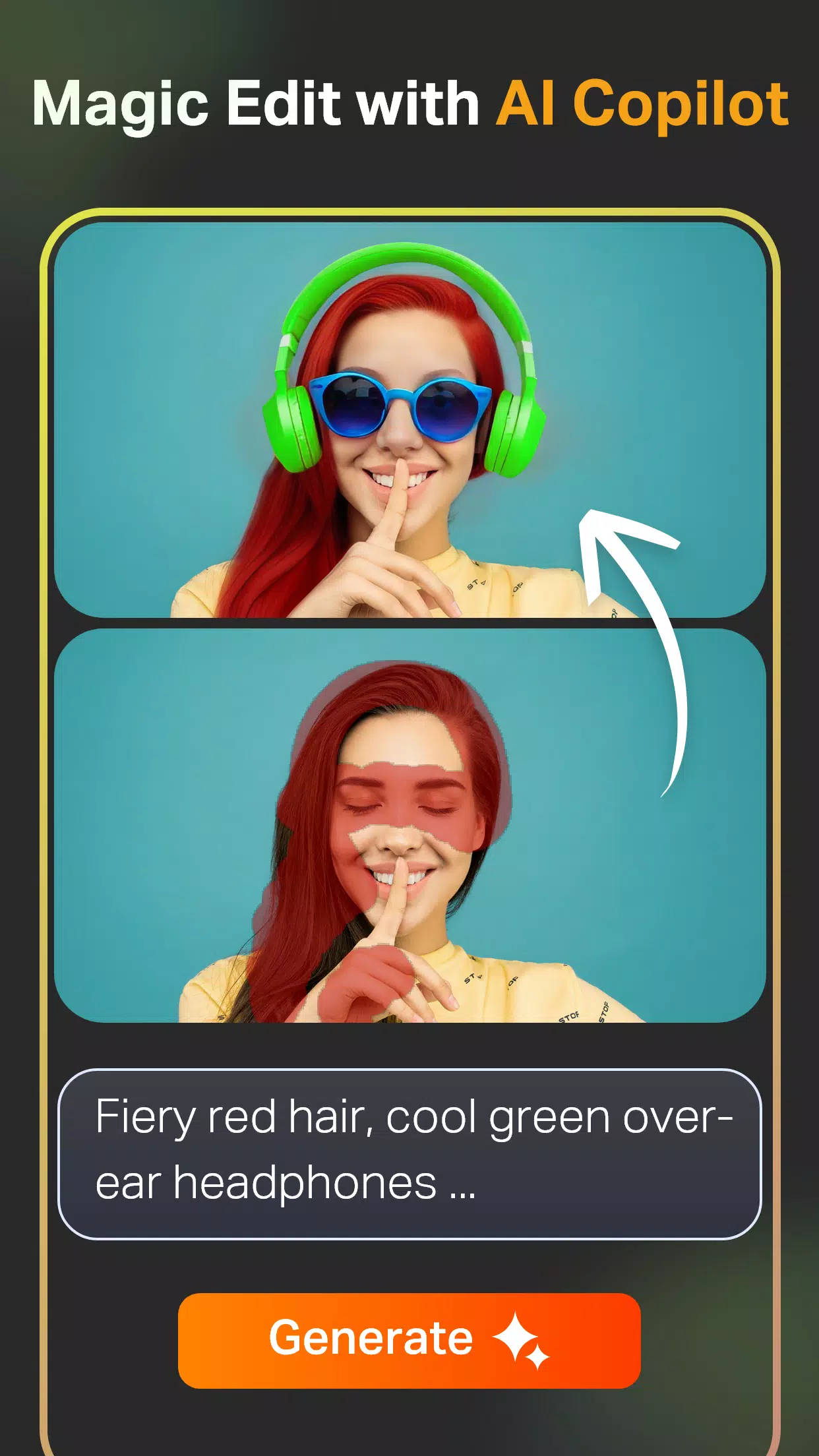
- Revamp colors, textures, and add or replace objects in your image with simple prompts using the Magic Edit AI tool
- Expand your digital canvas seamlessly with AI. Fill the new area with matching content without quality loss using the Expand Artwork AI tool
- Add color to sketches in seconds with the Auto-Coloring AI tool, or use color prompts for complete coloring with the Auto-Colorization AI tool
- Remove objects and backgrounds from drawings with the AI Object Remove and Pro BG Remove tools
--Generate and extract line art from any image for use in your drawings
Pro Creative Tools to speed up drawing and designing
- Smart Shapes for instant shape drawing
- A free Symmetry Tool to create perfectly mirrored drawings, illustrations, and designs
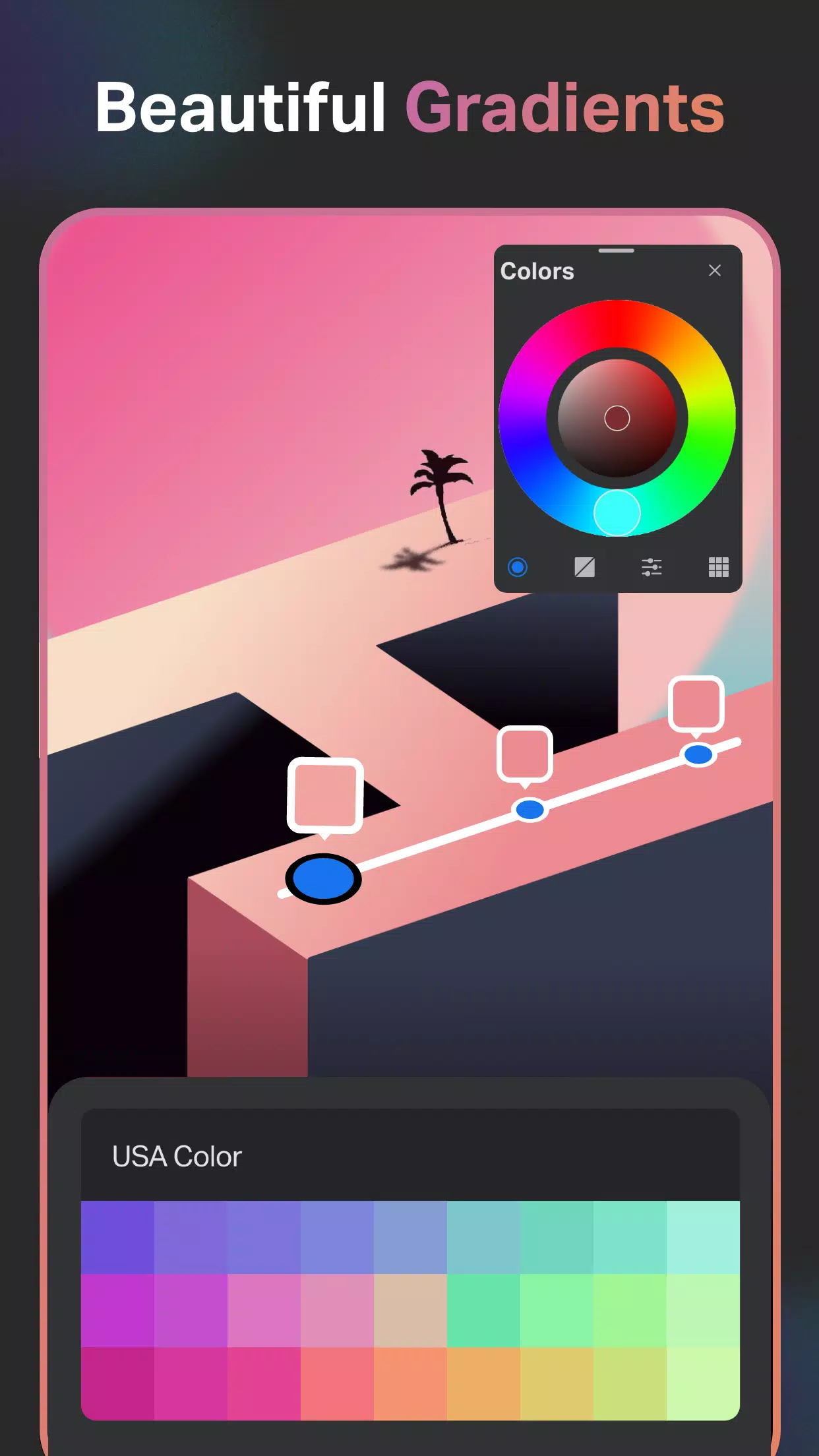
- Gradient tool with Linear and Radial options for drawing and design
- Layer Transform Tool for illustration drawing
- Assisted Drawing
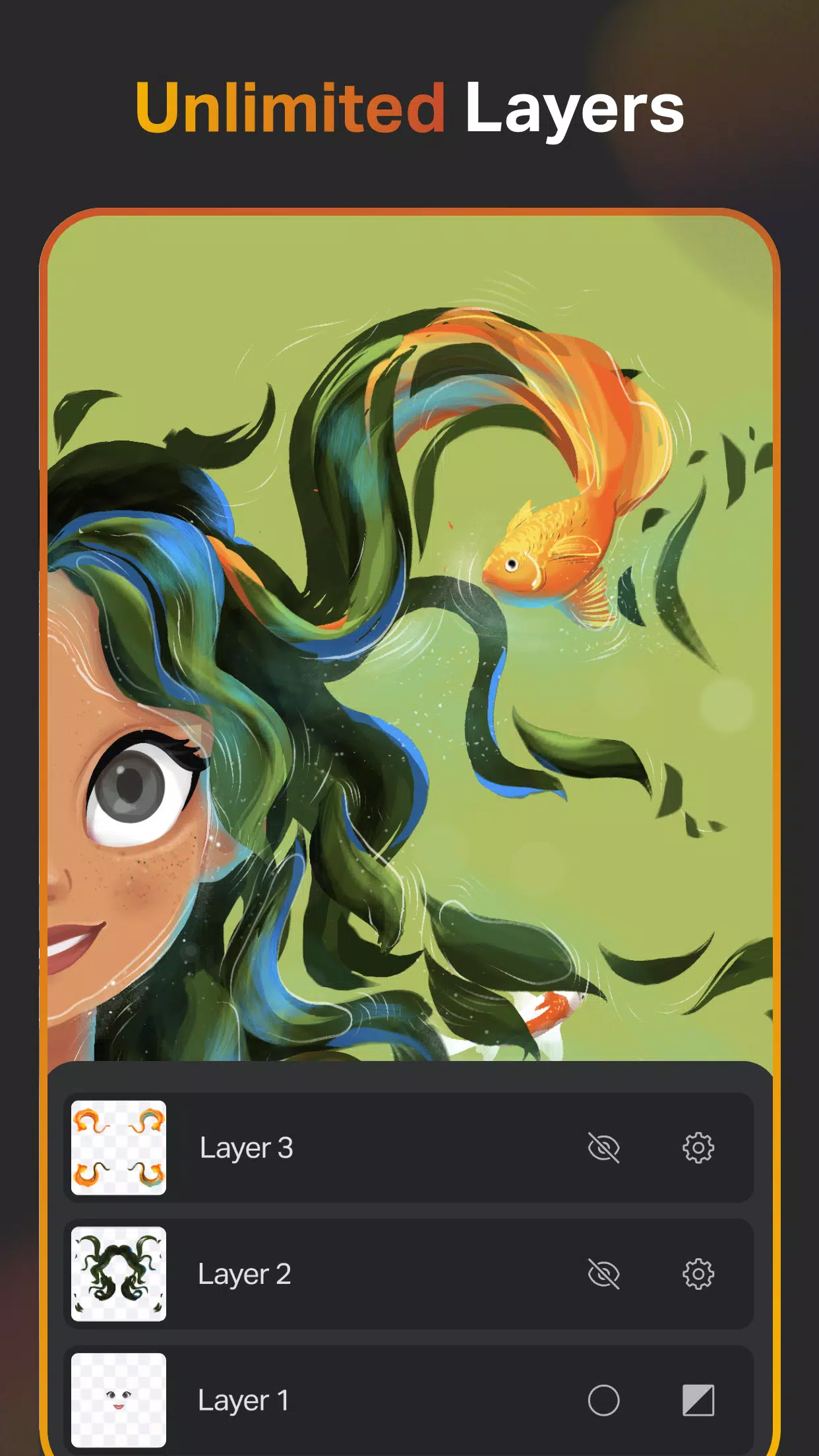
Layer System for drawing and graphic design
- Free unlimited layers for digital painting and drawing
- Rasterize, duplicate, and merge layers for design and drawing.
- Fill, Color Invert, Lock Alpha, and Lock Layer options for professional drawings
Text Tools for designing and drawing
- An array of customizable font styles for design and professional drawing
Color Palette for all digital artists
- A full Color Wheel with adjustable color values and shades for professional artists
- Create professional themed color palettes for arts and designs
- Import colors from photos and images
Extensive Shapes Library for designers and artists
- 15+ categories of free shapes, signs, and symbols for drawings and designs
- Favorite your shapes lists for easy access in your drawings
Essential Tools for digital artists
- Smudge Tool for quick drawing
- Fill Bucket with solid colors
- Cutter Tool for illustrations
- Custom Canvas for all digital drawings
- Reference tool to keep image references directly on the canvas for inspiration
Organize and Save Your digital artwork
- Save every drawing and painting automatically
- Store drawings methodically
- Cloud syncing to secure and access drawings and designs anywhere
- Delete drawing projects at any time
- Time Lapse Playback for your drawings, designs, and illustrations
- Dark Mode
SketchPro is perfect for professional digital artists, including graphic designers, illustrators, and comic book artists. It makes sketching, painting, designing, and creating digital art an immersive and enjoyable experience. From doodling to professional illustrations, SketchPro empowers your creative expression. Download SketchPro Now!
What's New in the Latest Version 1.2.5
Last updated on Aug 28, 2024
Bug fixes and performance improvements.
Tags : Art & Design