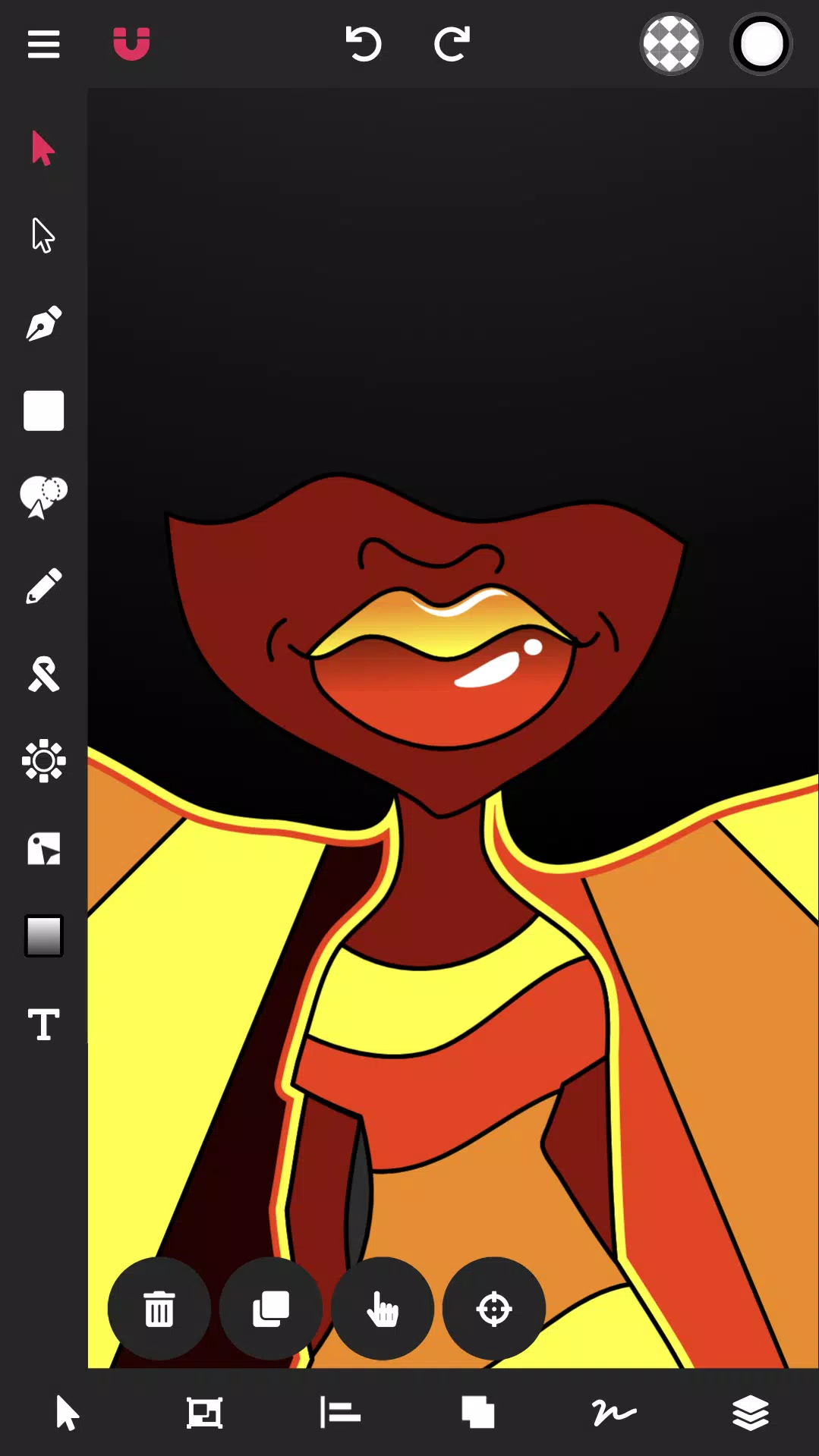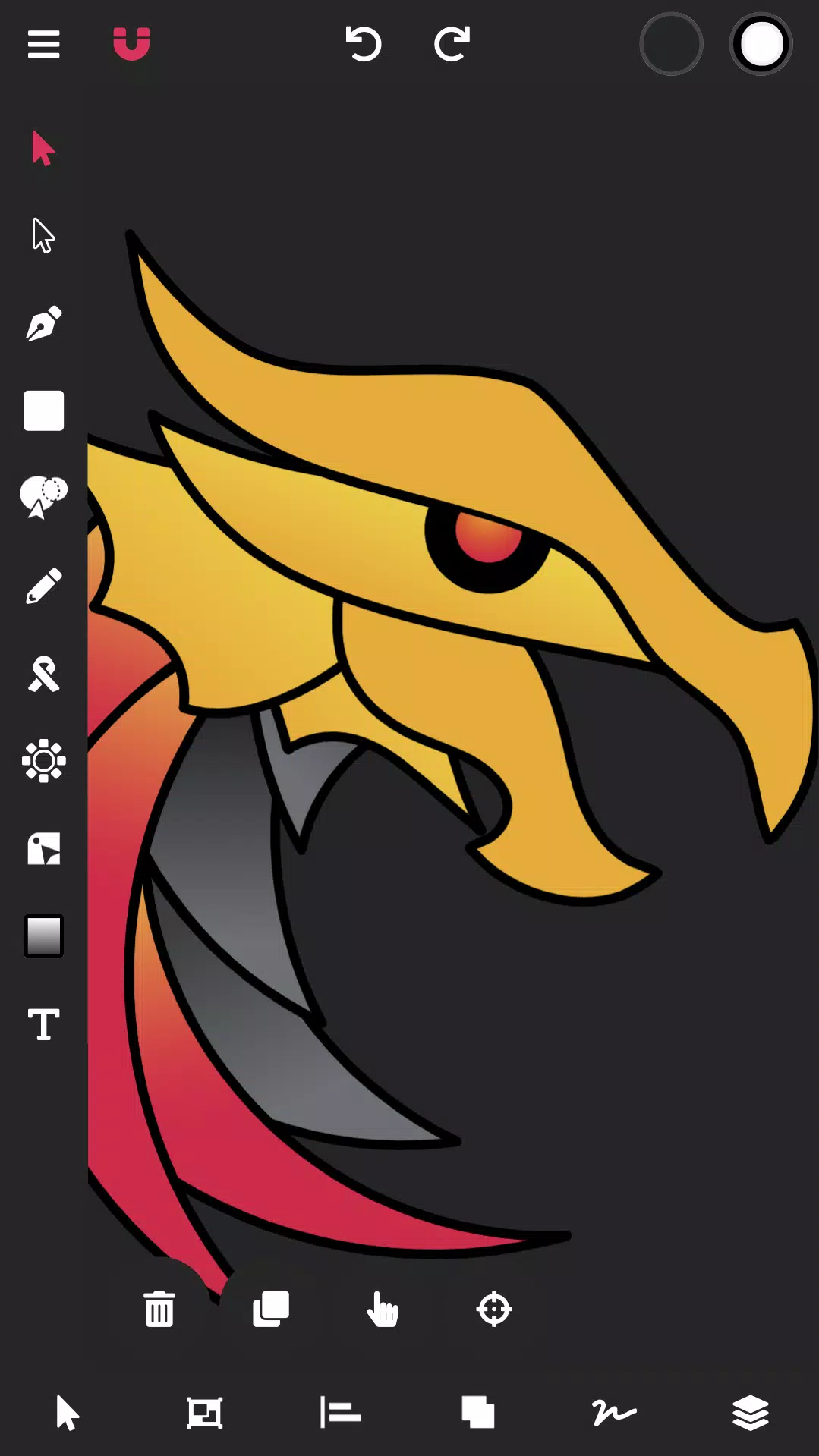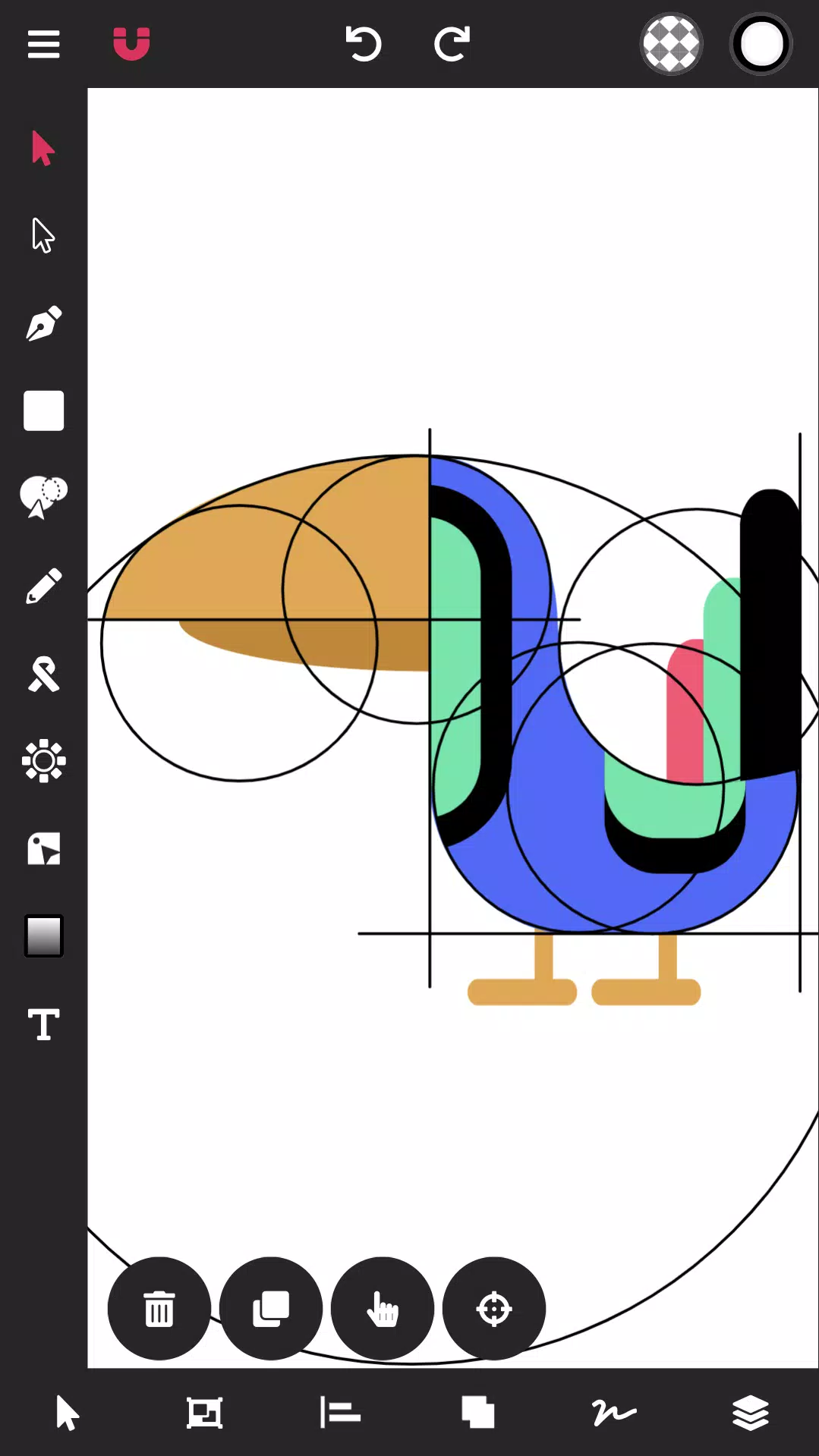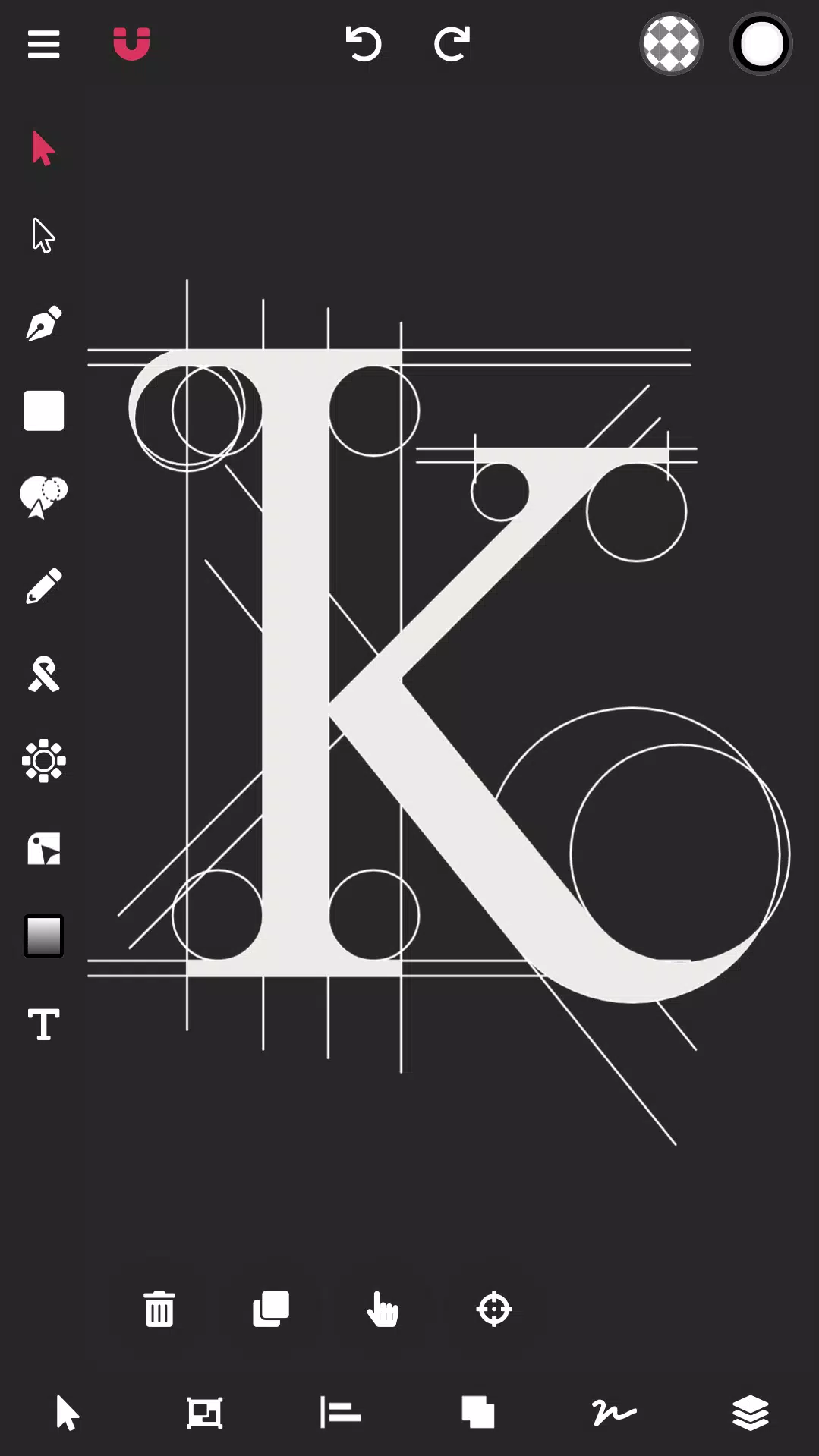
Create stunning vector graphics effortlessly with our cloud-based smart design tools.
Searching for the top-rated vector design app for Android? Your search ends here.
Vector Ink simplifies your entire vector design workflow.
Perfect for graphic design, logos, illustrations, characters, vector tracing, business cards, flyers, posters, and beyond!
Vector Ink provides intelligent design tools that unleash creativity, helping anyone transform ideas into professional vector artwork.
Draw with confidence using stroke stabilizers. Our Draw Tool automatically connects to nearby paths, letting you pause and resume sketching seamlessly.
No stylus? No problem. Vector Ink's virtual stylus technology enables precision drawing directly with your fingertips.
Logo designers can import sketches, trace them precisely with our Path Builder Tool, and export flawless vector logos.
Vector design should be intuitive—yet often isn't. Instead of struggling with complex tools for hours, Vector Ink's smart Path Builder creates perfect shapes effortlessly with pixel-perfect accuracy.
Enhance your designs with professional color tools. Choose from linear/radial gradients, multiple color pickers, and an advanced palette editor to create and save custom color schemes.
Features:
Built-in Digital Stylus
Draw Tool
Path Builder Tool
Distribute Tool
Pen Tool
Gradient Tool
Corner Tool
Ribbon Tool
Rectangle Tool
Circle Tool
Star Tool
Polygon Tool
Path controls
Boolean controls
Cut and join paths
Stroke sizes and stroke caps
Convert stroke to path
Outline Text (text to path)
Import Custom Fonts
PNG & JPG Import & Export
SVG Import & Export
Export Selection as SVG
Features in-depth:
Path Builder Tool
Combine multiple shapes seamlessly.
Merge individual shapes precisely.
Trace imported artwork with geometric accuracy.
Construct complex shapes in seconds.
Draw Tool
Smart guides stabilize freehand strokes.
Auto-connects paths for uninterrupted drawing.
Innovative Digital Stylus improves touchscreen precision.
Distribute Tool
Arrange shape copies horizontally or vertically.
Position copies radially around points or objects.
Create perfect grid distributions.
Gradient Tool & Color Picker
Multiple color selection methods (wheel, RGB, HSB, hex, palette)
Linear and radial gradient options
Customizable gradient stops
Color Palettes
Curated professional color combinations
Smart palette generator
Automatic complementary color suggestions
Save palettes for future projects
Layers
Create and manage layers
Group objects
Rearrange elements effortlessly
Document Settings
Adjust canvas dimensions
Customize background colors
Import/Export
Support for PNG, JPG, and SVG files
High-resolution exports
Transparent PNG output
Extract individual SVG elements
Tags : Art & Design