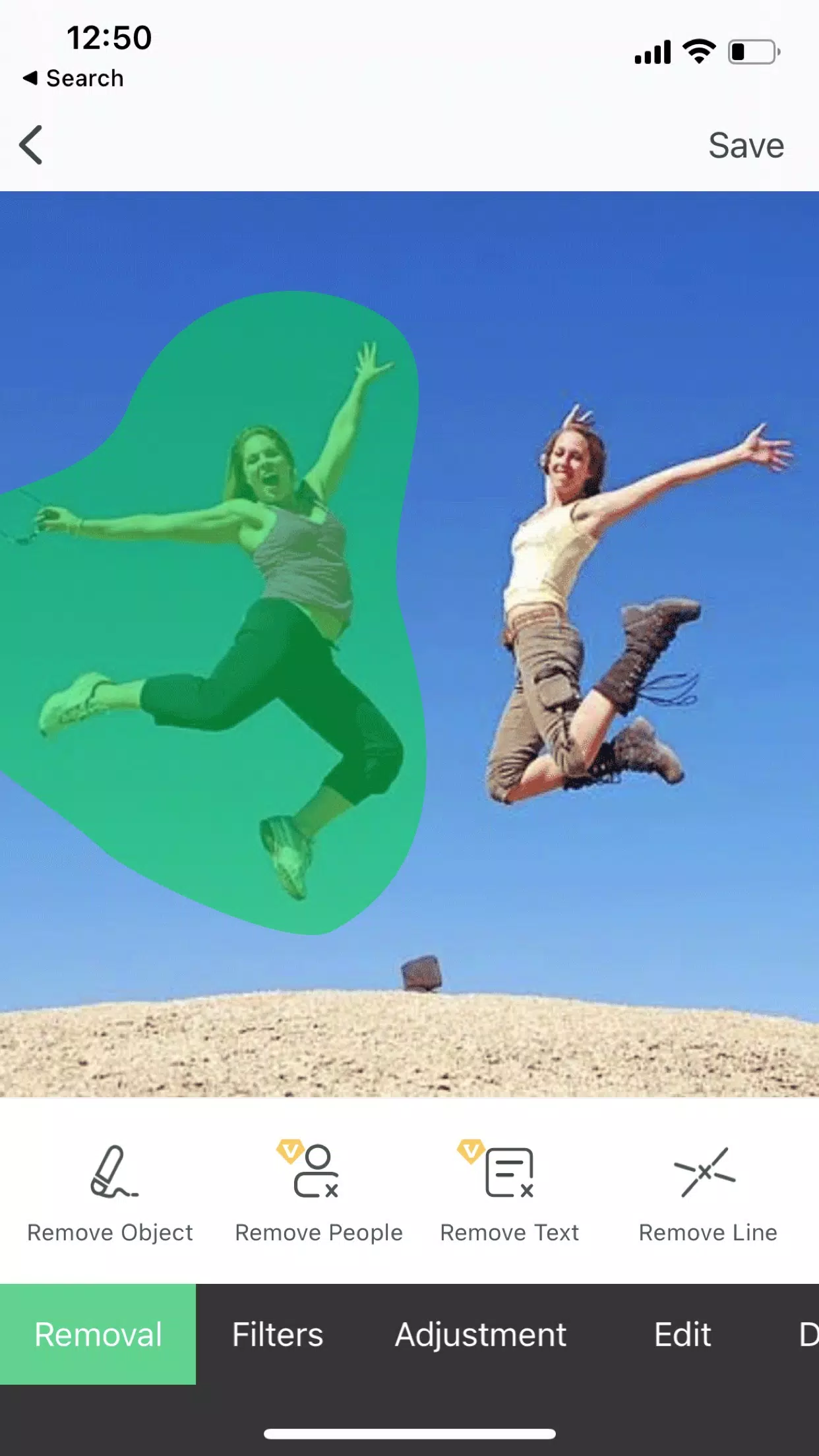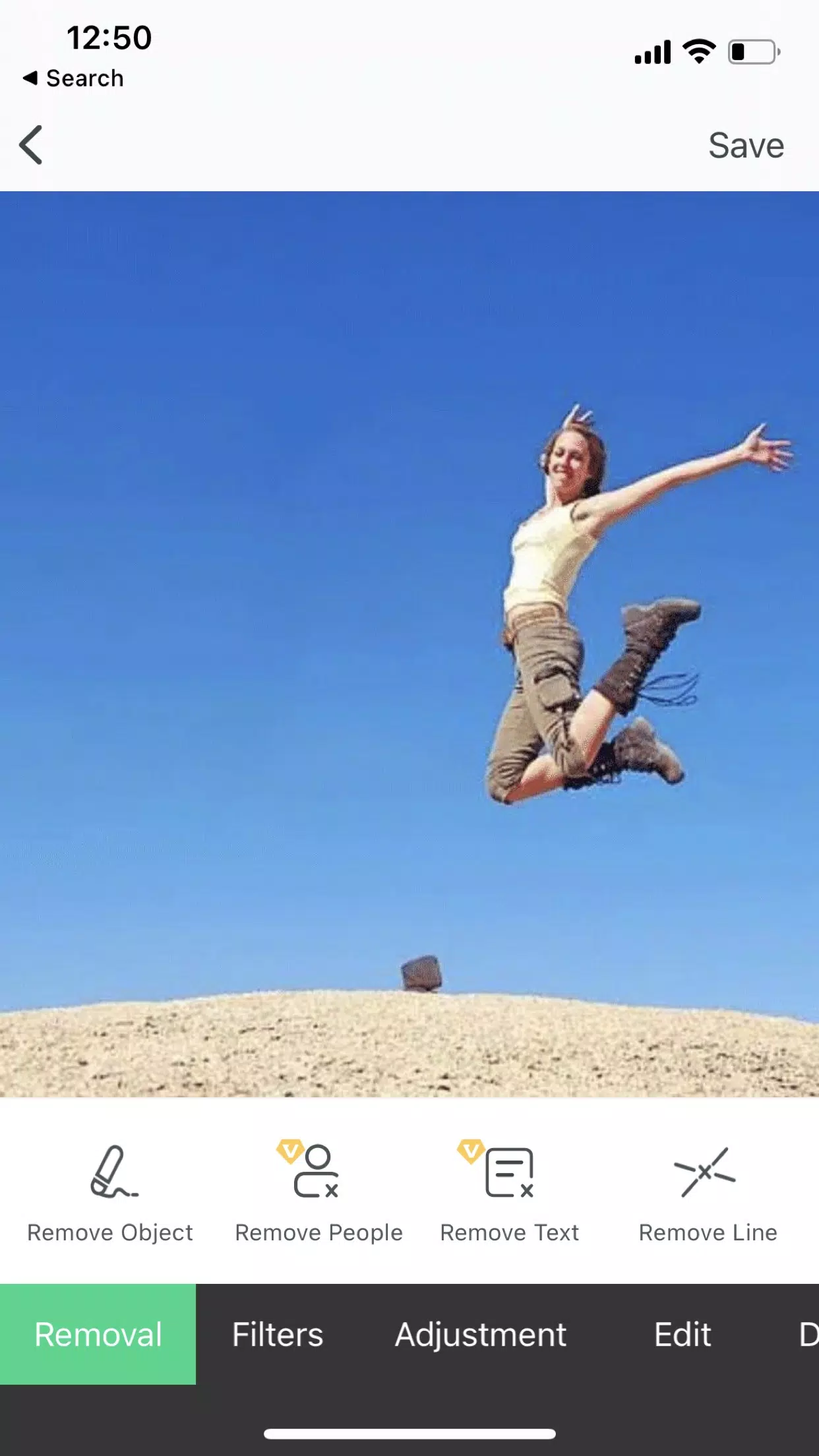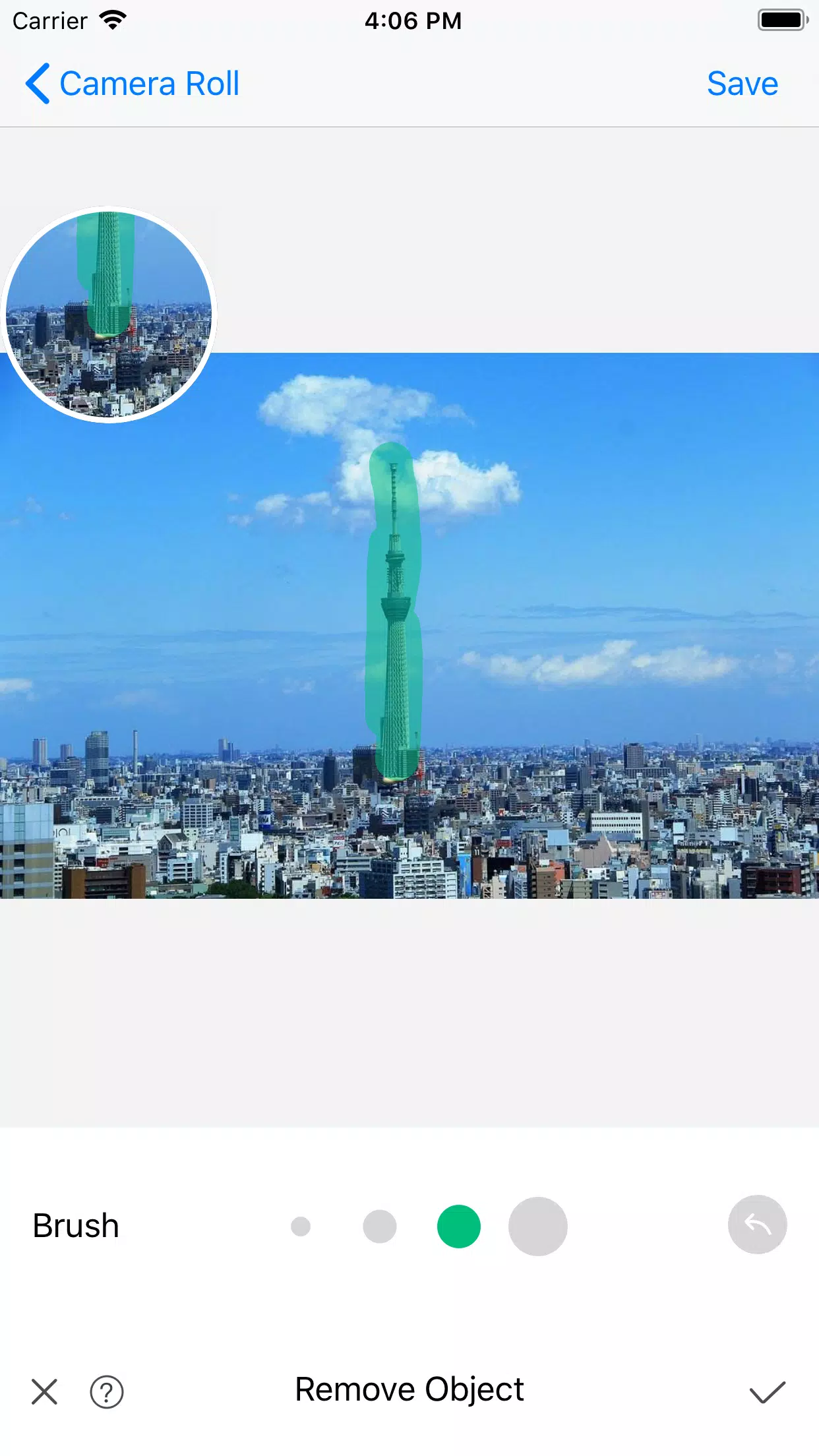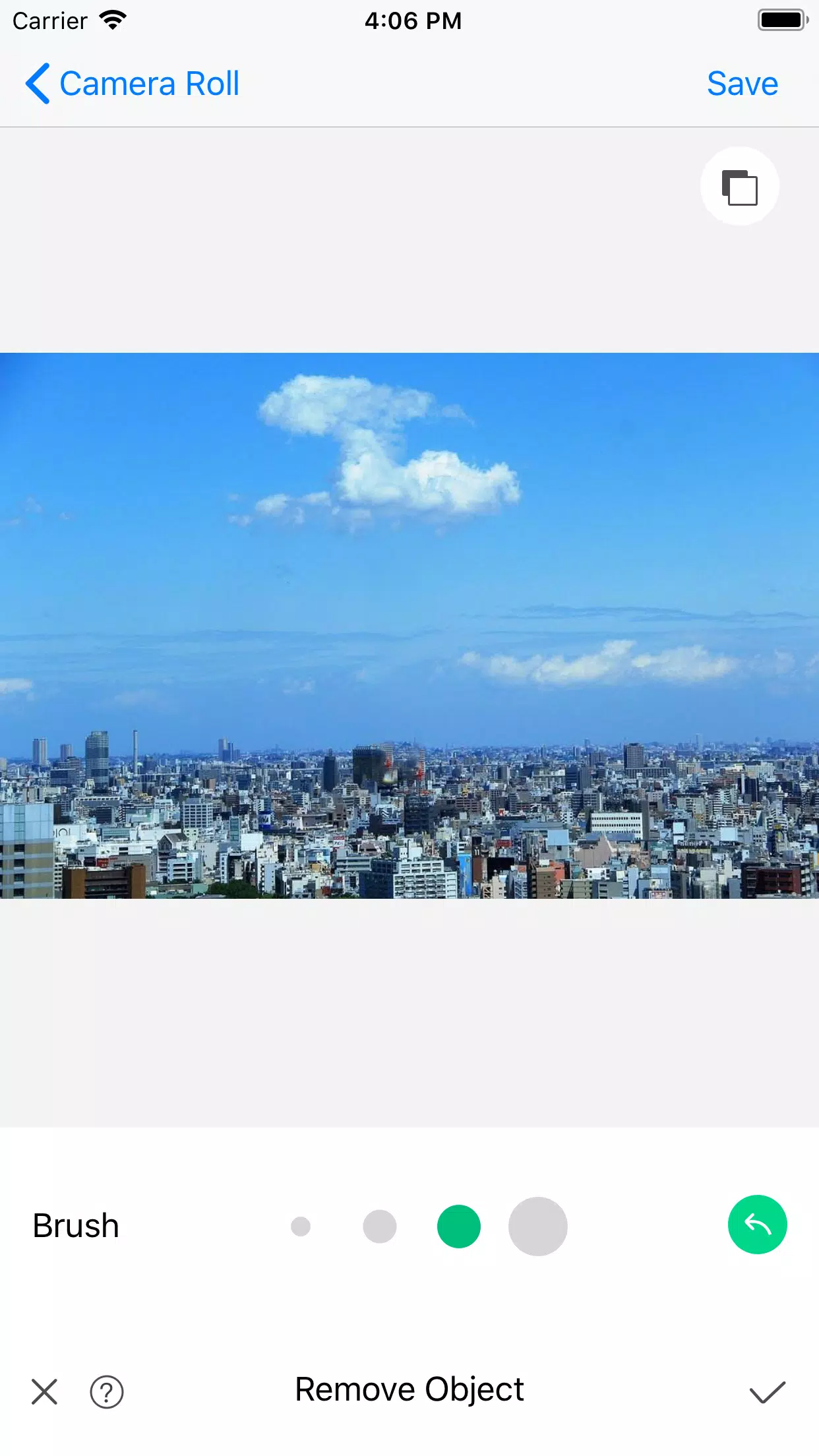
Retouch photos, erase objects, remove watermarks and tattoos, eliminate emojis, apply photo fixes, restore images with inpaint, and use PS-like editing tools.
Trusted by over 18 million users, Object Removal is the go-to solution for professional photo retouching.
Object Removal is a professional application designed to help you eliminate unwanted elements from your pictures.
Leveraging cutting-edge Artificial Intelligence and Image Processing technologies, it enables you to:
• Remove objects and unwanted people
• Erase watermarks
• Clear pimples and skin blemishes
• Delete buildings
• Erase lines
• Remove backgrounds
• Erase anything you desire!
Object Removal is an intuitive photo editing app and background eraser that lets users effortlessly retouch and eliminate unwanted photo elements.
With its powerful AI-driven object removal technology, you can seamlessly remove undesired objects using just a few taps.
The application also includes a suite of additional editing tools, including cropping, resizing, and color adjustments, to help you perfect your images.
Object Removal stands out as an excellent photo editor and tool for anyone seeking to quickly and easily erase unwanted items from their photos.
Use Object Removal to:
• Erase objects from photos
• Remove unsightly spots
• Clear acne
• Erase any unwanted elements with a 100% satisfaction guarantee
We also offer a fantastic selection of image filters and adjustment options for your creative use.
If you enjoy using Object Removal, we'd appreciate your review or rating on the Google Play Store. Thank you in advance.
Terms of Use: https://shimo.im/docs/JkGHvt9tvty3XTcq
Privacy Policy: https://shimo.im/docs/trKcttVQDYcrwcVW
What's New in the Latest Version 1.6.0
Last updated on May 16, 2024
Bug fixes and regular updates
Tags : Art & Design