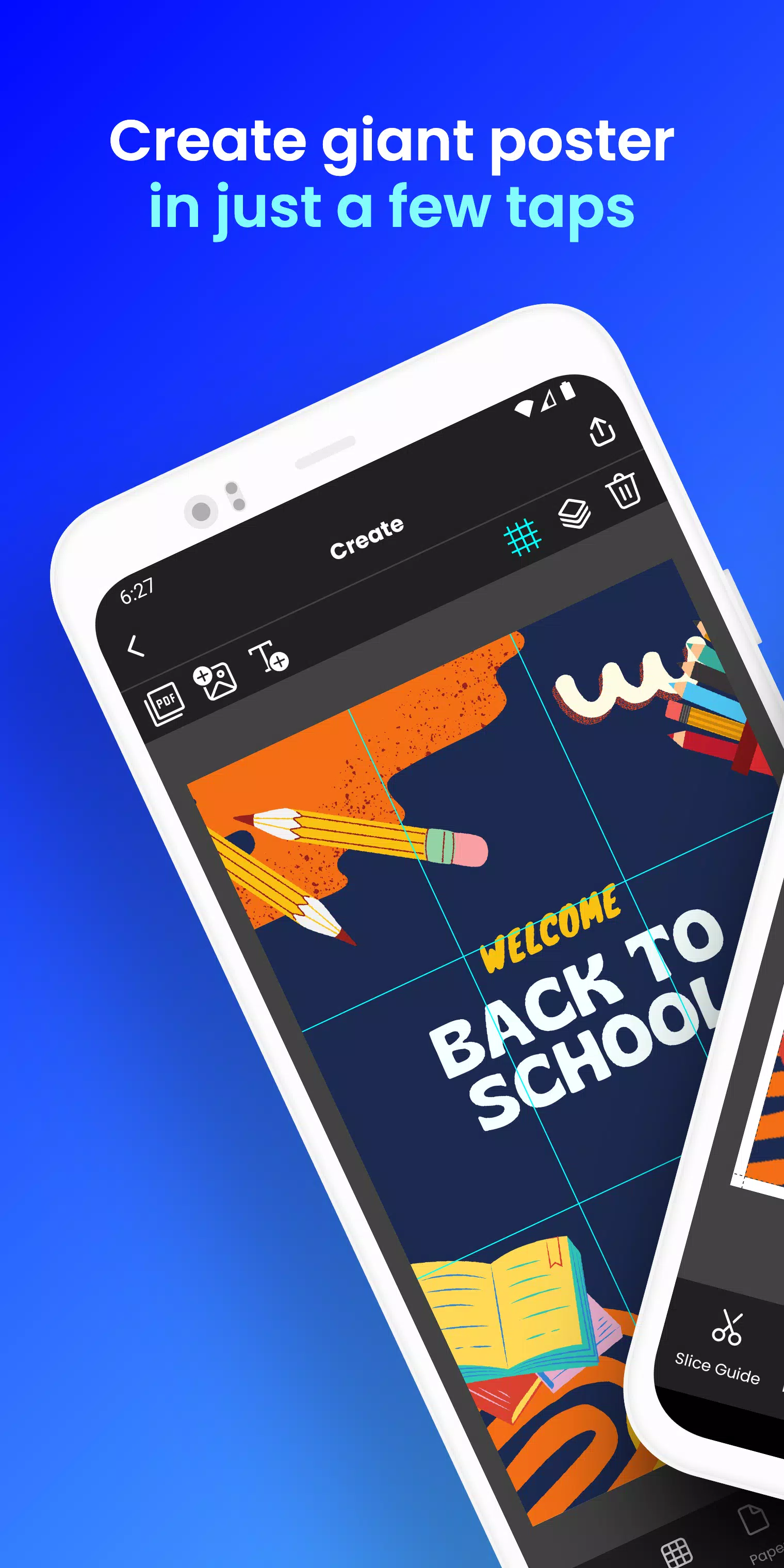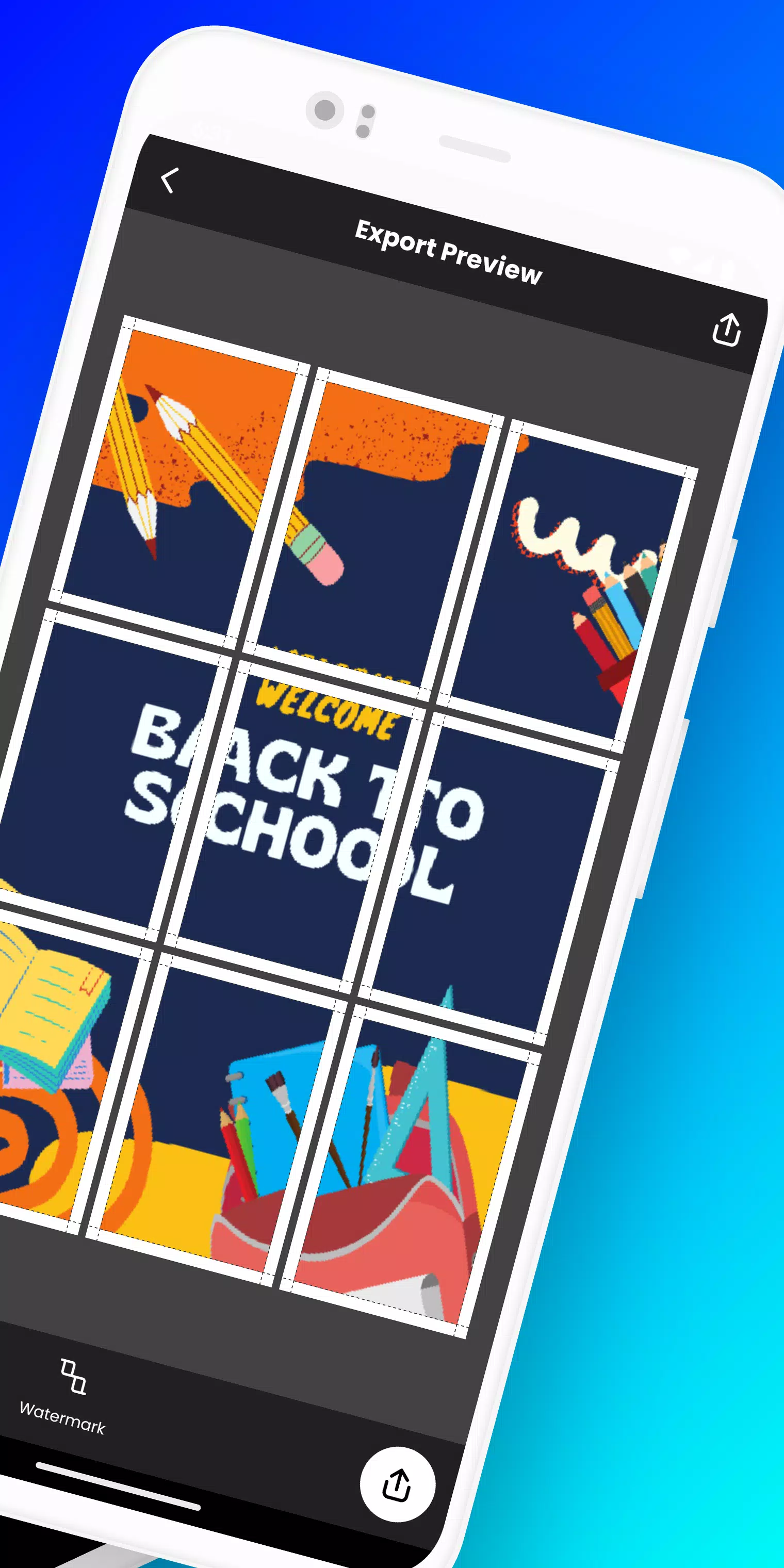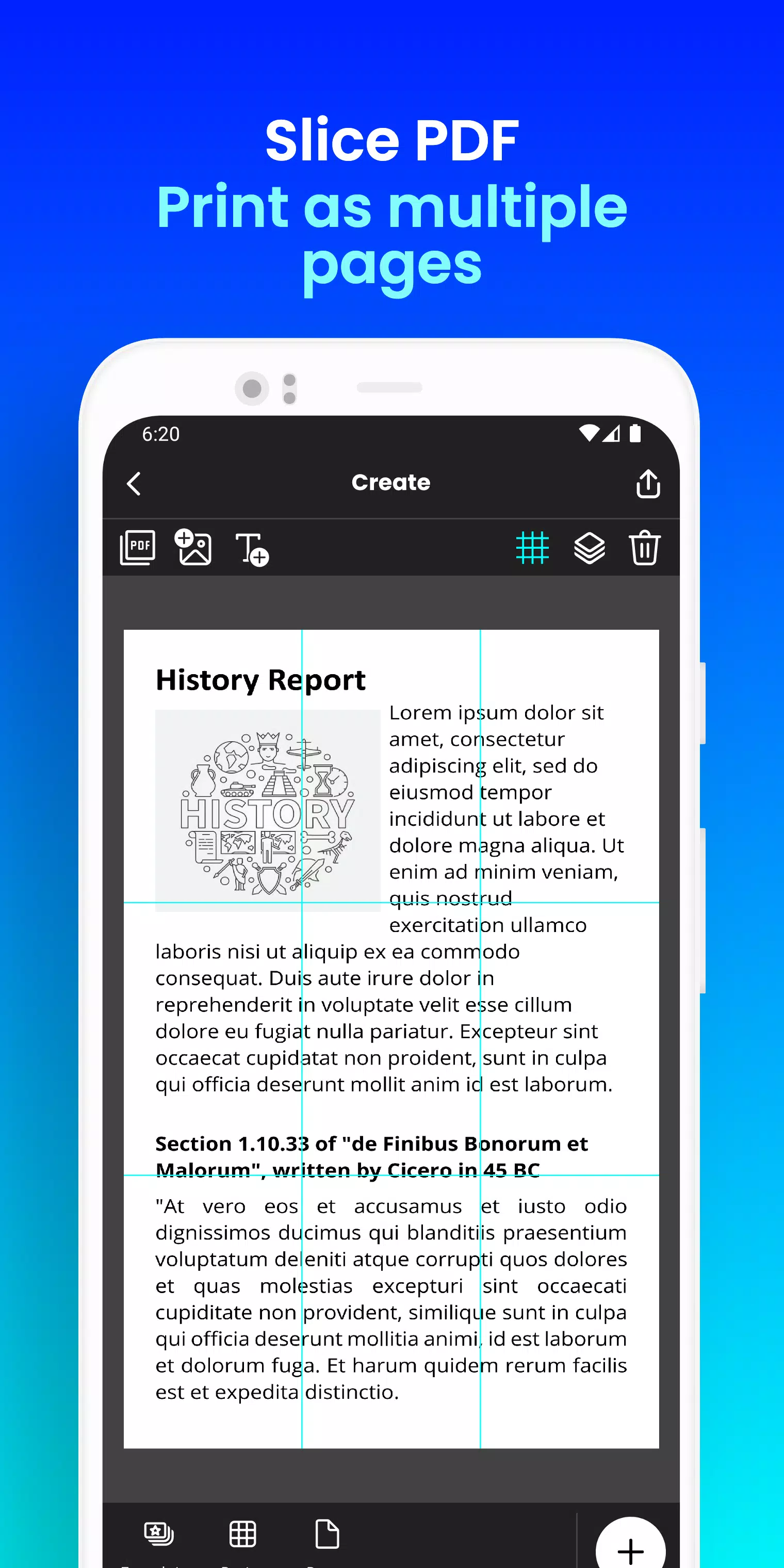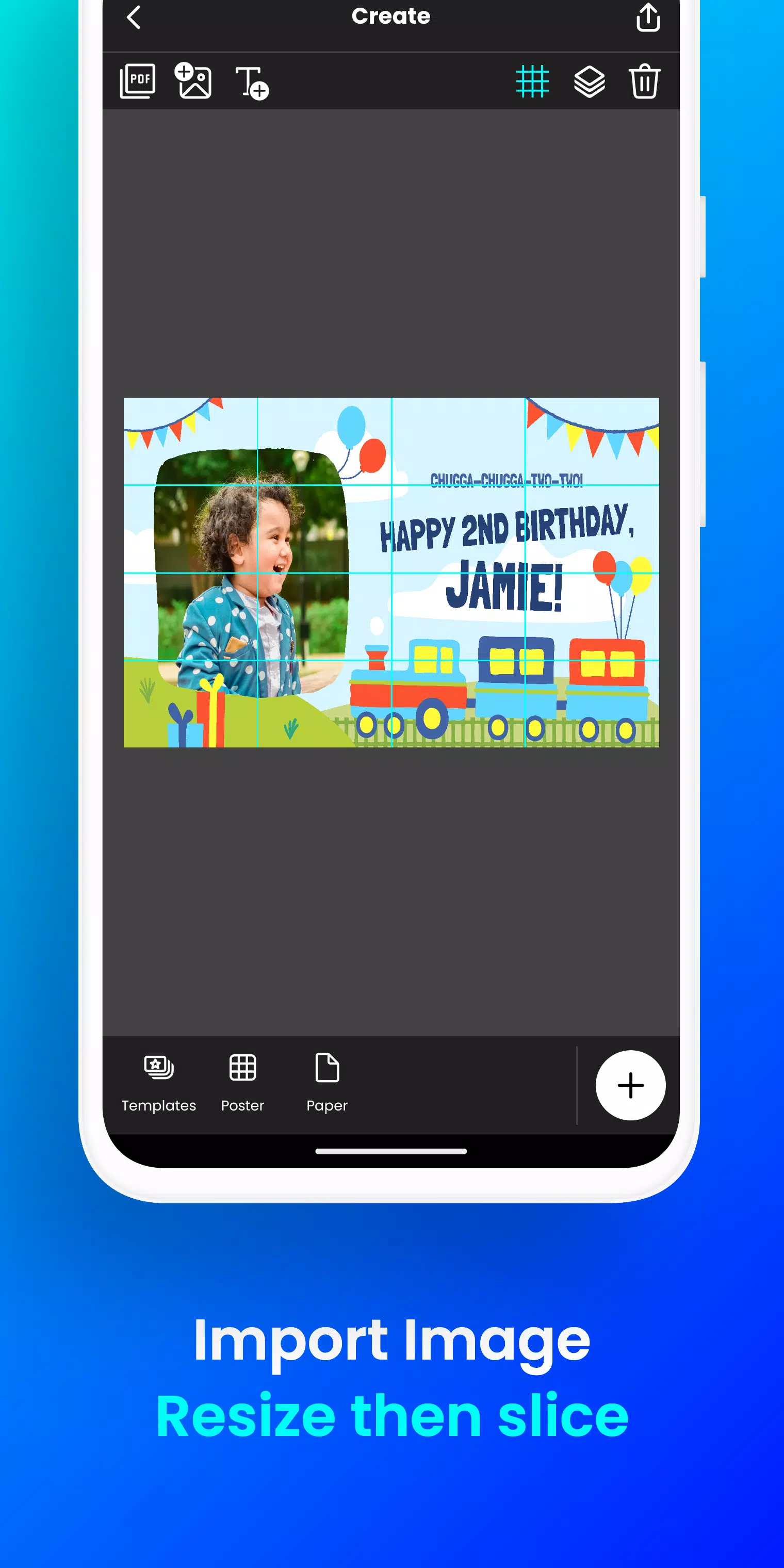
Print oversized posters right from your phone. Design a block poster in just a few simple taps!
Need to produce large posters, banners, or wall art without professional printing equipment?
Docuslice transforms any image or PDF into an impressive multi-page display using your standard home printer! Tiled printing has never been simpler!
Here's the process:
- Start by uploading your image or PDF file.
- Personalize it effortlessly: Adjust dimensions and insert text seamlessly.
- Docuslice automatically divides your creation into printable sections.
- Print each tile on your preferred paper size and combine them into a stunning large-format poster!
Ideal for:
- Attention-grabbing event signage (parties, celebrations, etc.)
- Classroom visuals, learning aids, and school decorations
- Custom wall displays for homes or workspaces
- Promotional materials with impact
- Oversized banners for special events
- Advocacy and awareness posters
Why choose Docuslice:
- Completely FREE to download and use!
- Intuitive and user-friendly interface.
- Works with all common image and PDF formats.
- Reduces printing expenses significantly.
- Environmentally conscious - eliminates need for industrial printers!
Ready to create professional-looking posters effortlessly? Get Docuslice now!
What's New in the Latest Version 2.1
Last updated on Nov 9, 2024
- Implemented OTP authentication, replacing password-based login.
- Introduced new A3+/Super B paper size option
- Included cutting guides with toggle feature in export preview
- Expanded compatibility to include both smartphones and tablets
- This version also contains numerous bug fixes and performance enhancements
- We value your input and thank you for helping improve our application.
Tags : Art & Design