A car dock app designed to effortlessly enjoy music and manage your phone while driving.
Car Home Ultra is a car dock application that simplifies phone management for in-car use.
It launches automatically when your car’s Bluetooth is detected, and you can easily return to CHU by tapping the home button or overlay button (see Settings > Startup Options).
Car Home Ultra includes numerous task automation features to configure your phone for driving. These include Auto Startup, Display Brightness control, volume settings, WiFi management, and more.
More Features:
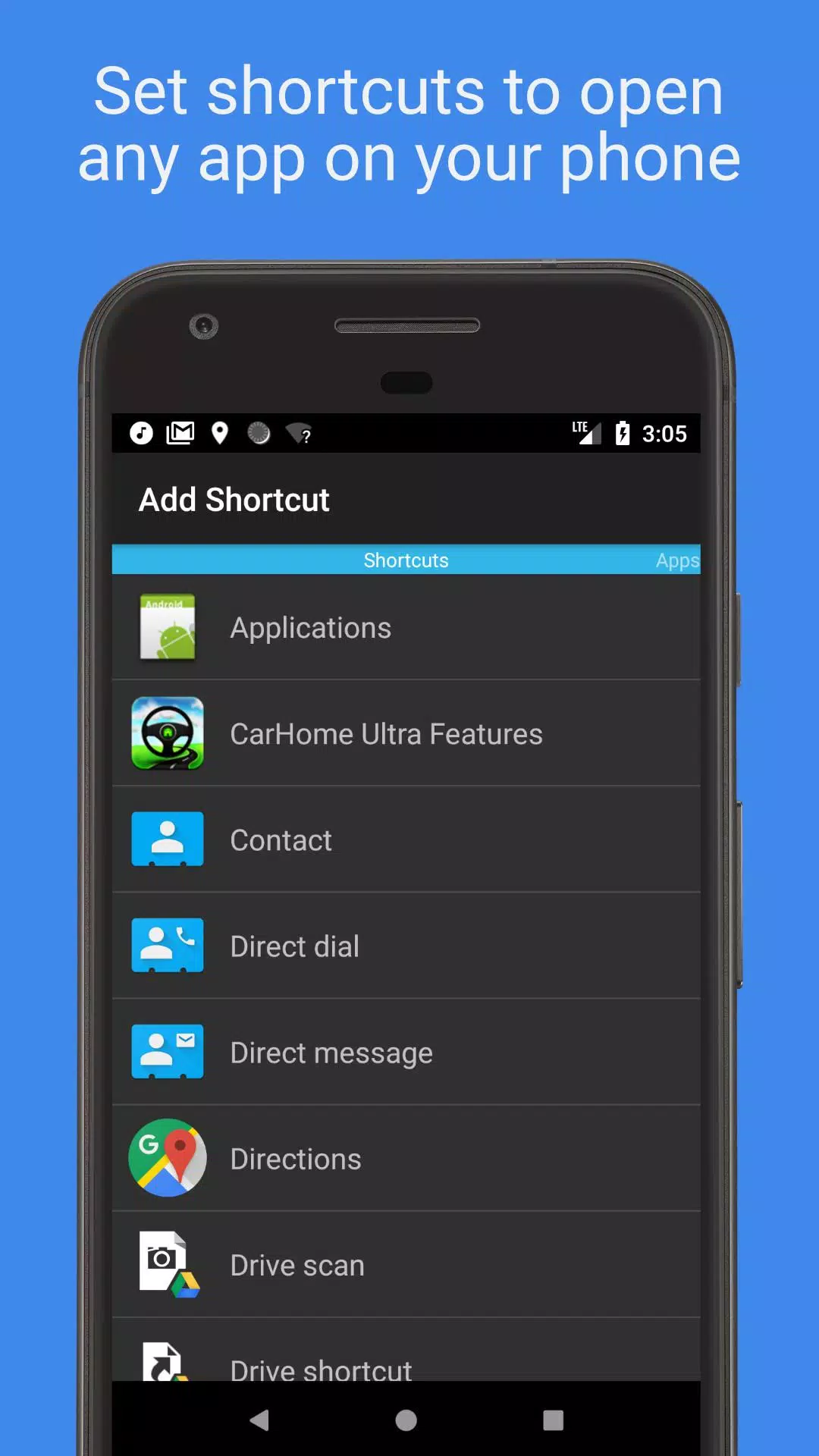
• Create unlimited custom shortcuts to launch apps, dial numbers directly, or navigate to specific destinations.
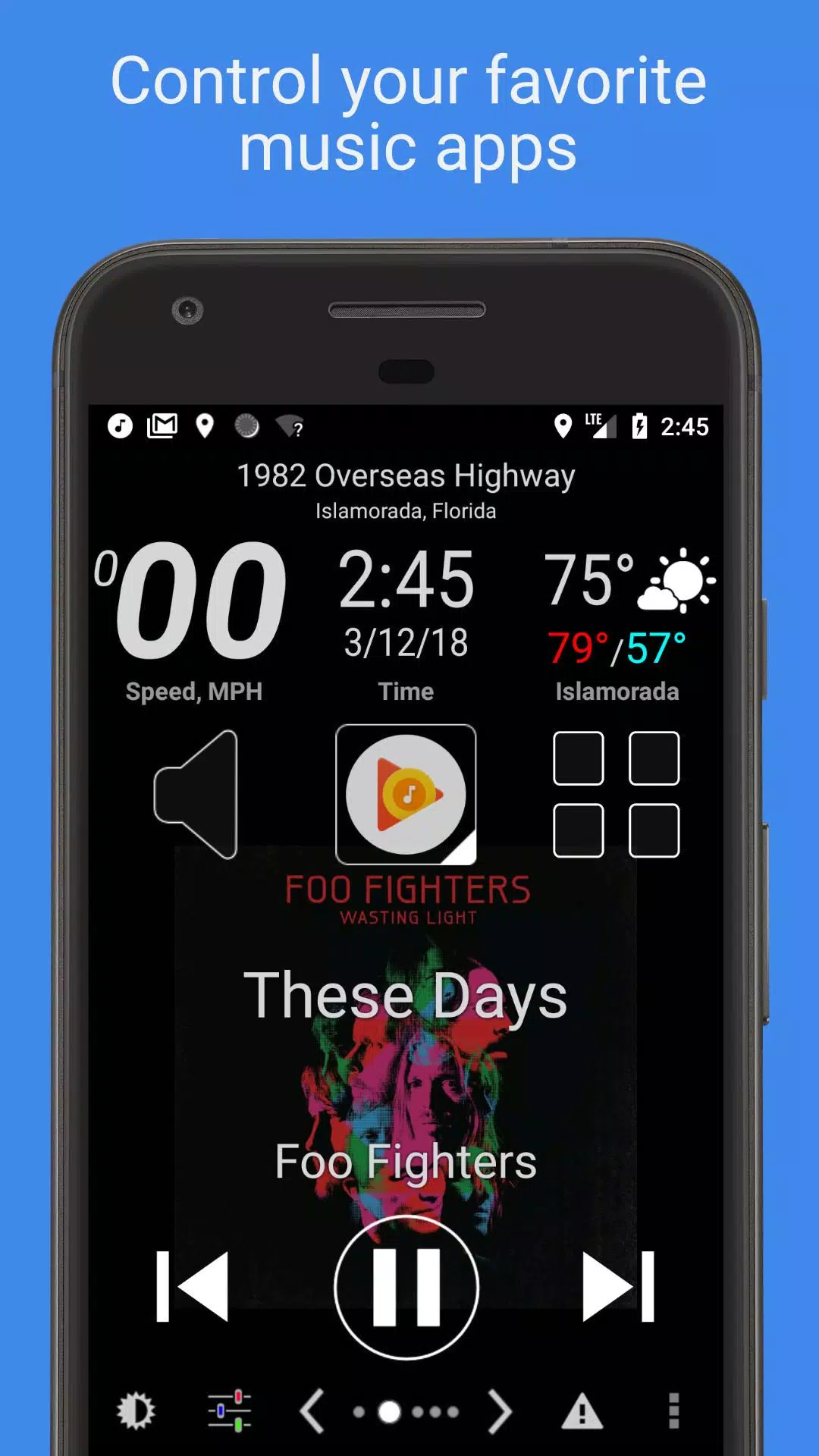
• Control any music or podcast app with the media controller, featuring large, easy-to-see buttons.
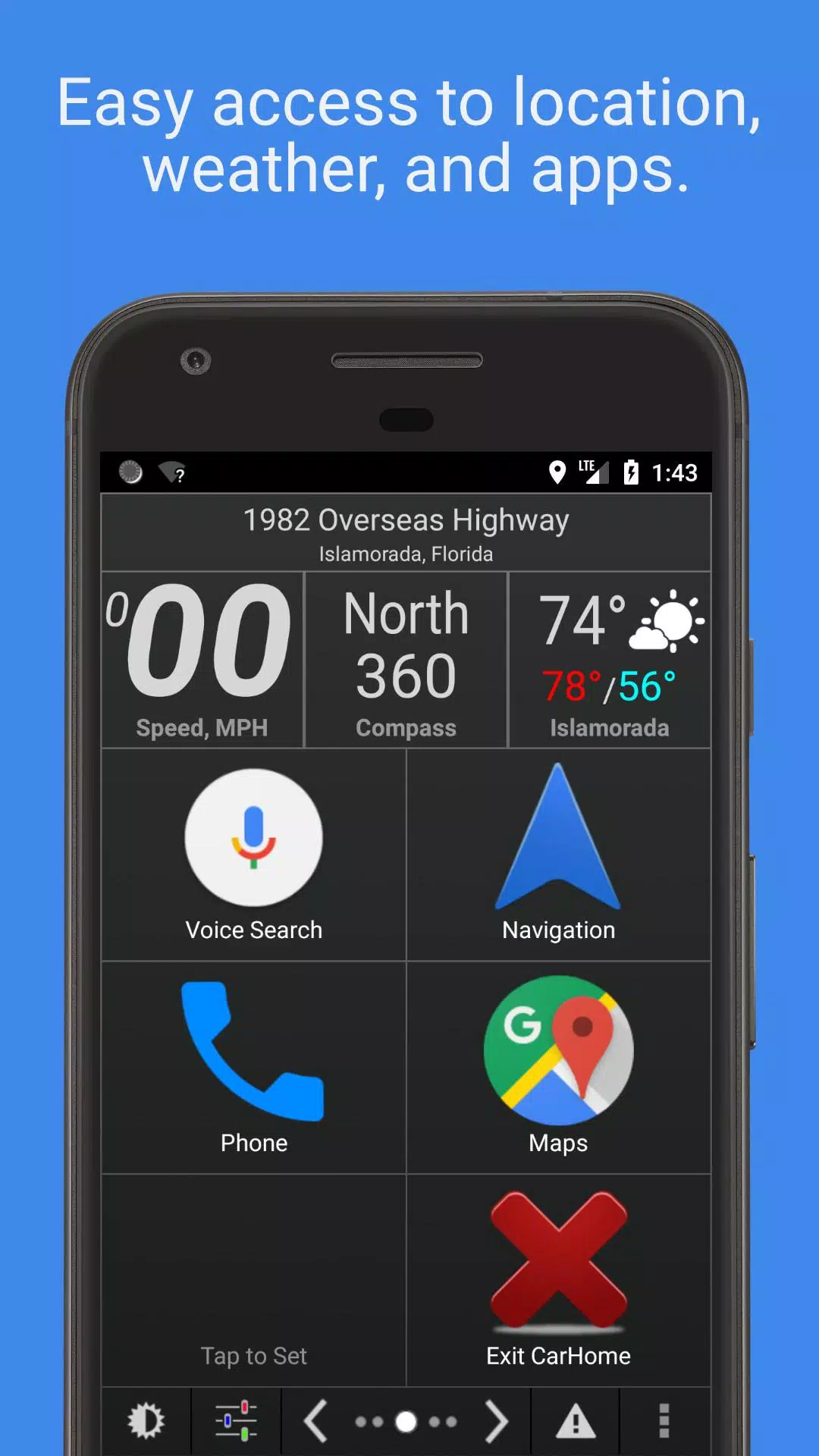
• Stay informed with built-in data widgets showing speed, location, weather, altitude, and more.
• Choose from multiple skins and color schemes for hundreds of unique styles.
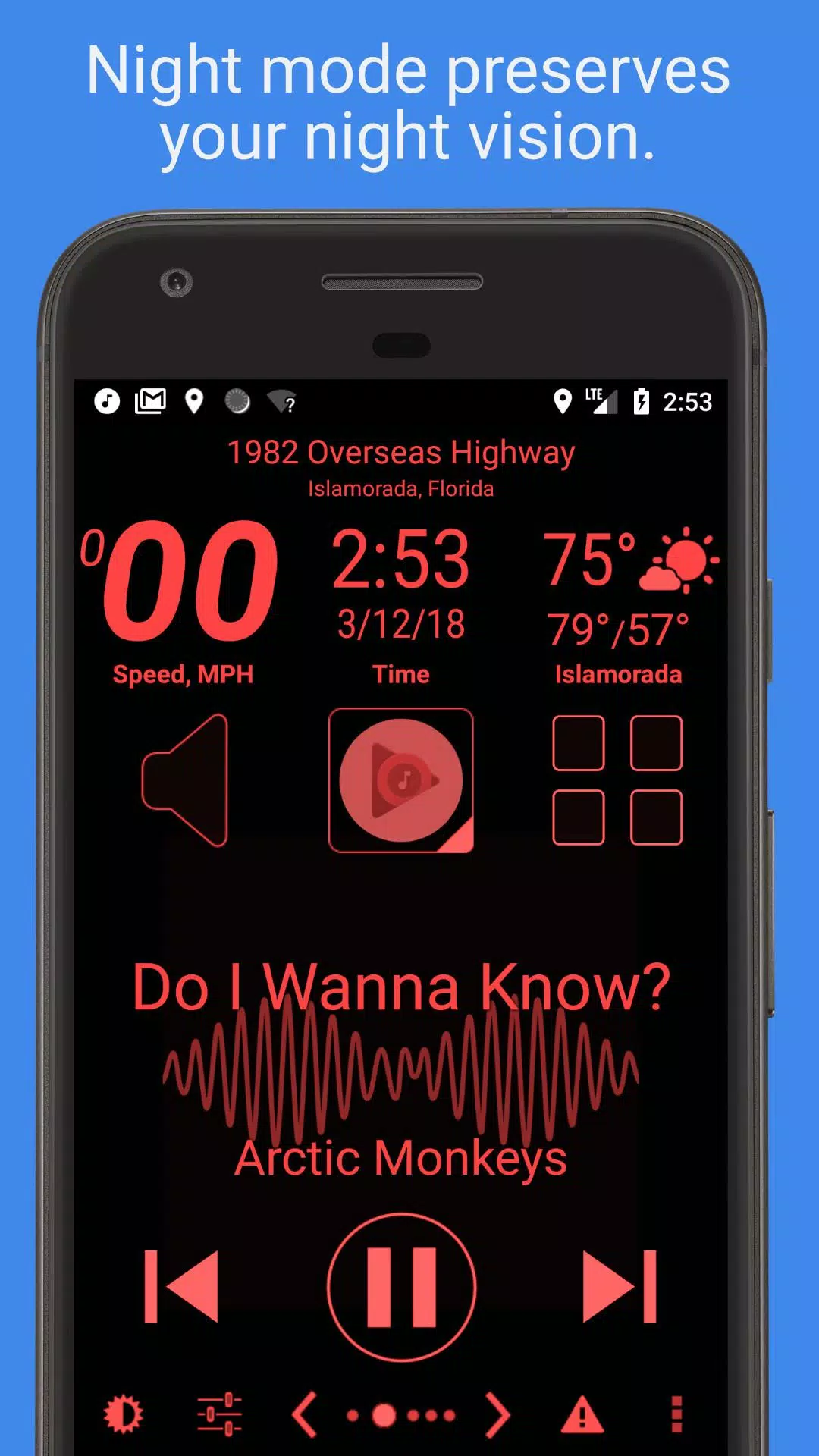
• Automatic Day and Night themes help protect your night vision.
• Automatic SMS replies let you focus on driving.
• Speed Alarm helps prevent speeding tickets.
• See the full feature list below.
Mark the Geek: "CarHome Ultra for Android - The Perfect In-Car Dock App"
https://www.youtube.com/watch?v=9g-Aonh645Y
Android 4.2+ users can enable Google Voice Commands for a completely hands-free experience. Learn more here: https://support.google.com/websearch/answer/6031948?hl=en
**This is a 30-day trial. If you enjoy the app, purchase the CarHome Ultra License for unlimited access.**
Data Widgets:
- Speedometer (announces speed when pressed)
- Compass
- Altimeter
- Battery Meter
- Clock
- Current Weather Conditions (speaks when pressed)
- Current Location (announces when pressed)
Other Features:
- Integrated Media Controller (Play/Pause, Next, Previous, Artist, Title)
- Unlimited custom shortcuts
- Location alerts
- Custom Day/Night themes
- Multiple skins and color schemes
- Auto-switch between Day/Night based on sunrise and sunset
- Optional speakerphone mode when docked
- Launches CarHome upon Bluetooth connection detection
- Optional auto Bluetooth activation with Car Mode
- Optional auto Bluetooth deactivation when exiting Car Mode
- Optional auto Wi-Fi on/off with Car Mode
- Speed displayed in KPH or MPH
- Temperature in Celsius or Fahrenheit
- Full Screen Mode
- Support for Icon Packs
- Lock Screen Rotation (landscape, portrait, reverse landscape, reverse portrait)
- Android 5 Material Design
- Brightness and Display Mode controls
- Volume controls
- Tactile Button feedback
- Mute Alerts
- 3 Page layouts: 6-button, 8-button, and media controller
- Sleep Mode conserves power and reduces heat
- Keep Display On until the app is closed
- Stop music/media on exit
- Partially inspired Android Auto (yes, that’s true)
NEED HELP? Email us at: [email protected]
App Permission Descriptions:
Device & App History – Required for the Media Controller to detect compatible media players.
Contacts/Calendar – Needed to set up direct dial shortcuts. Calendar permission is included.
Location – Required for GPS features like speedometer, compass, altimeter, and weather.
Phone – Necessary for the Direct Dial shortcut.
Photos/Media/Files – Used for the Debug Log feature. Photos and Media permissions are bundled; the app does not use them.
Camera/Microphone – Microphone permission supports future voice features and is currently used for media visualization. Camera permission is bundled but unused.
Wi-Fi Connection – Allows the app to enable or disable Wi-Fi.
Tags : Auto & Vehicles