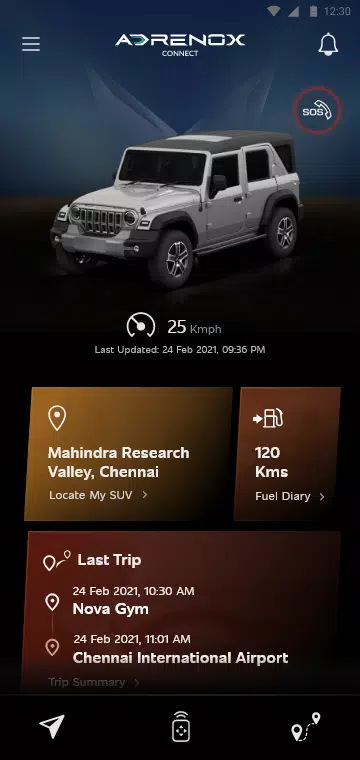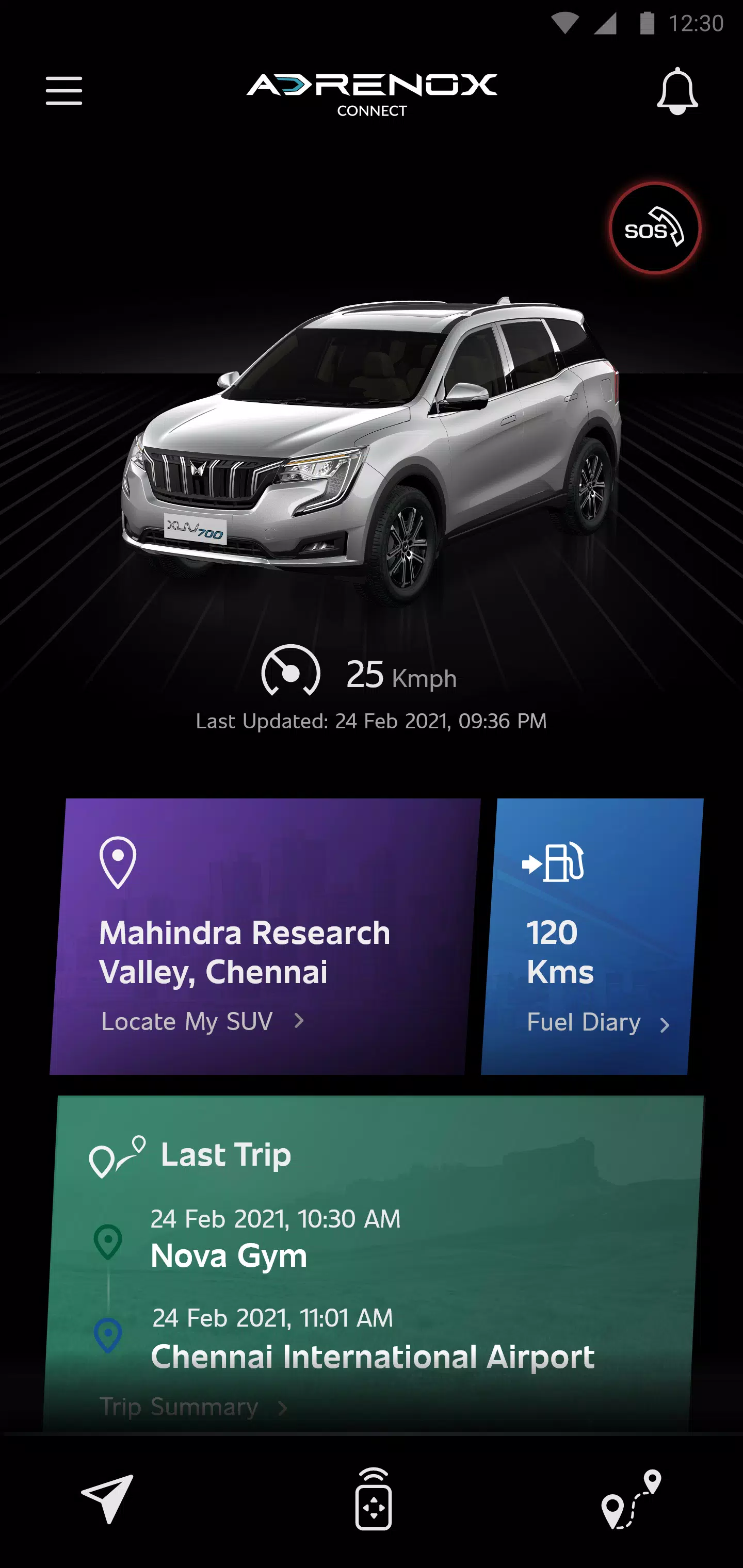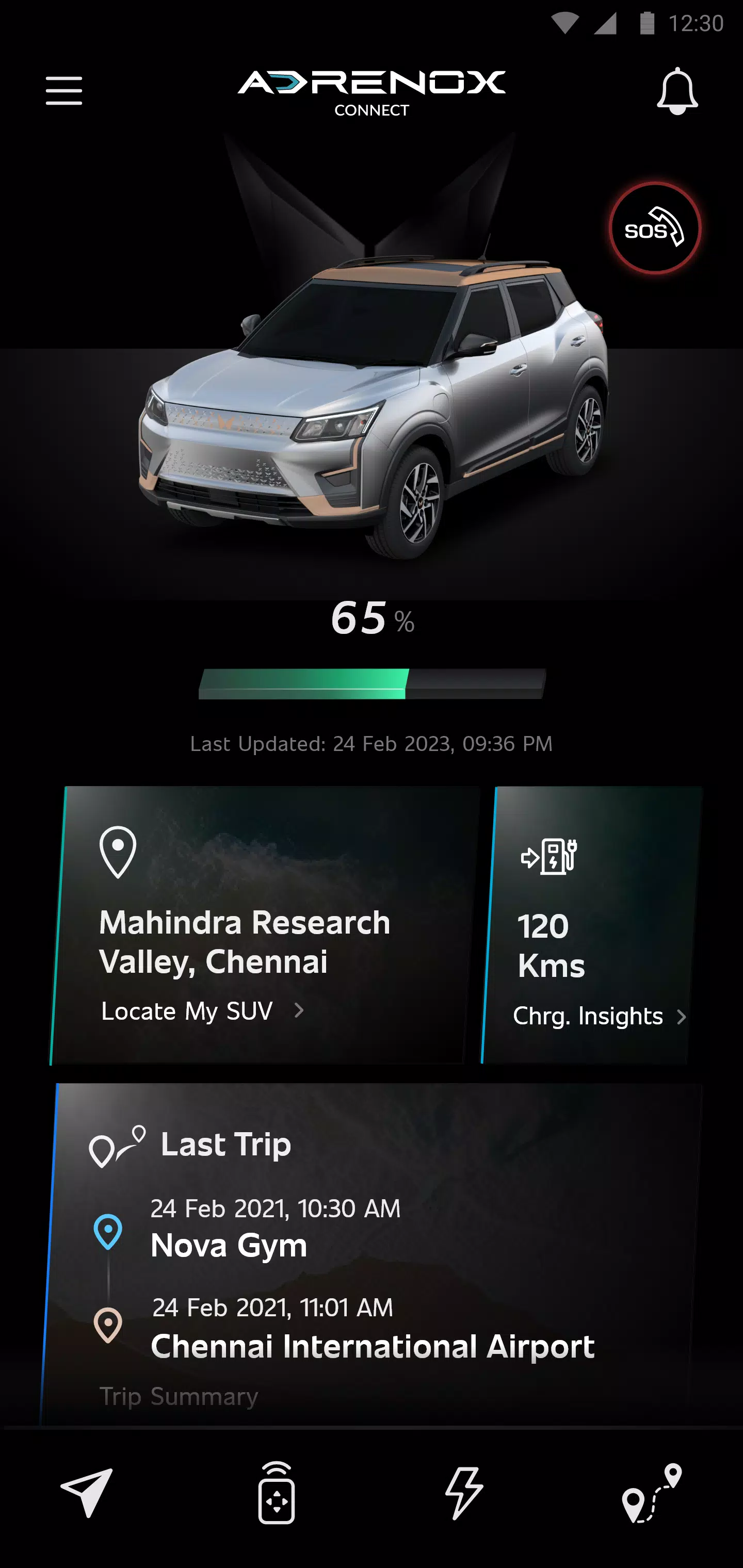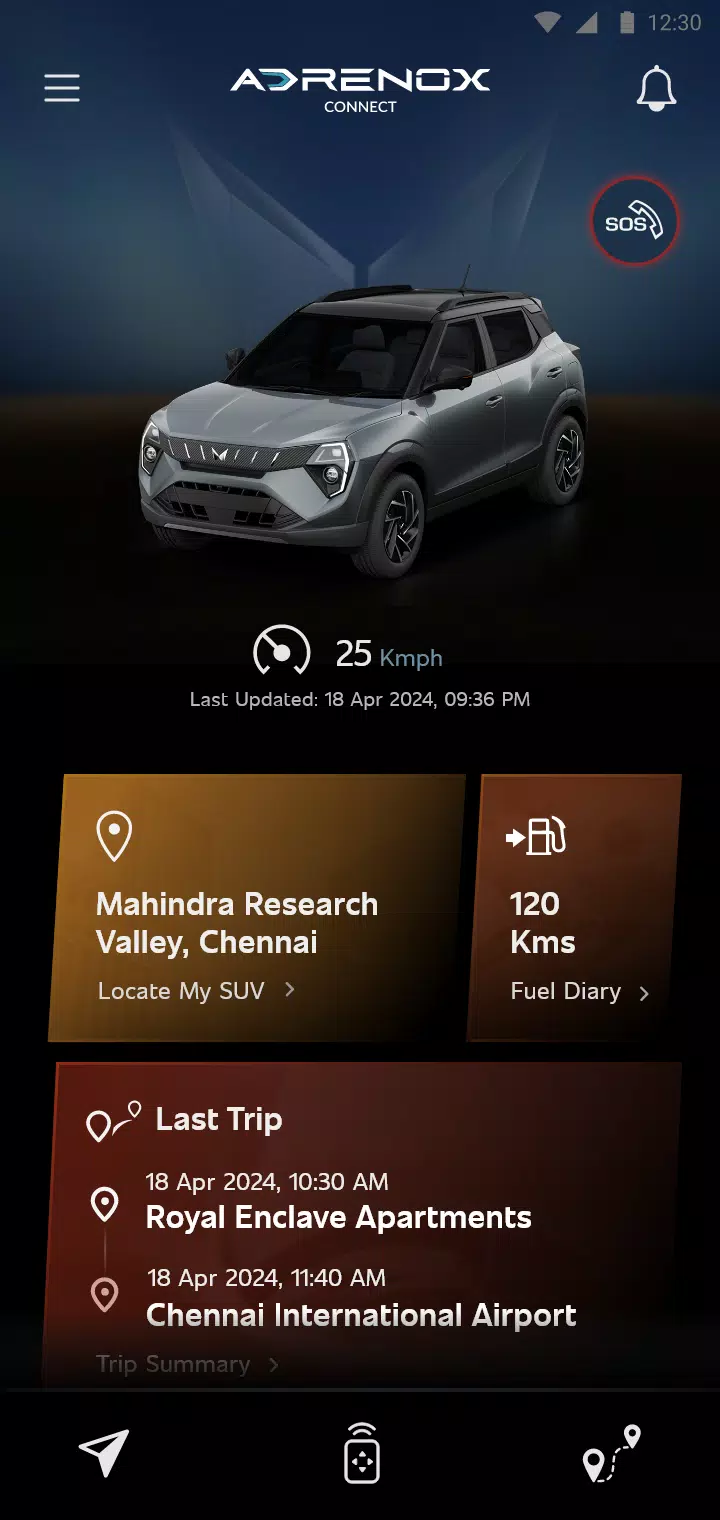
Adrenox Connect is an innovative connectivity solution that keeps you seamlessly linked to your vehicle.
Adrenox Connect revolutionizes your driving experience by maintaining a smart connection between you and your Mahindra SUV.
Adrenox Connect unlocks thrilling new possibilities through intuitive smartphone integration!
Experience next-level driving excitement with intelligent technology always within reach. Monitor your vehicle's location instantly, remotely lock/unlock doors, activate air conditioning, and enjoy numerous other features - all accessible through simple taps on your smartphone or smartwatch.
Instant Alerts
Comprehensive Vehicle Data
Remote Control Features
Safety Enhancements
Precision Location Services
Integrated Partner Applications
How to set up Wear OS:
1. Install the "Adrenox Connect" app on your smartphone and log in using provided credentials
2. Pair your smartwatch with your phone through the "Wear OS" application
3. Access Play Store on your smartwatch and find the "Adrenox Connect" app
4. Download and install the "Adrenox Connect" app on your smartwatch
5. Launch the "Adrenox Connect" app on your smartwatch after successful mobile login
6. View the splash screen, home interface, and dashboard directly on your smartwatch display
Tags : Auto & Vehicles