Bring your pixel art visions to life, animate sprites, and edit game textures with Inktica!
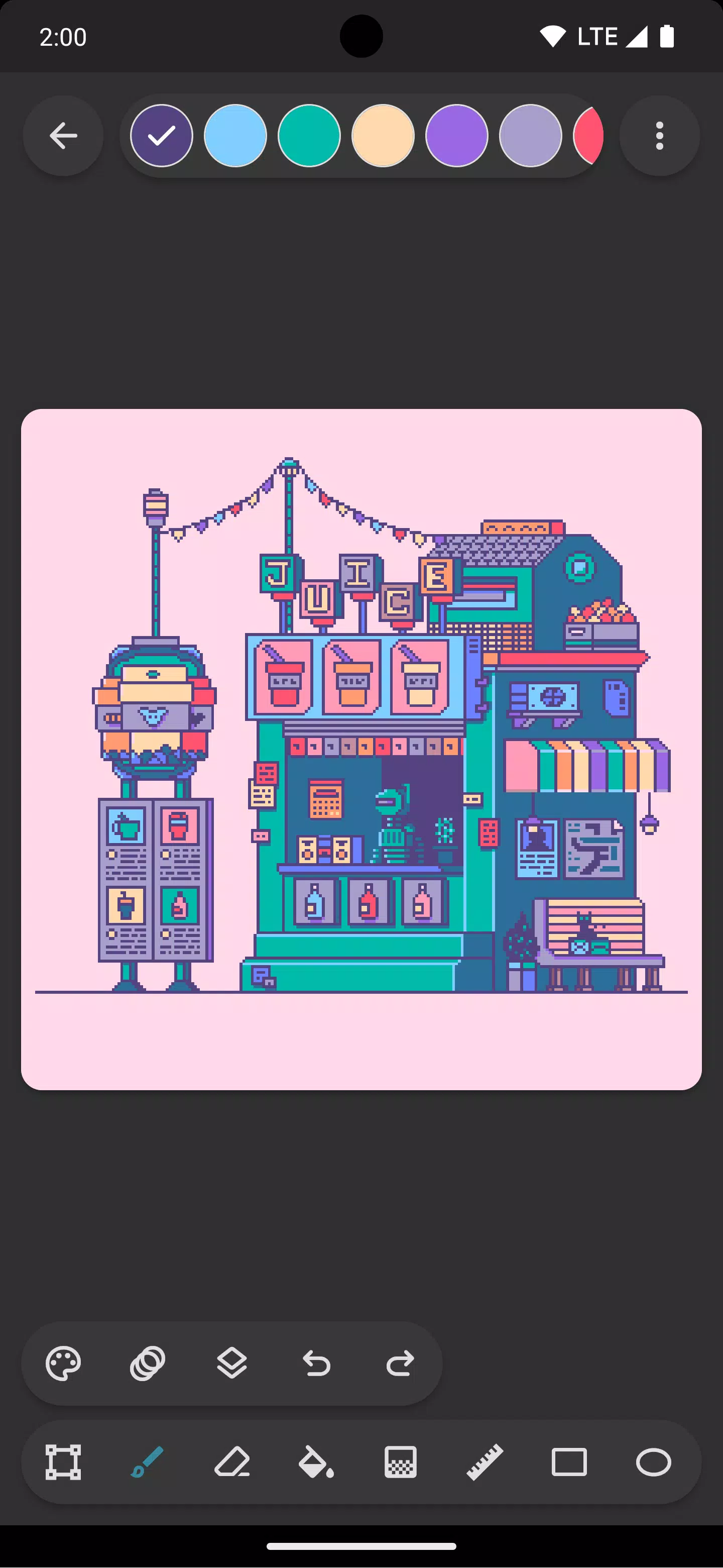
Inktica is a powerful yet easy-to-use pixel art editor that lets you design works inspired by the classic low-resolution graphics of early computers and gaming consoles, as well as modify game textures.
Inktica offers a comprehensive set of tools tailored for pixel-level editing. Available drawing tools include Brush, Eraser, Flood-fill, Gradient, Line, Rectangle, Ellipse, and Pipette, all optimized for pixel art. For example, the brush features a "pixel perfect" mode that ensures sharp, single-pixel-wide lines.
Use the selection tool to copy, cut, move, and paste sections of your drawing or texture. You can also rotate or flip selections before pasting them.
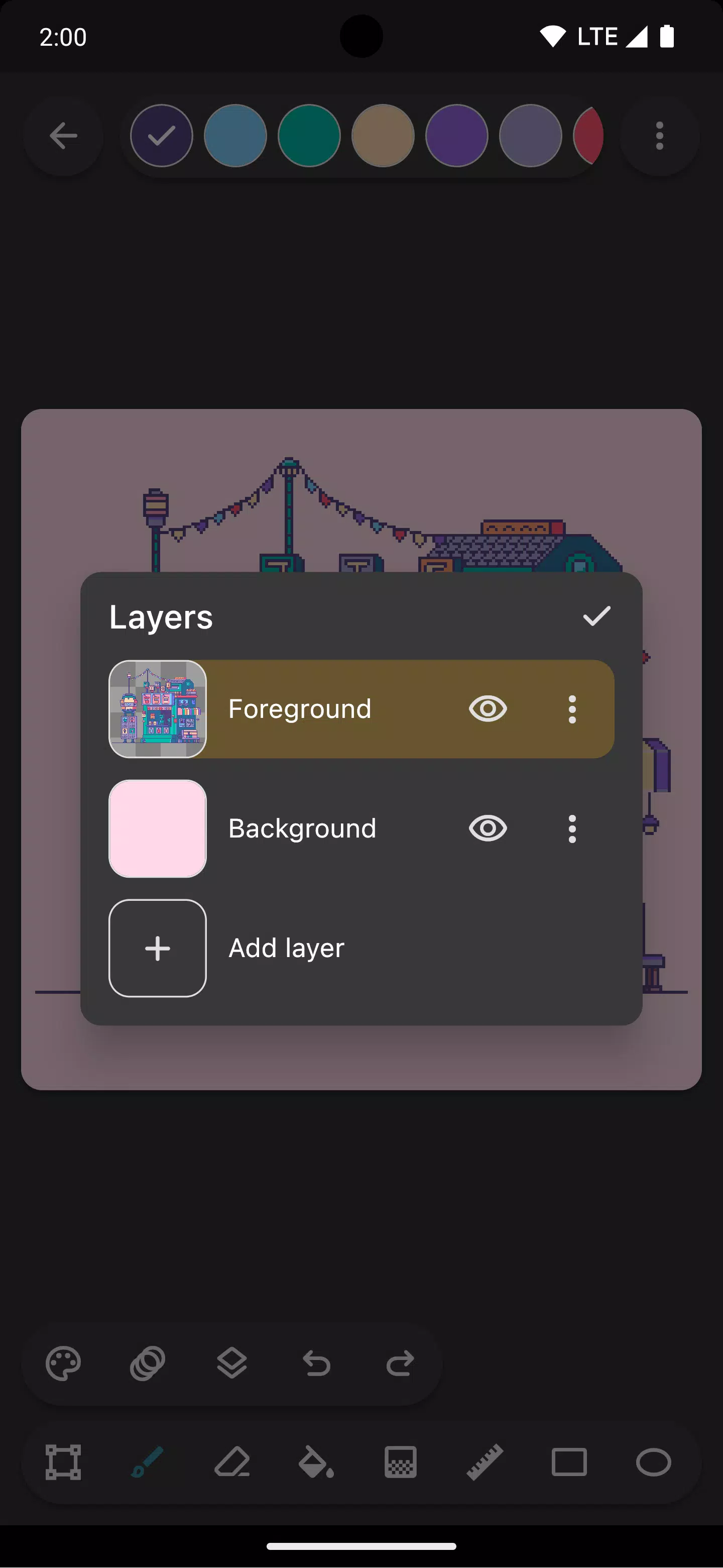
Organize your artwork with Inktica's layer support, making it simpler to manage and edit different parts of your pixel creation.
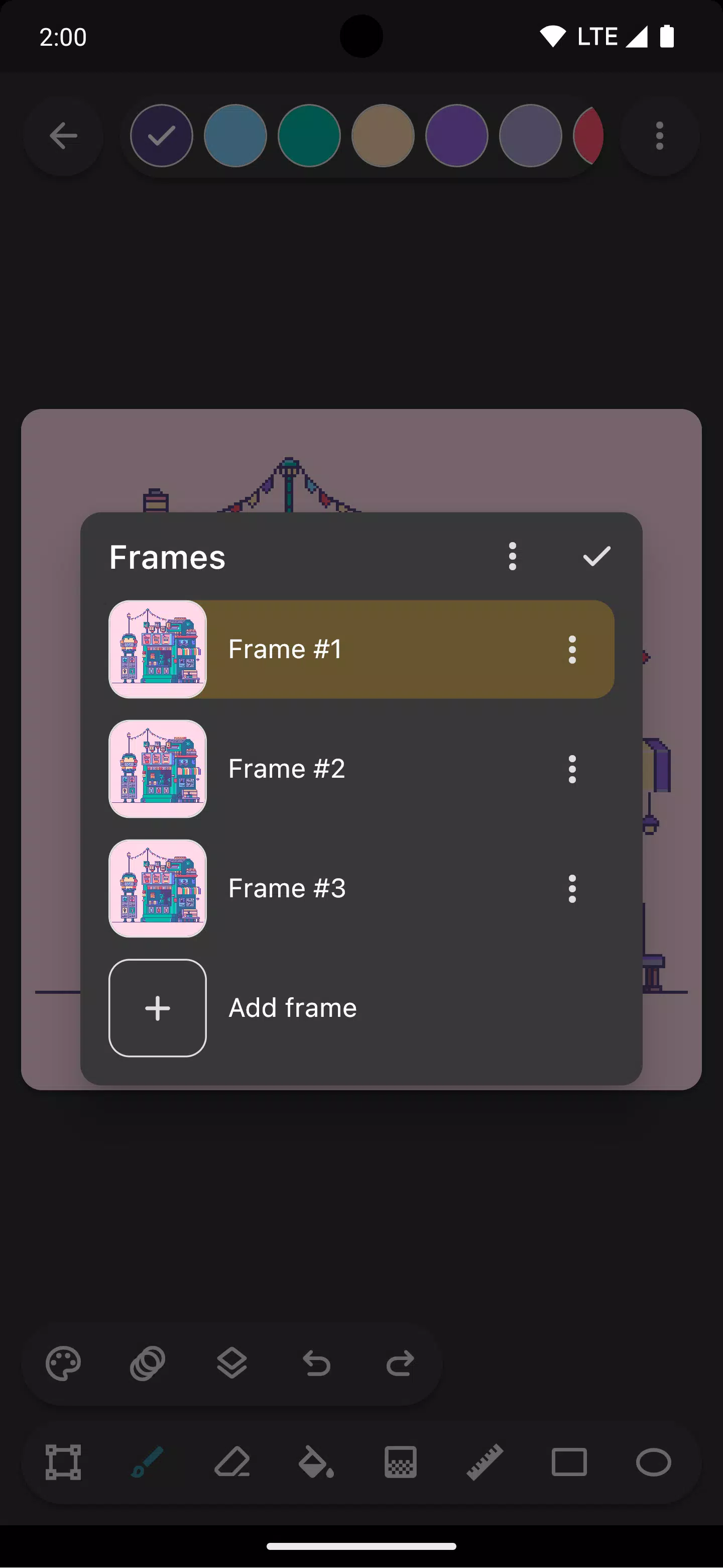
Animate your sprites with built-in animation tools. When working on pixel animations, the onion skin feature allows you to compare the current frame with the previous one for smooth transitions.
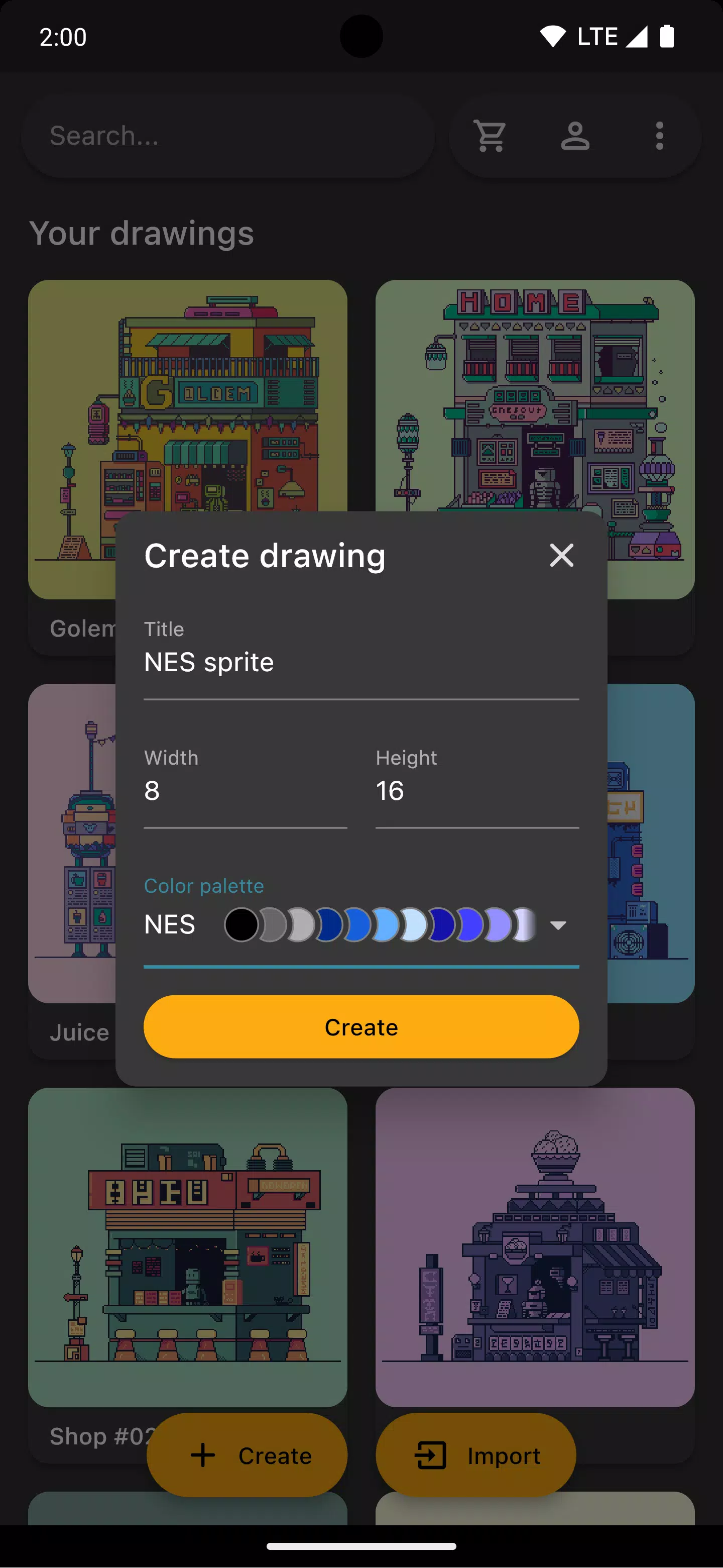
Choose from classic console color palettes such as Atari 2600, NES, or Game Boy, or import beautiful palettes from Lospec.
Open a reference image from your gallery while drawing to quickly check your work against the original.
Once your artwork is complete, share it on social media or export it to your device. You can also upscale the exported image to maintain clarity on platforms not optimized for pixel art.
Inktica also supports editing pixel art created elsewhere. Import Aseprite files (.ase, .aseprite) and common image formats (.png, .jpeg, .gif, etc.) seamlessly.
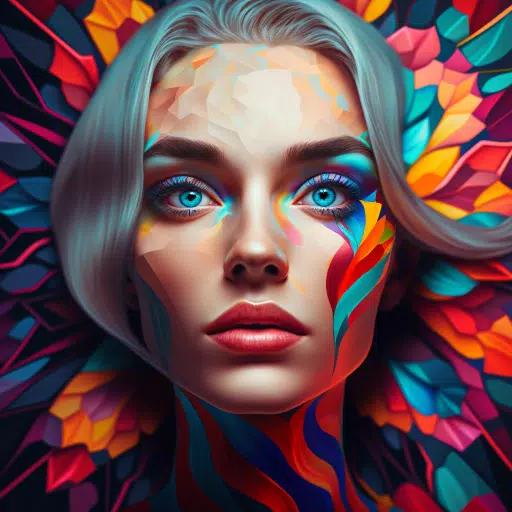
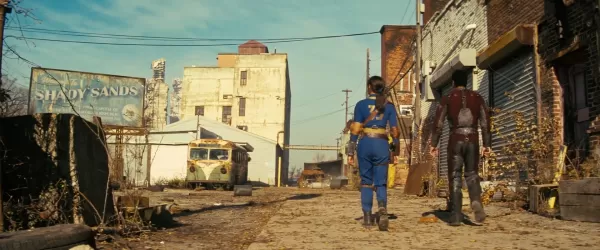
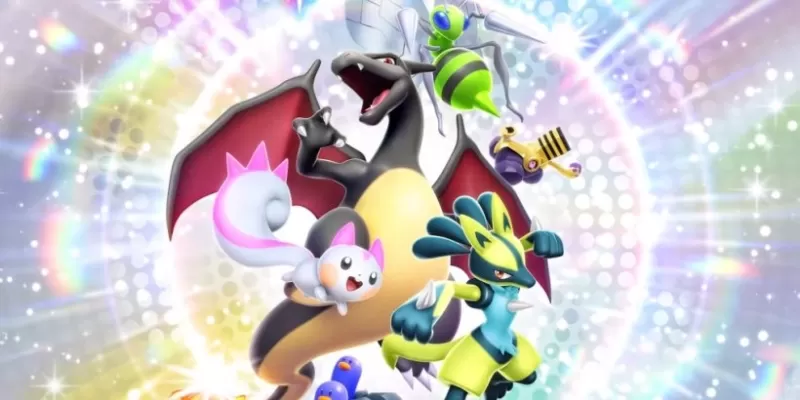
Art in screenshots by Pikurā
Privacy policy: https://inktica.com/privacy-policy.html
Terms of use: https://inktica.com/terms-of-use.html
What's New in the Latest Version 1.35.97
Last updated on Nov 11, 2024
- Updated the color dialog layout to a grid, enabling more colors to be displayed
- Selecting a color in the dialog now closes it automatically for faster color changes
Tags : Art & Design