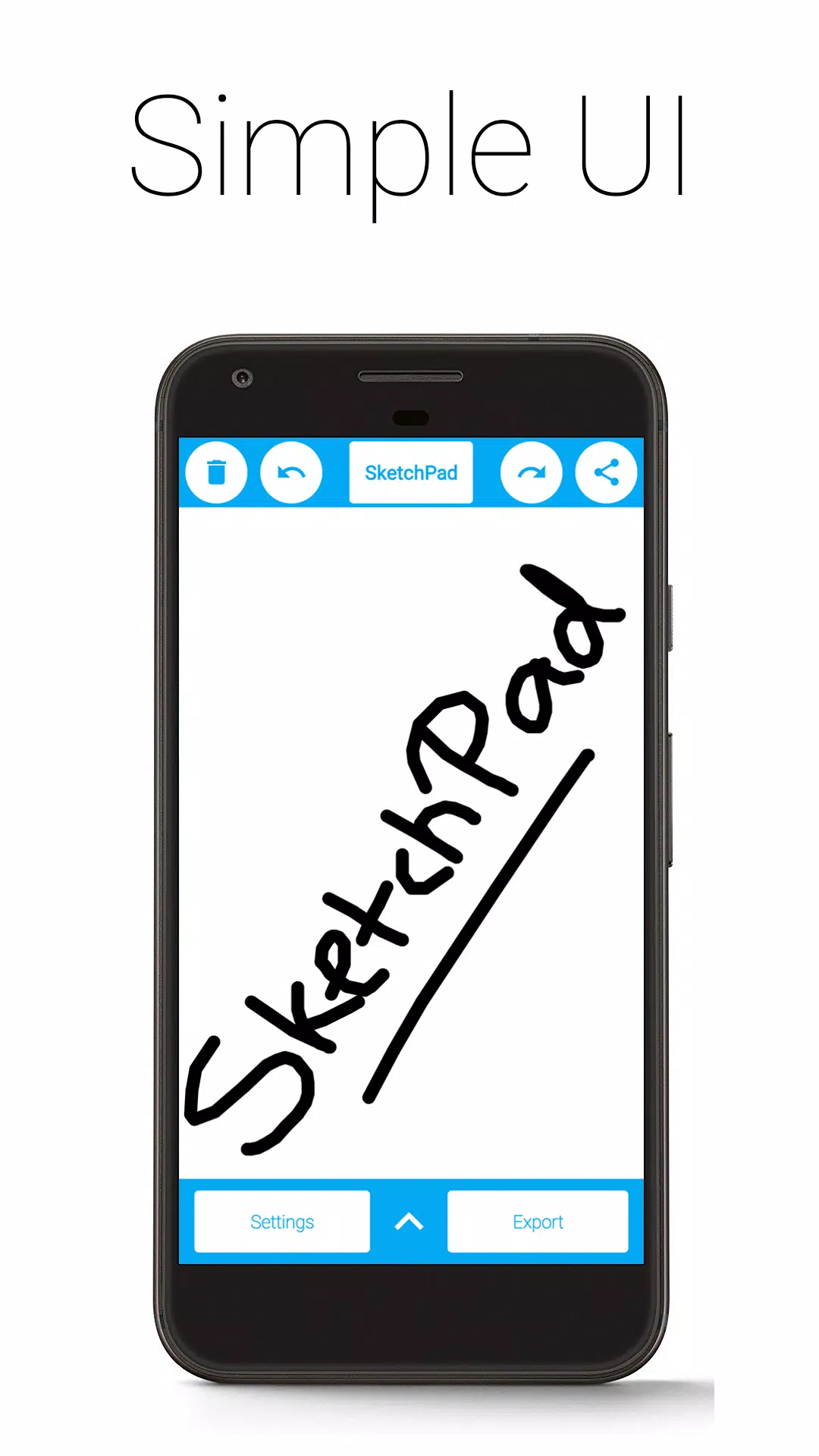
SketchPad lets you sketch, doodle, or simply scribble anytime, anywhere.
Let your imagination flow freely. Express your creativity with SketchPad. Draw, illustrate, sketch, doodle, or scribble—it's entirely your call.
The app is incredibly lightweight, with a download size of only 5 MB.
SketchPad offers a straightforward way to turn your screen into a digital canvas with no fuss. Unlike many drawing apps, SketchPad stays clean and minimal—just you and your canvas.
You can start sketching almost immediately after installing the app—no setup needed. It's truly that simple.
Features:
• Clean and simple UI
• No ads
• No in-app purchases
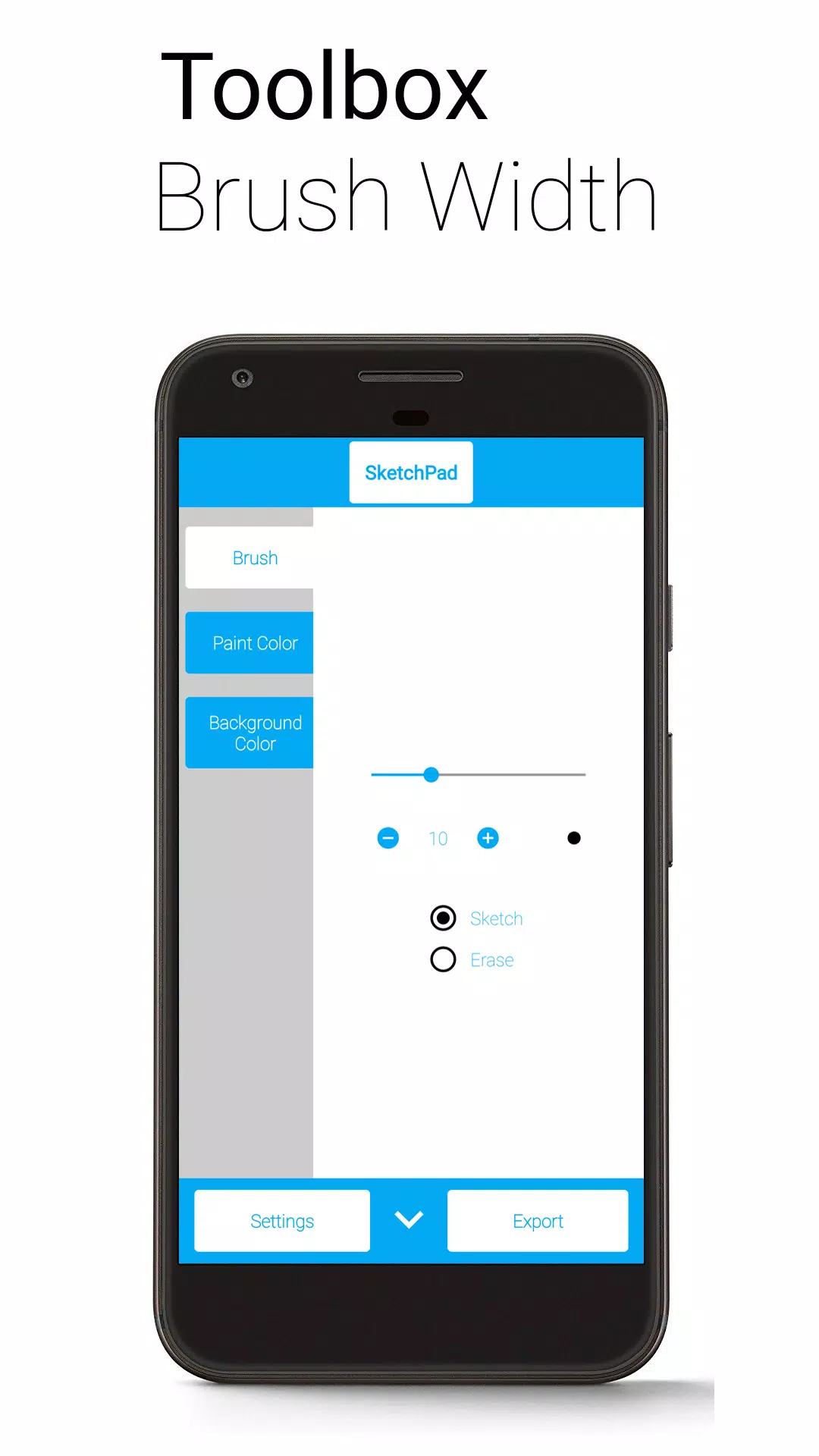
• Customizable brush width with instant preview—ideal for bold strokes or fine details
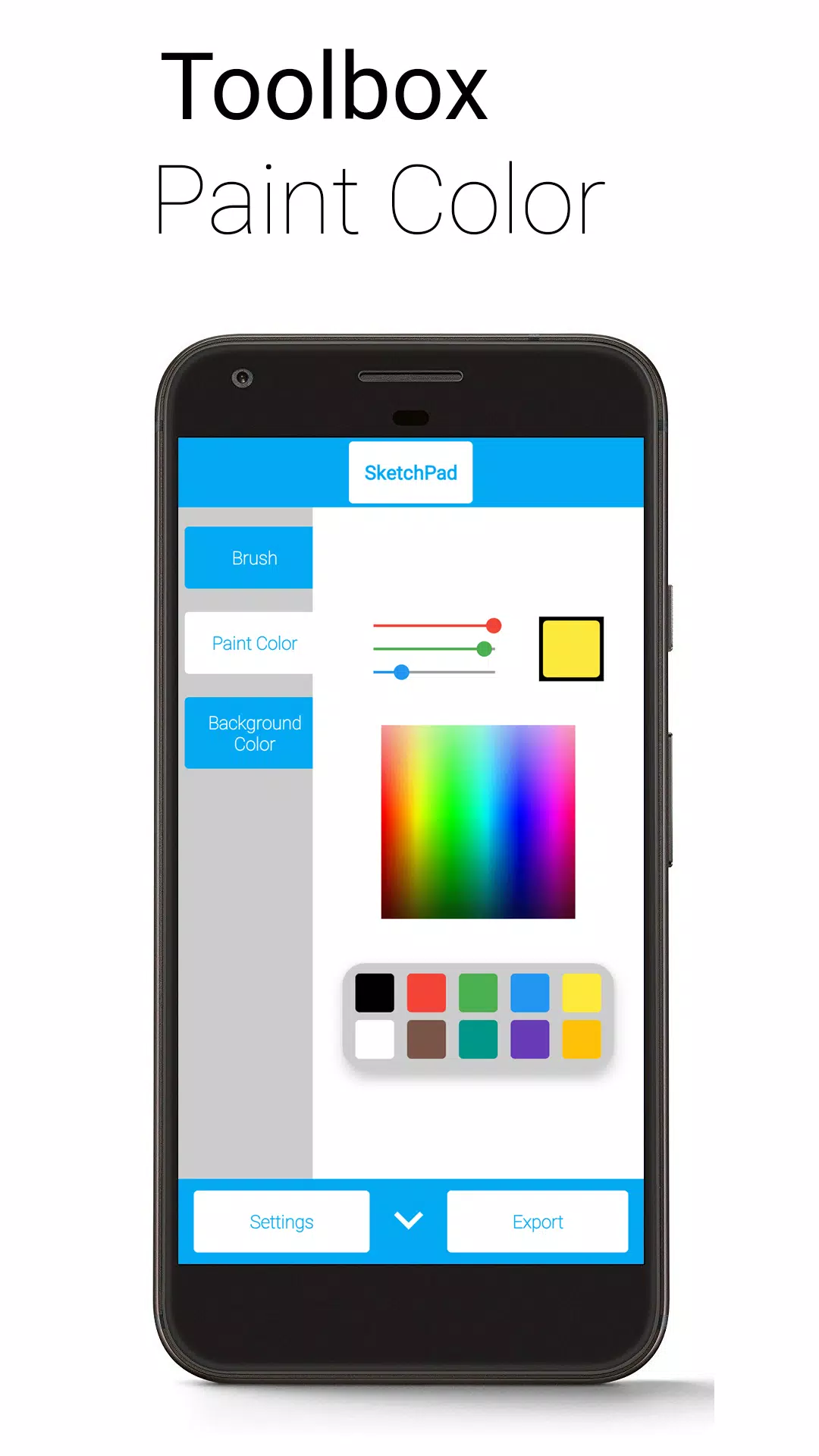
• Multiple color pickers: Palette, Spectrum, and RGB sliders
• Unlimited undo/redo—feel free to experiment (limited only by device memory)
• Optional Shake to Clear feature—just shake your device to erase the canvas (requires accelerometer)
• Export as PNG or JPEG
• Share images directly from the app (exports automatically to your device)
"Shake to Clear" is handy when you're not moving around much—ideal for casual doodling but not recommended for intensive work on the go.
SketchPad works offline. However, sharing sketches requires an internet connection. Storage permission is used only to save your work locally. Your files remain private.
Exported images save to "/Pictures/SketchPad/" by default. You can change this location in Settings. Saving to "/DCIM/Camera/" makes images appear in most gallery apps. On Android 10 and later, images are saved to "/Android/data/com.kanishka_developer.SketchPad/files/Pictures" regardless of settings.
SketchPad is built with user experience in mind. Share your feedback or just say hello in the Kaffeine Community Discord at https://discord.gg/dBDfUQk or email [email protected]. :)
What's New in Version 2.2.2
Last updated on Jan 2, 2024
Bug fixes and performance improvements
Happy New Year 2024!
Tags : Art & Design