Design custom cross-stitch patterns with ease.
クロスステッチのオリジナルパターンを簡単に作成できます。
Cross Stitch Pattern Creator
クロスステッチ パターンクリエーター
Includes 4 free sample patterns. Free to download, $2.99 to unlock full features.
無料サンプルパターンが4つ含まれています。ダウンロードは無料で、全機能を利用するには$2.99です。
For optimal experience, we recommend using a tablet due to pattern dimensions.
最適な体験のためには、パターンのサイズによりタブレットでの使用を推奨します。
Craft personalized cross-stitch designs using our intuitive Pattern Creator
直感的なパターンクリエーターを使って、あなただけのクロスステッチデザインを作りましょう。
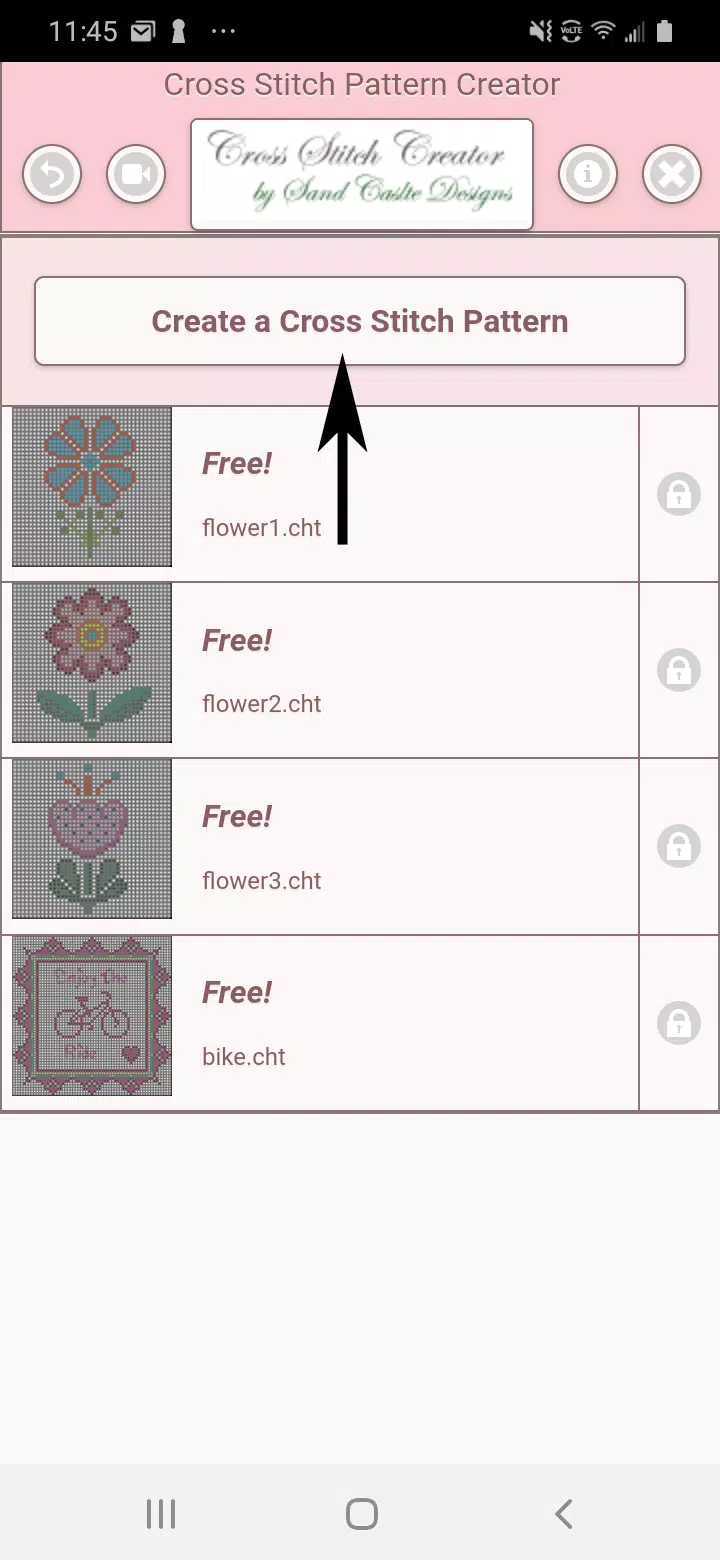
Start by clicking the "Create a Cross Stitch Pattern" button to begin your design.
「Create a Cross Stitch Pattern」ボタンをクリックして、デザインを始めます。
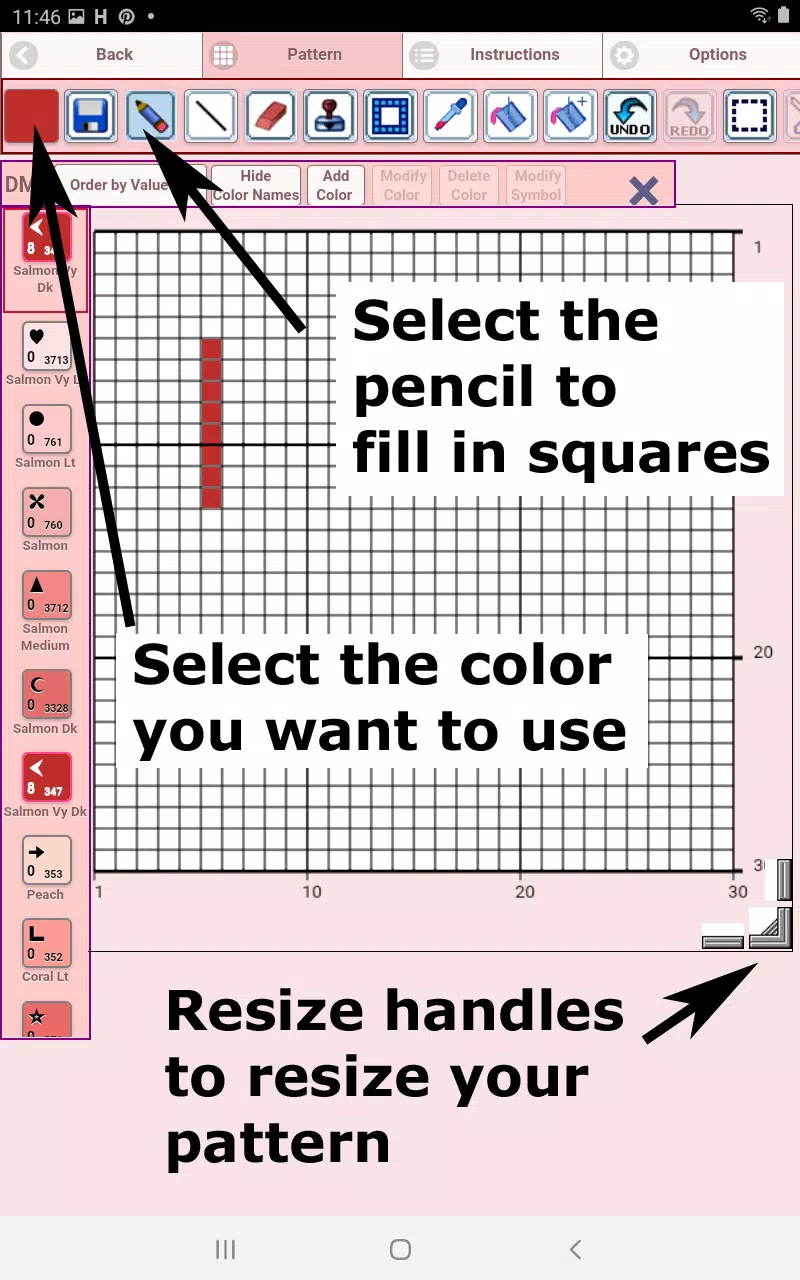
The Pattern Editor will open, where you can assign DMC floss colors to each square.
パターンエディターが開き、各マスにDMC糸の色を割り当てることができます。
Custom color options available for personalization.
パーソナライズ用のカスタムカラーオプションがあります。
Begin designing: Use the pencil tool to fill squares, or the eraser to remove stitches.
デザインを開始:鉛筆ツールでマスを埋めるか、消しゴムでステッチを削除します。
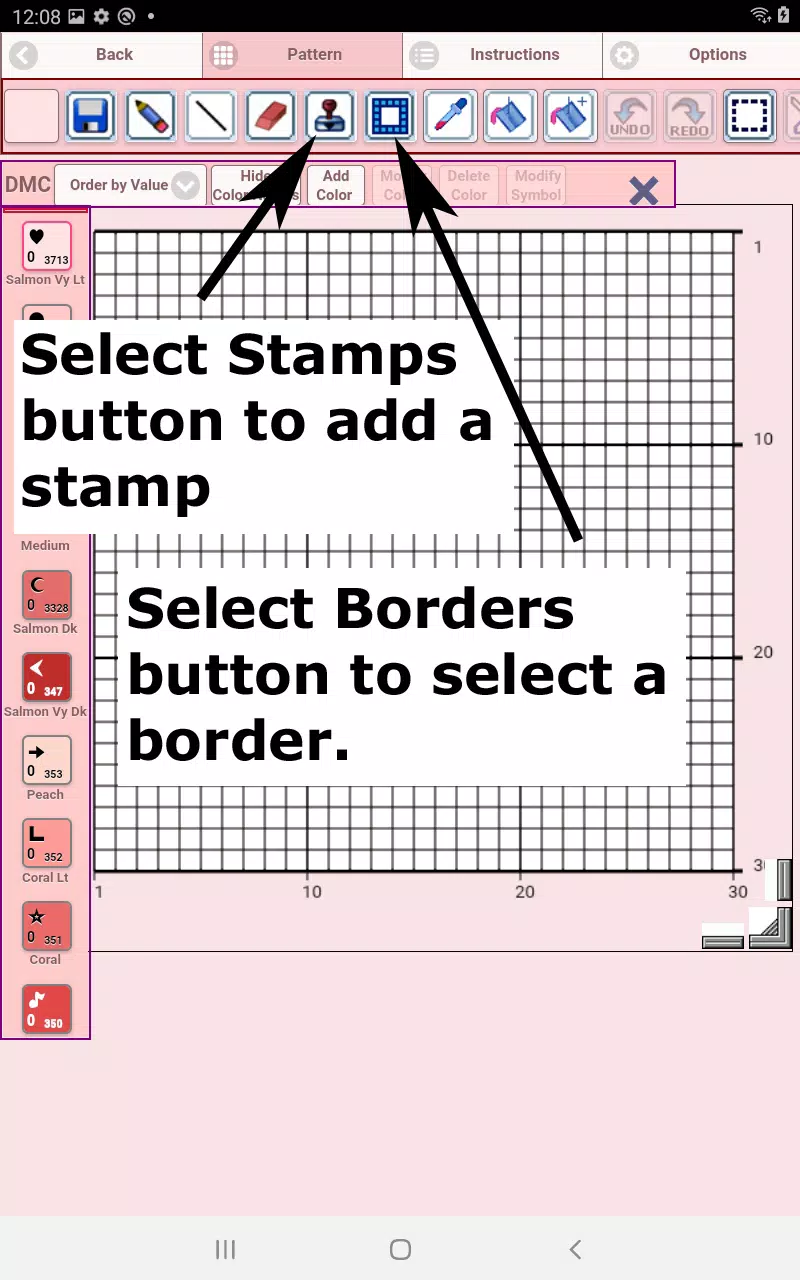
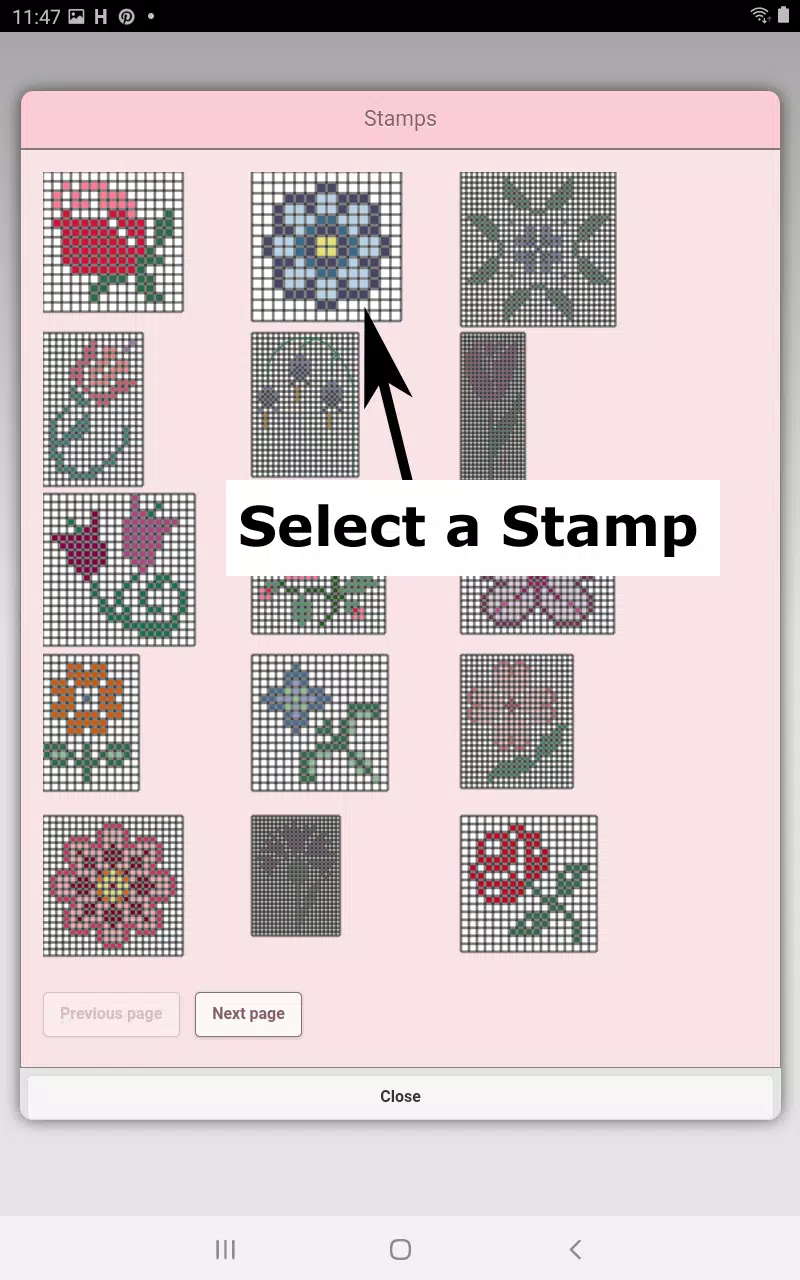
Enhance your pattern with 80+ decorative stamps and customizable borders.
80種類以上のデコレーションスタンプとカスタマイズ可能なボーダーでパターンをアップグレードしましょう。
Toolbar functions from left to right:
ツールバーの機能は左から右へ:
DMC Floss Color - Choose your preferred thread color
DMC 糸の色 - お好みの糸色を選択します
Save - Store your completed pattern
保存 - 完成したパターンを保存します
Pencil - Fill individual squares on your grid
鉛筆 - グリッドの個々のマスを埋めます
Eraser - Remove stitches or backstitch lines
消しゴム - ステッチまたはバックステッチラインを削除します
Backstitch - First select color, then add outlining stitches
バックステッチ - まず色を選択してから、輪郭用のステッチを追加します
Backstitch Move - Reposition entire backstitch lines
バックステッチ移動 - 全体のバックステッチラインの位置を変更します
Backstitch Adjust - Modify individual endpoints of backstitches
バックステッチ調整 - バックステッチの個々の端点を変更します
Stamps - Add miniature cross-stitch motifs to your design
スタンプ - デザインにミニチュアのクロスステッチモチーフを追加します
Borders - Apply decorative edges that automatically adapt to your pattern
ボーダー - パターンに合わせて自動的に適応する装飾的な縁を適用します
Dropper - Sample and replicate colors from your existing design
スポイト - 既存のデザインから色をサンプリングして複製します
Bucket - Fill entire sections with your selected color
バケツ - 選択した色でセクション全体を埋めます
Bucket+ - Replace an existing color with your current selection
バケツプラス - 現在の選択で既存の色を置き換えます
Undo - Reverse your most recent changes
元に戻す - 直近の変更を取り消します
Redo - Restore previously undone actions
やり直し - 以前取り消した操作を復元します
Selection Box - Highlight areas for editing operations
選択ボックス - 編集対象の領域を強調表示します
Cut - Remove selected portions after using Selection Box
切り取り - 選択ボックス使用後に選択された部分を削除します
Copy - Duplicate selected sections to clipboard
コピー - 選択されたセクションをクリップボードに複製します
Paste - Insert copied elements, then position them as desired
貼り付け - コピーした要素を挿入し、必要に応じて配置します
Rotate - Turn selected areas or entire pattern
回転 - 選択された領域または全体のパターンを回転させます
Flip Horizontal - Mirror sections side-to-side
水平反転 - セクションを左右に鏡像のように反転させます
Flip Vertical - Mirror sections top-to-bottom
垂直反転 - セクションを上下に鏡像のように反転させます
Zoom In - Enlarge pattern view
ズームイン - パターンの表示を拡大します
Zoom Out - Reduce pattern view
ズームアウト - パターンの表示を縮小します
Symbols - Display unique identifiers for each color
記号 - 各色の固有識別子を表示します
Picture - Import and convert photos into stitchable patterns
画像 - 写真をインポートして、ステッチ可能なパターンに変換します
Share - Distribute creations via social platforms and messaging
共有 - ソーシャルプラットフォームやメッセージング経由で作品を配布します
Resize Handles - Located at bottom right for pattern dimension adjustments
リサイズハンドル - パターンの寸法調整用に右下に配置されています
Options - Customize grid color, stitch display (Solid/X's), and toggle row/column counters
オプション - グリッドの色、ステッチ表示(塗りつぶし/十字)、および行・列のカウンターを切り替えてカスタマイズします
Guide Page - Lists DMC color references and finished sizes for various Aida cloth counts
ガイドページ - 様々なAida布のメッシュ数に対するDMC色の参照と完成サイズを一覧表示します
Preview Page - Visualize completed project, including adjustable fabric colors
プレビューページ - 調整可能な生地色を含む、完了したプロジェクトを視覚化します
タグ : アート&デザイン