Design custom cross-stitch patterns with ease.
Cross Stitch Pattern Creator
Includes 4 free sample patterns. Free to download, $2.99 to unlock full features.
For optimal experience, we recommend using a tablet due to pattern dimensions.
Craft personalized cross-stitch designs using our intuitive Pattern Creator
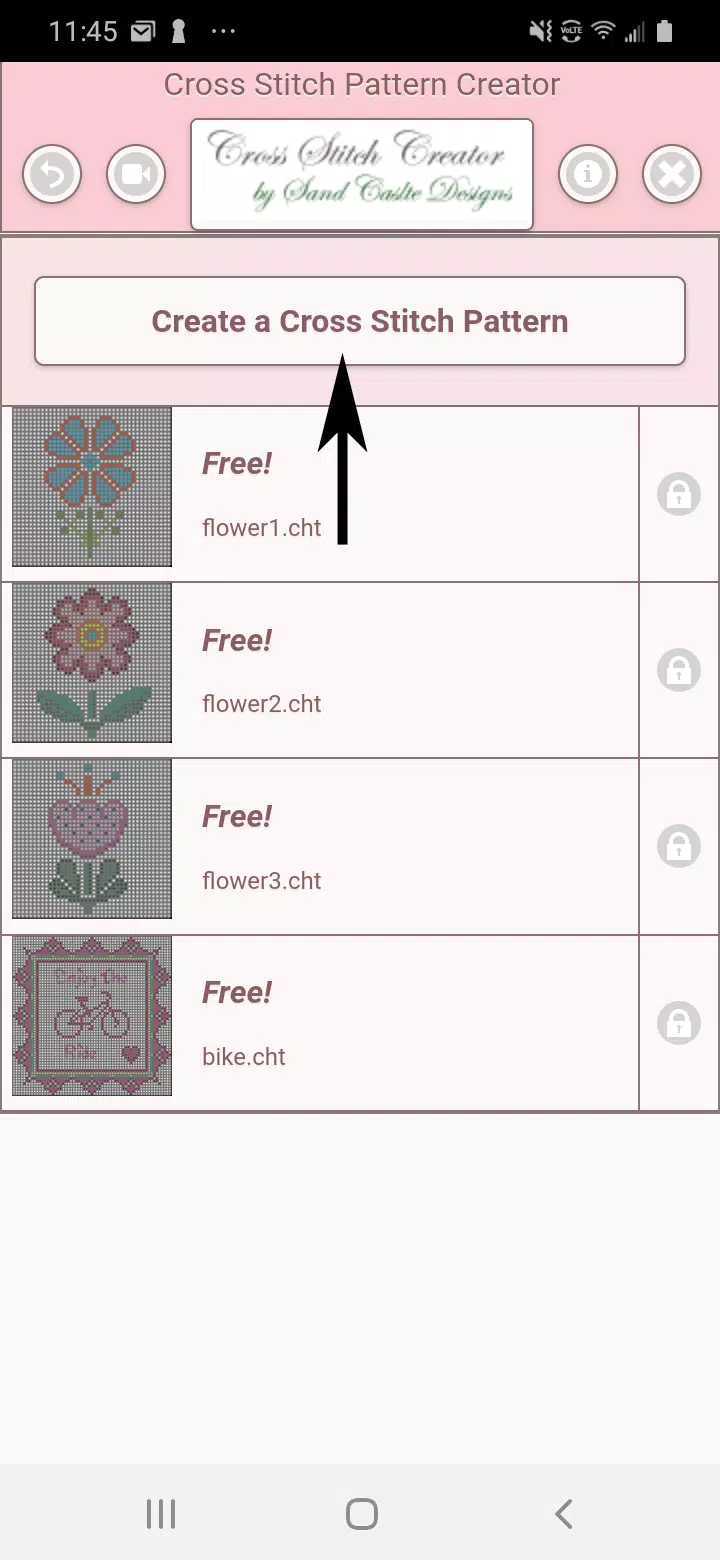
Start by clicking the "Create a Cross Stitch Pattern" button to begin your design.
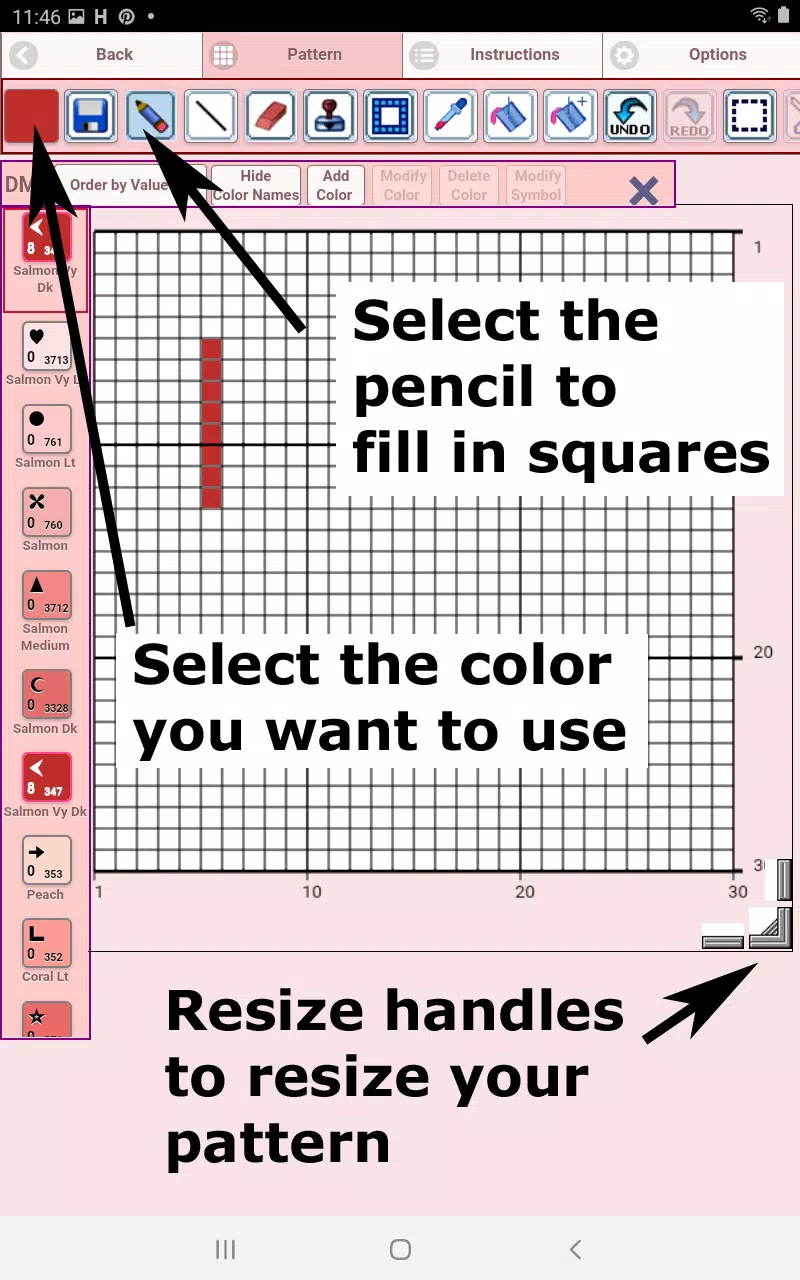
The Pattern Editor will open, where you can assign DMC floss colors to each square.
Custom color options available for personalization.
Begin designing: Use the pencil tool to fill squares, or the eraser to remove stitches.
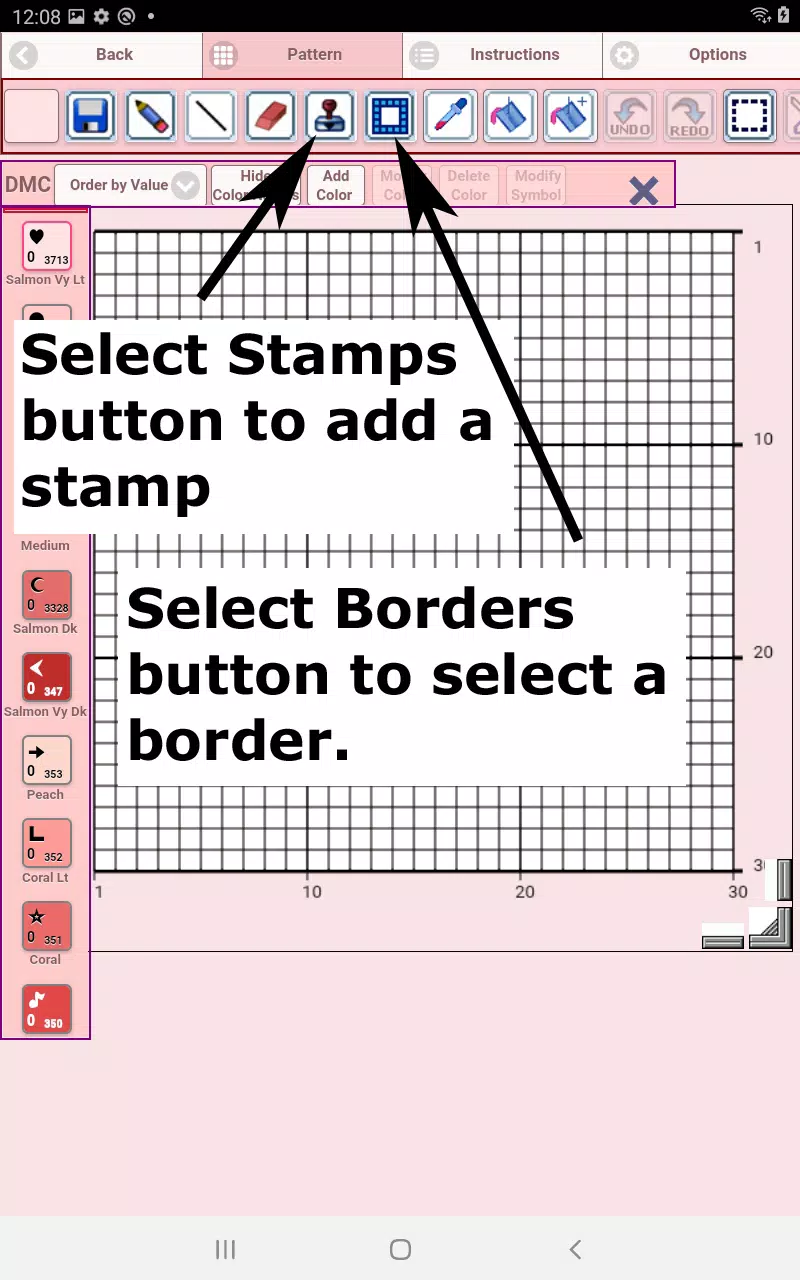
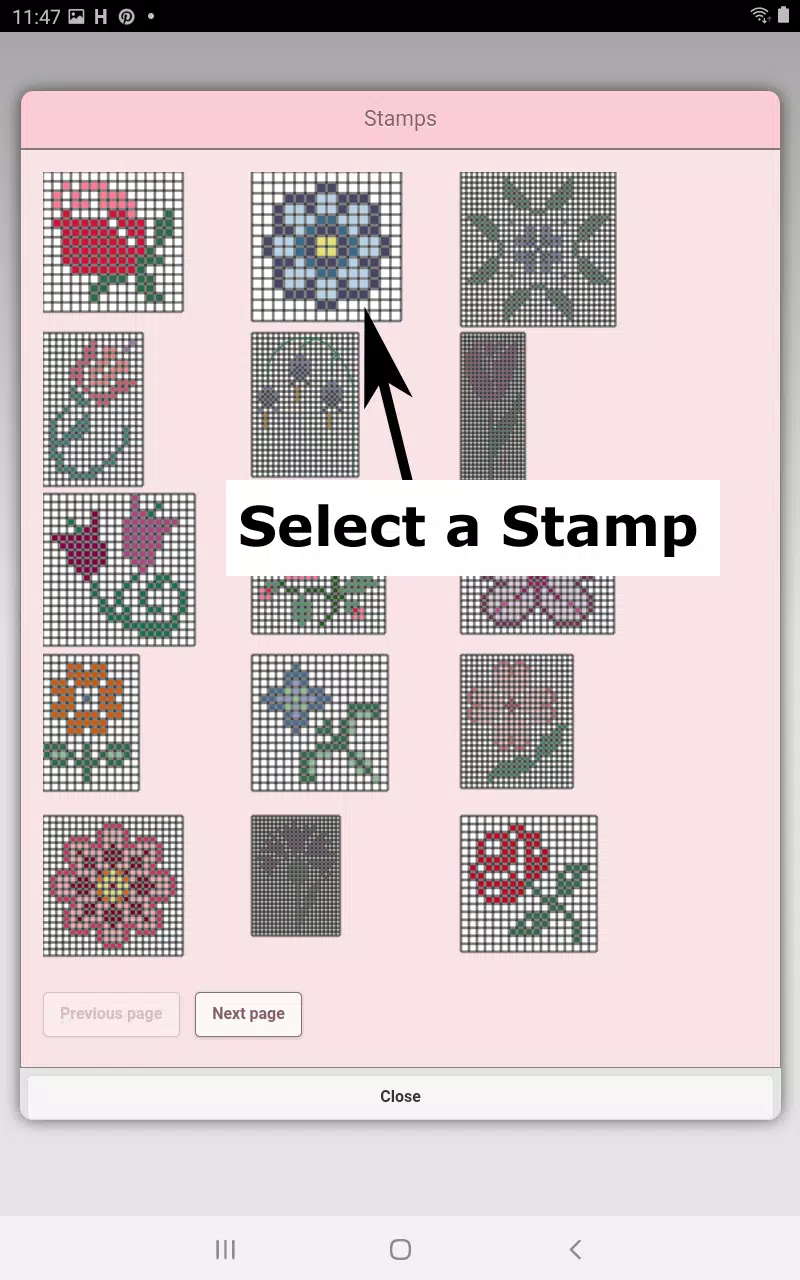
Enhance your pattern with 80+ decorative stamps and customizable borders.
Toolbar functions from left to right:
DMC Floss Color - Choose your preferred thread color
Save - Store your completed pattern
Pencil - Fill individual squares on your grid
Eraser - Remove stitches or backstitch lines
Backstitch - First select color, then add outlining stitches
Backstitch Move - Reposition entire backstitch lines
Backstitch Adjust - Modify individual endpoints of backstitches
Stamps - Add miniature cross-stitch motifs to your design
Borders - Apply decorative edges that automatically adapt to your pattern
Dropper - Sample and replicate colors from your existing design
Bucket - Fill entire sections with your selected color
Bucket+ - Replace an existing color with your current selection
Undo - Reverse your most recent changes
Redo - Restore previously undone actions
Selection Box - Highlight areas for editing operations
Cut - Remove selected portions after using Selection Box
Copy - Duplicate selected sections to clipboard
Paste - Insert copied elements, then position them as desired
Rotate - Turn selected areas or entire pattern
Flip Horizontal - Mirror sections side-to-side
Flip Vertical - Mirror sections top-to-bottom
Zoom In - Enlarge pattern view
Zoom Out - Reduce pattern view
Symbols - Display unique identifiers for each color
Picture - Import and convert photos into stitchable patterns
Share - Distribute creations via social platforms and messaging
Resize Handles - Located at bottom right for pattern dimension adjustments
Options - Customize grid color, stitch display (Solid/X's), and toggle row/column counters
Guide Page - Lists DMC color references and finished sizes for various Aida cloth counts
Preview Page - Visualize completed project, including adjustable fabric colors
태그 : 예술 및 디자인