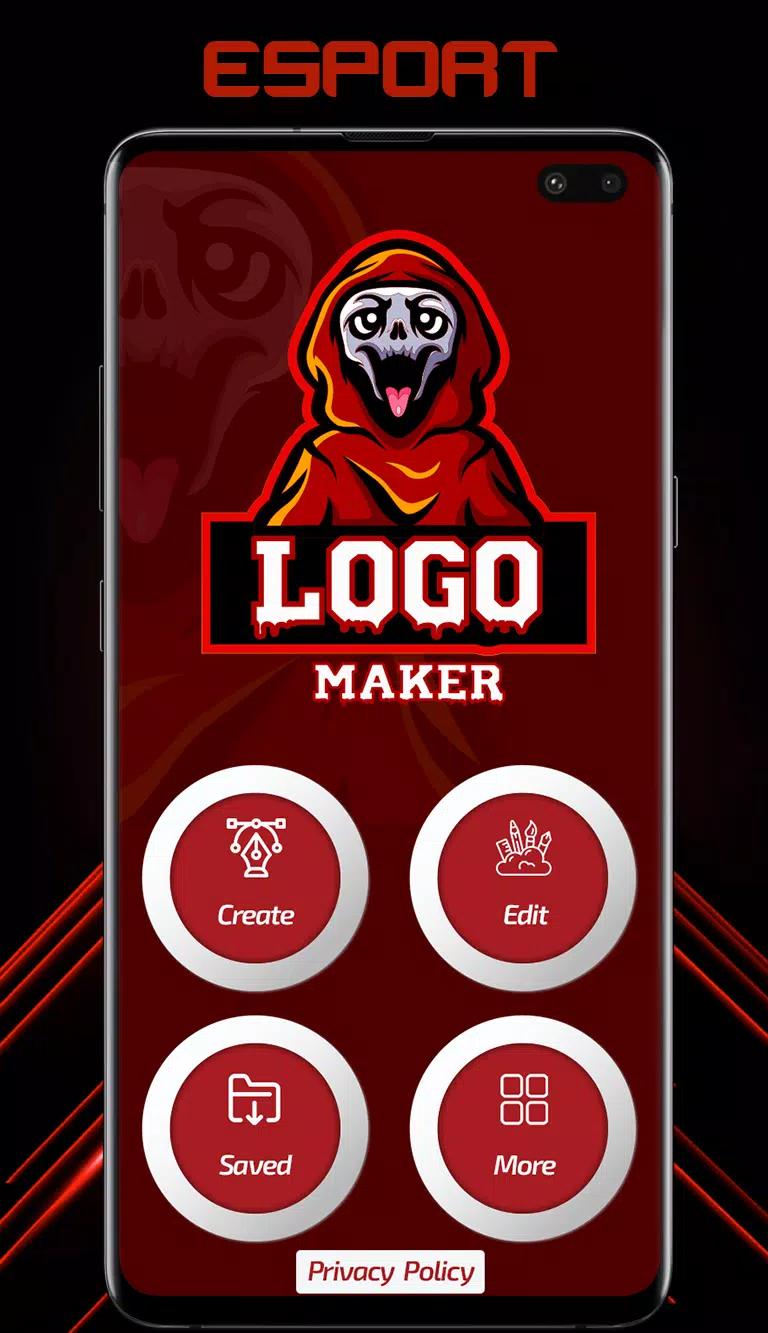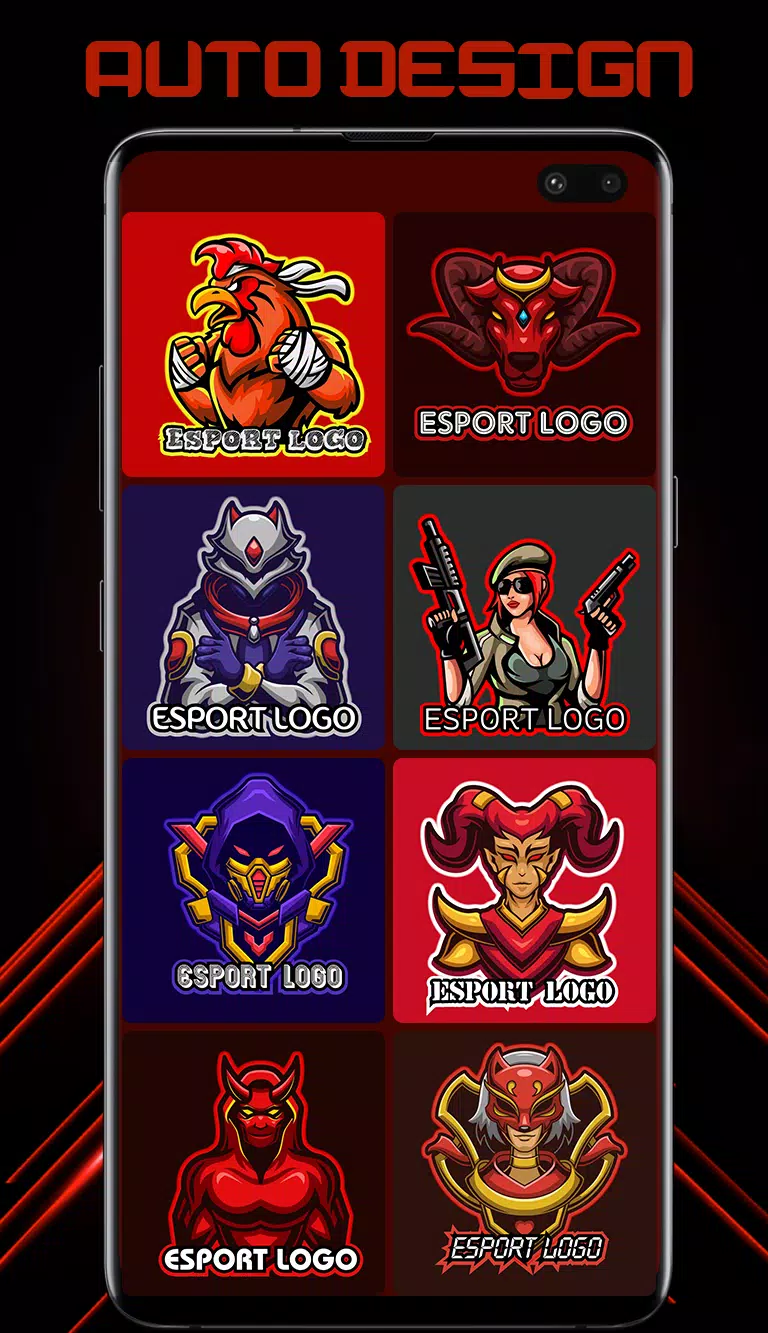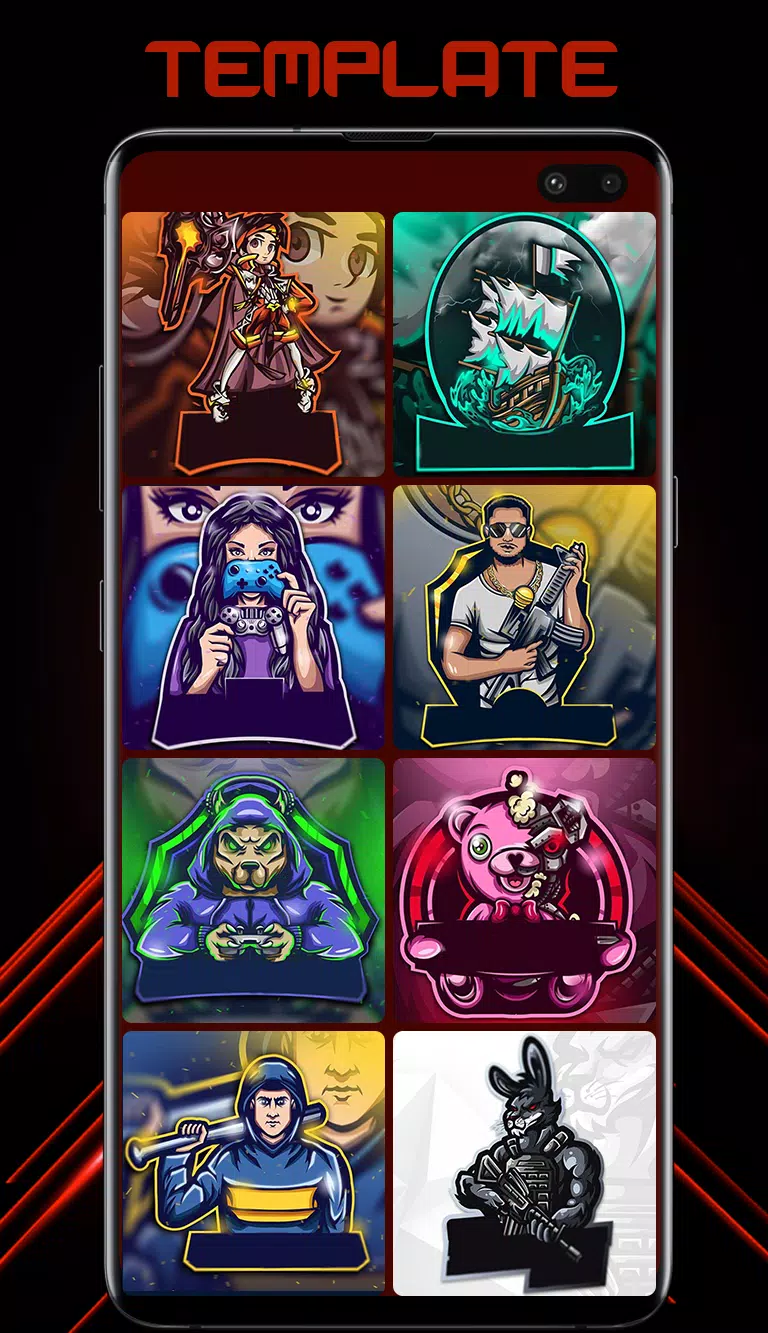
Logo Maker comes fully loaded with gaming logo designs to create custom esports logos.
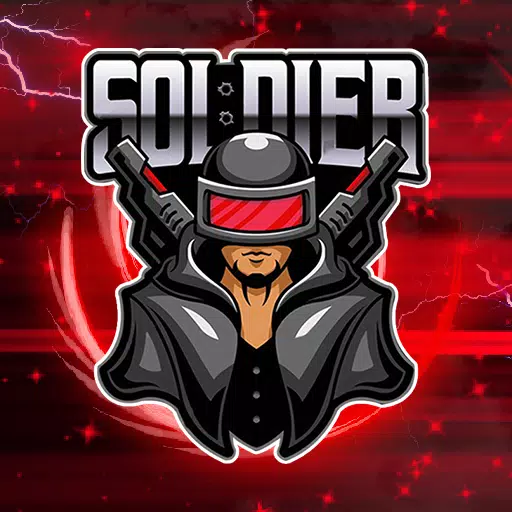
Esport Logo Maker is the premier logo designer app for creating professional, unique, and impressive logos for your gaming team. This app specializes in designs for gaming teams and esports-style branding. It is incredibly user-friendly, enabling you to design a logo in seconds. Logo creation couldn't be more straightforward. Simply choose from over 300 customizable logo templates crafted by professional designers. Then personalize your selected design using more than 250 fonts and background design resources. You'll find a vast collection of icons, avatars, and mascots to create the perfect logo. Select from 300+ ready-to-use logo templates featuring themes like soldier, animal, samurai, ninja, assassin, gamer, archer, and skull mascot. Save and share your logos as high-resolution Transparent PNG files or with custom backgrounds.
Esport Logo Maker Features:
- 300+ customizable logo templates: Esport Logo Maker offers a diverse collection of beautiful gaming logo designs, ranging from minimalist styles to more intricate compositions. Every element in each design is fully adjustable, empowering you to create unique, fully customized logos within minutes.
- Easy to edit: Utilize simple and fast text editing tools to adjust text size, spacing, and colors effortlessly.
- Esport Logo Maker recommends the best color schemes for each logo.
- 100+ stylish and professionally designed gaming fonts for your team name.
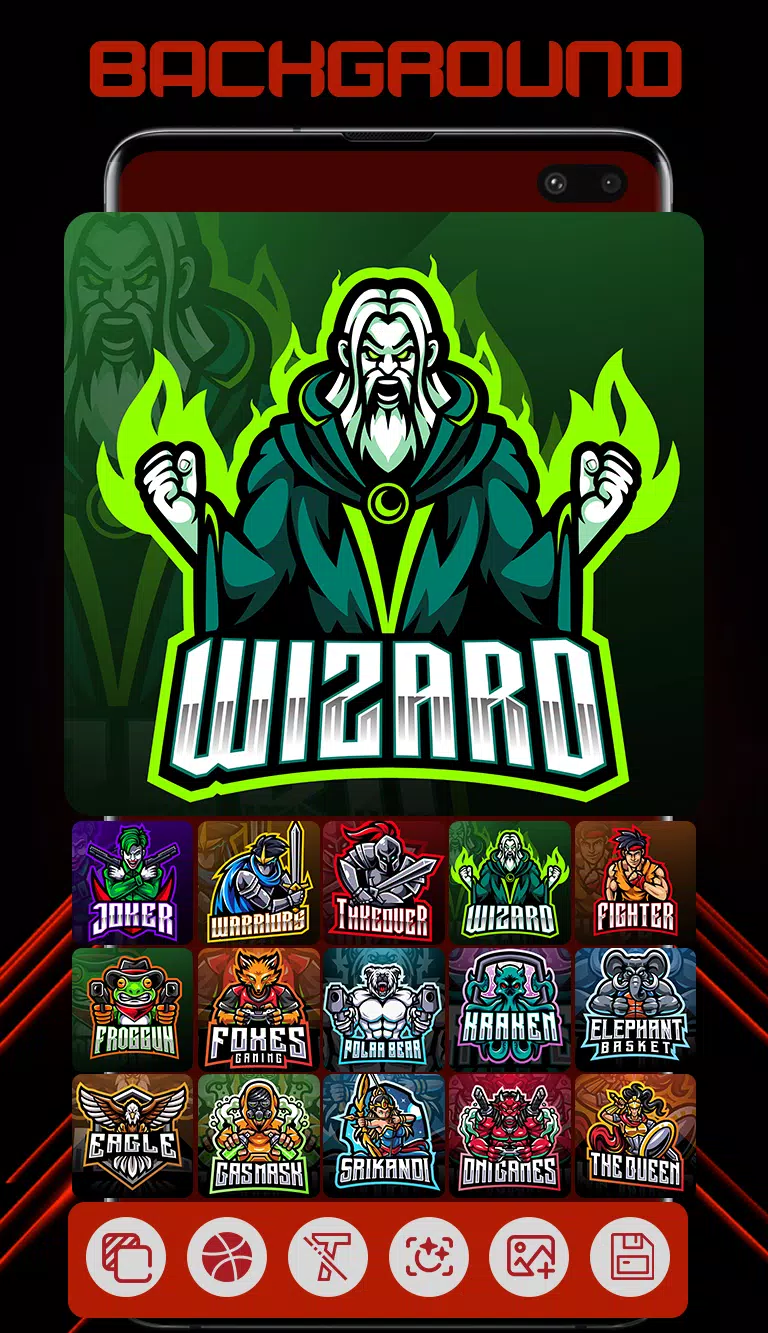
- Choose your background: Explore numerous beautiful backgrounds specially designed for logos. Select the ideal background that complements your logo or use your favorite color as a backdrop.
Follow these steps to create a remarkable logo for your team.
1. Start by entering your logo name and proceed.
2. Esport Logo Maker will then present you with 300+ ready-to-use logos featuring your name.
3. Simply select one of the templates.
4. If desired, you can now modify the text, font, color, size, stroke, outline, and backgrounds.
5. Your logo is complete. Save and share it as a Transparent PNG file or with custom backgrounds.
Tags : Art & Design