Transform your smartphone into a drawing companion with Draw Sketch & Trace App
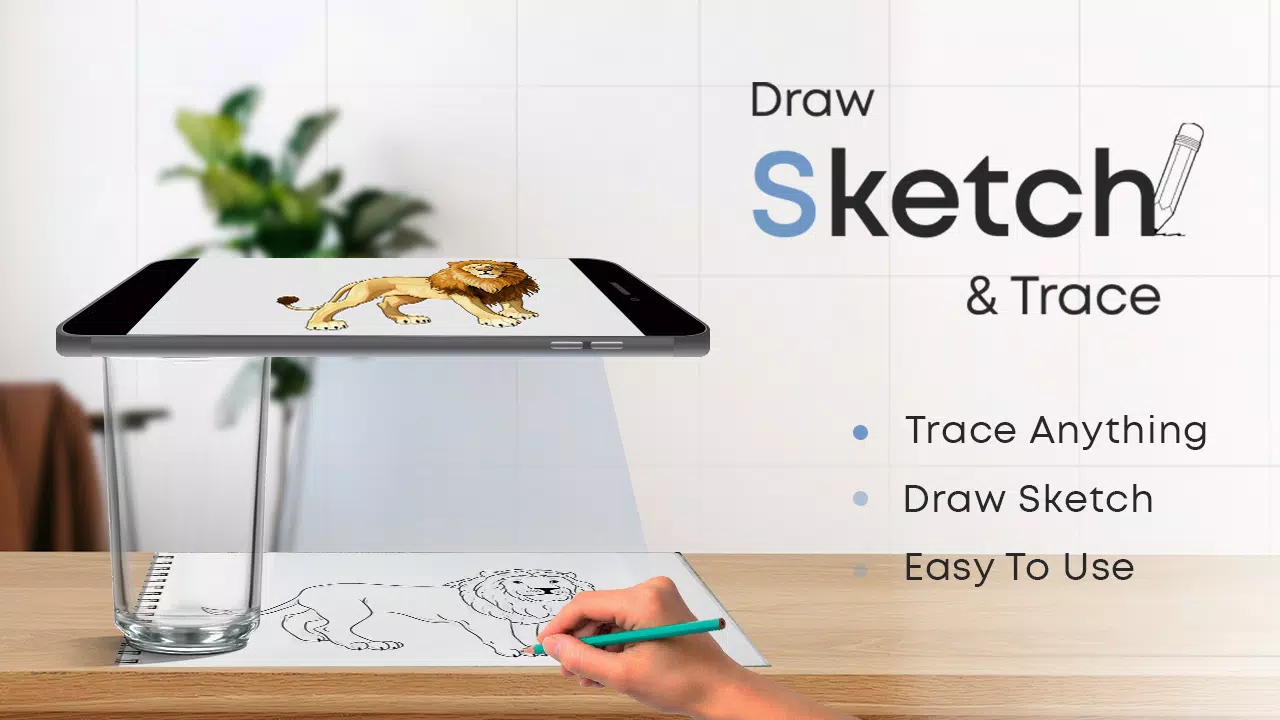
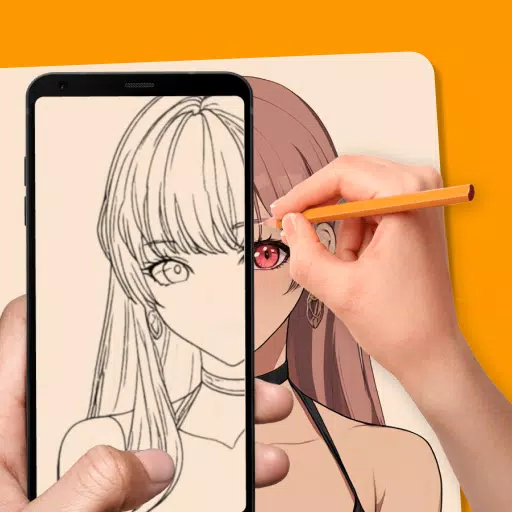
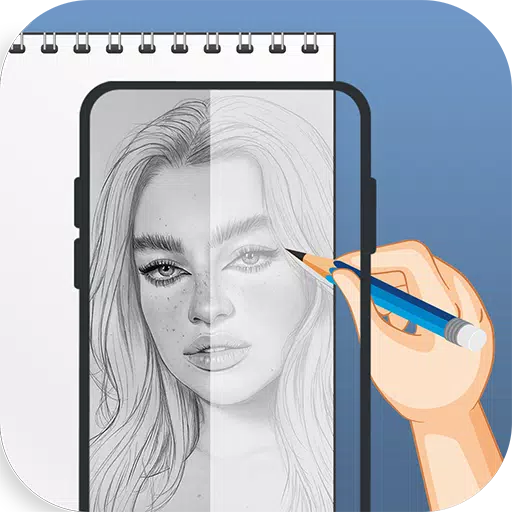
Master the art of sketching effortlessly by placing your device on glass and tracing over images. Our innovative app offers extensive object collections to kickstart your artistic journey with simple taps. Designed as your perfect tracing assistant, simply mount your device securely to begin sketching line by line with adjustable brightness, contrast, rotation and screen locking features.
Introducing Sketch AR and AR Drawing - Where cutting-edge technology empowers your creative expression. Discover artistic possibilities you never imagined.
Turn artistic aspirations into reality with Draw Sketch & Trace App. Our smartly designed interface makes learning sketching, drawing and tracing enjoyable for beginners and experts alike. Enjoy powerful features including customizable photo placement, gallery/camera imports, trace color adjustments and brightness controls - making this one of the most comprehensive tools for developing drawing skills.
Begin Your Sketching Journey:
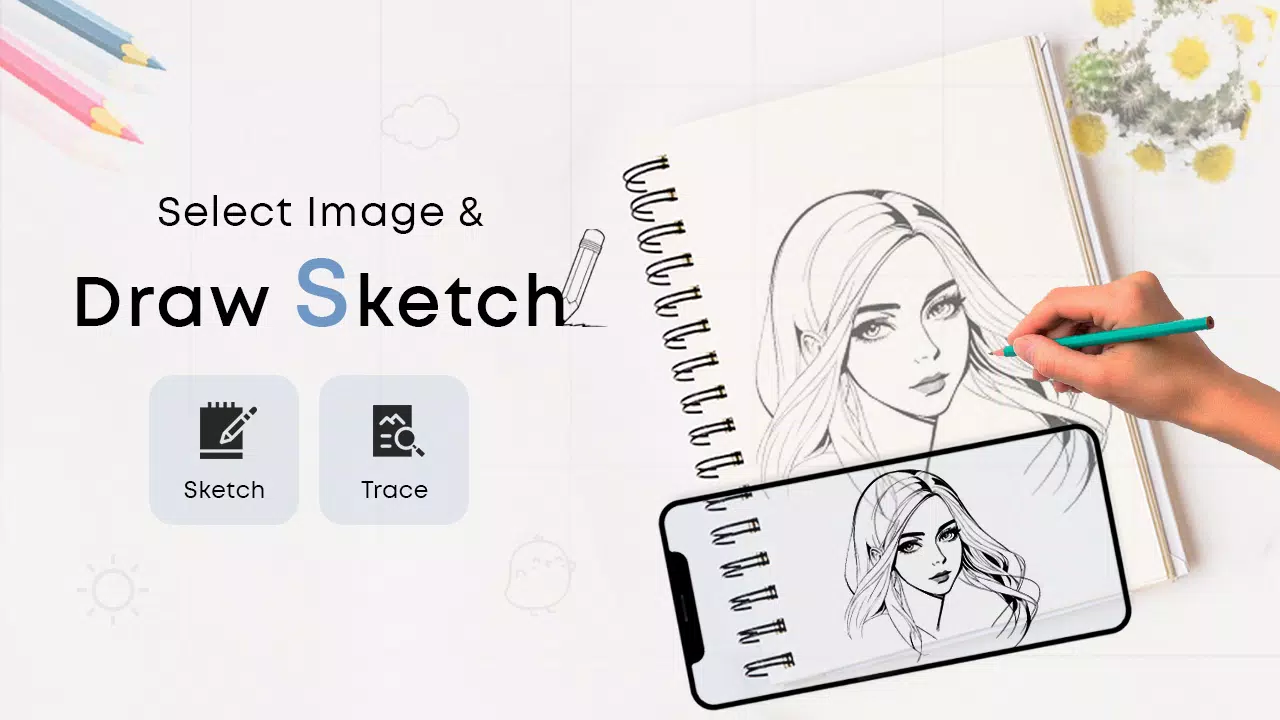
- Tap the sketch button to explore our object collections
- Choose from preloaded examples or import your own images
- Customize your reference image with easy pinch-to-zoom
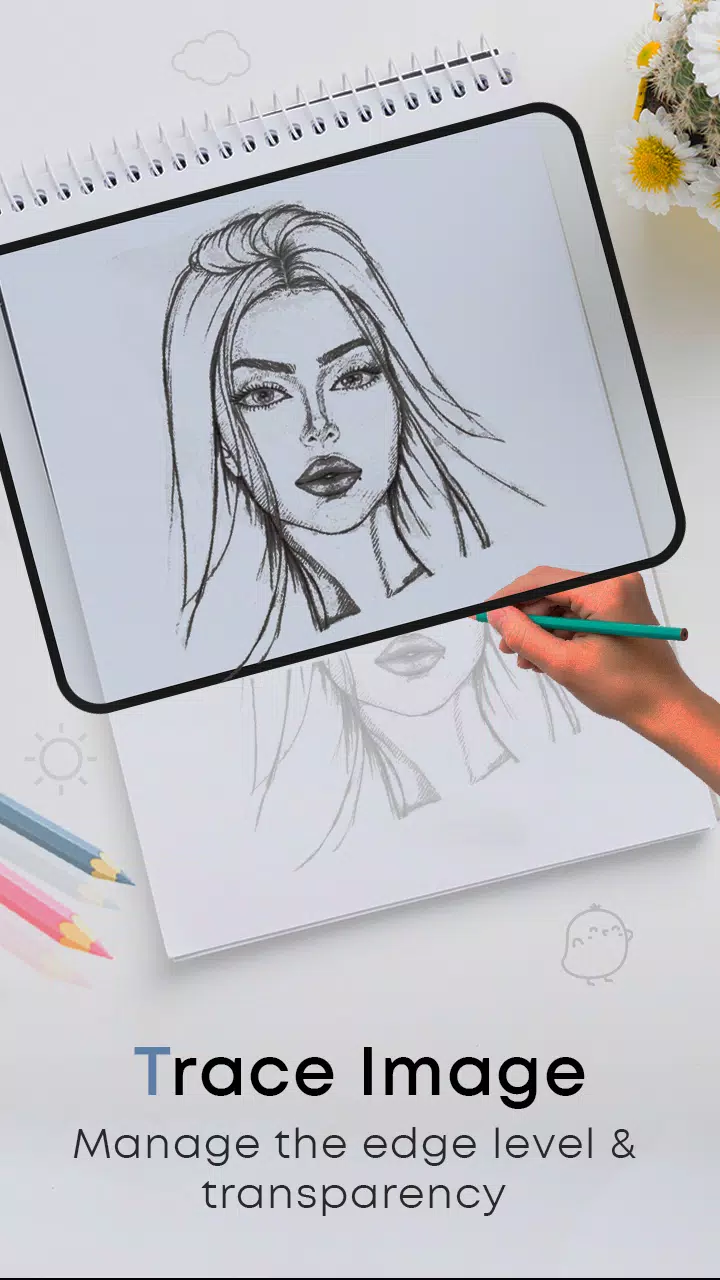
- Adjust brightness levels for optimal tracing visibility
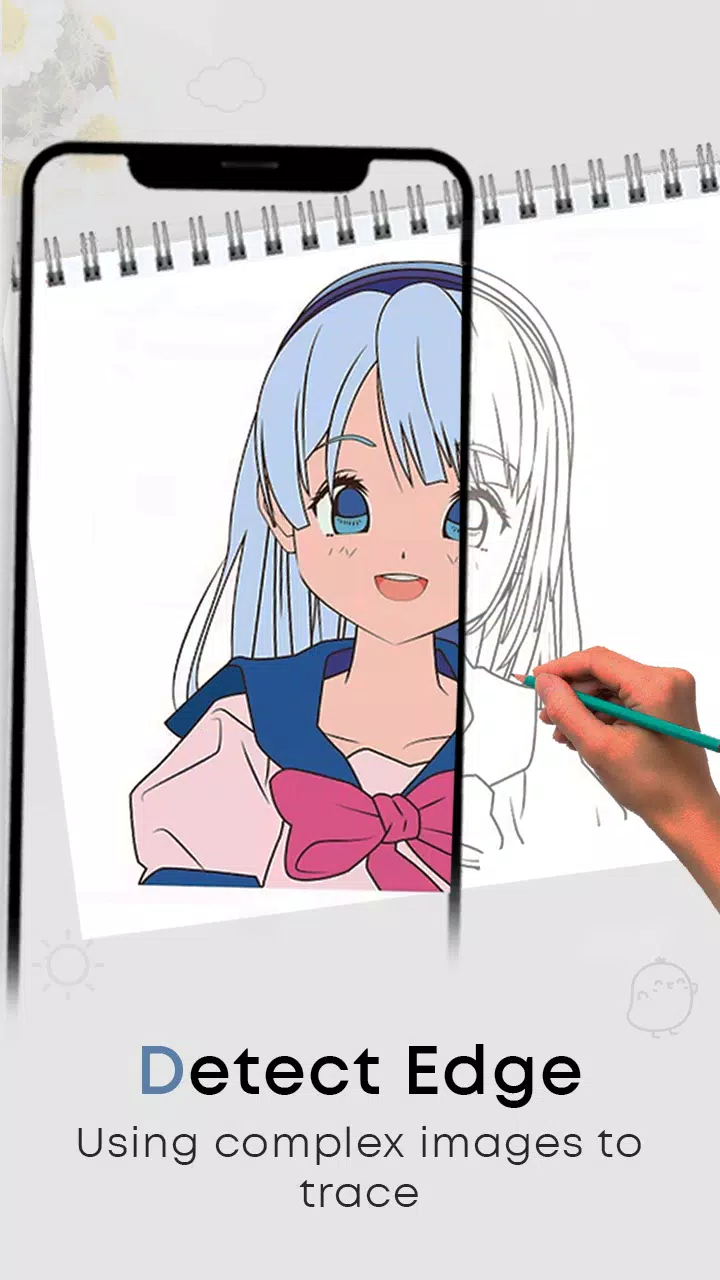
- Utilize our smart bitmap tool for instant transparent backgrounds
- Rotate images and toggle flashlight in low-light conditions
- Lock your screen position and trace every detail precisely
- Transfer flawless sketches to paper effortlessly
Master Tracing Techniques:
- Select from diverse tracing templates
- Import personal photos through camera or gallery
- Resize images perfectly using intuitive gestures
- Customize background colors for better visibility
- Secure image positioning with rotation locking
- Fine-tune device and image brightness separately
- The simplest way to practice professional tracing
Key Features:
- Essential skill-building tools for aspiring artists
- Complete sketching solution in one app
- Extensive library of traceable subjects
- Seamless photo imports from multiple sources
- Professional tools: screen lock, rotation, brightness controls
- Smart background removal technology
- Designed specifically for artistic development
- Intuitive, artist-friendly interface
Latest Update v24.0
Updated January 23, 2024:
Performance enhancements and minor fixes installed. Update now for optimal experience!
Tags : Art & Design