Jetpack Joyride Racing introduces a new take on the Barry Steakfries adventure, delivering high-speed jetpack races, wall boosts, and special power-up zones. While the game is crafted for touchscreens, experiencing it on PC with BlueStacks takes it to the next level—offering enhanced graphics, smoother performance, more accurate controls, and uninterrupted action. This guide will show you how to set up and start playing Jetpack Joyride Racing on your PC with BlueStacks, preparing you for every exciting race mode ahead.
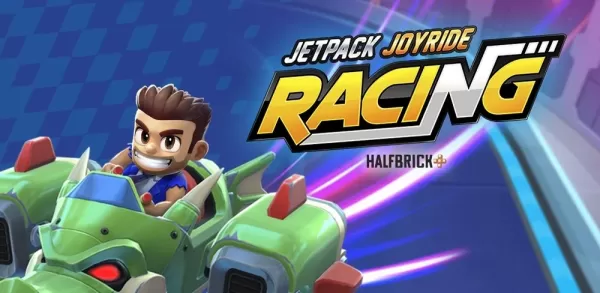
Jetpack Joyride Racing is built for quick, arcade-style competition—and BlueStacks on PC fully realizes that vision. With crisper visuals, instantaneous control response, and the expansive view of a large screen, you can immerse yourself in the full intensity of jetpack racing. Install BlueStacks, pre-order or join the Jetpack Joyride Racing beta, and enjoy the seamless, thrilling experience Halfbrick designed—all from your desktop or laptop.