A simple hand tool for cropping photos, freehand selection, and overlaying images
A straightforward image editor designed specifically for cropping and overlaying photos. Essential tools without the clutter!
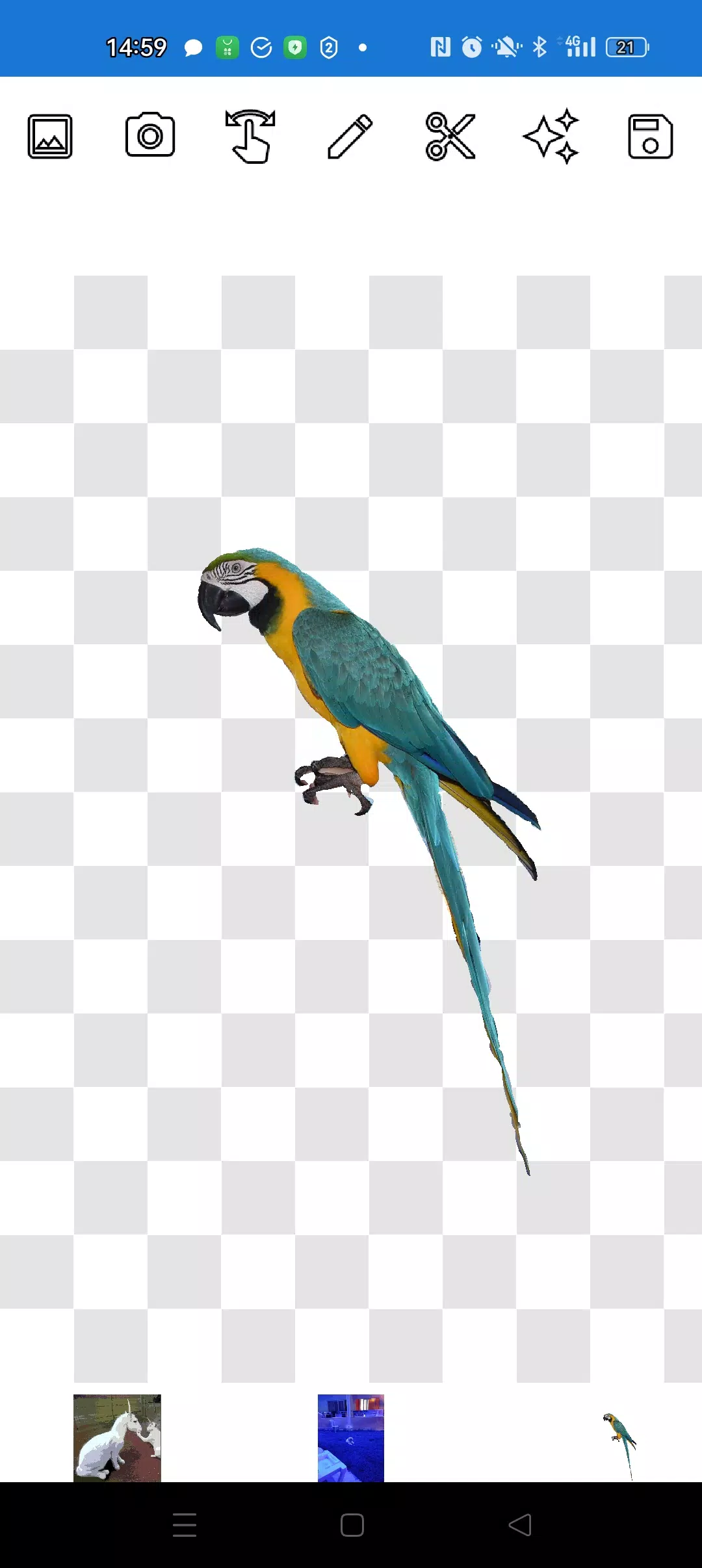
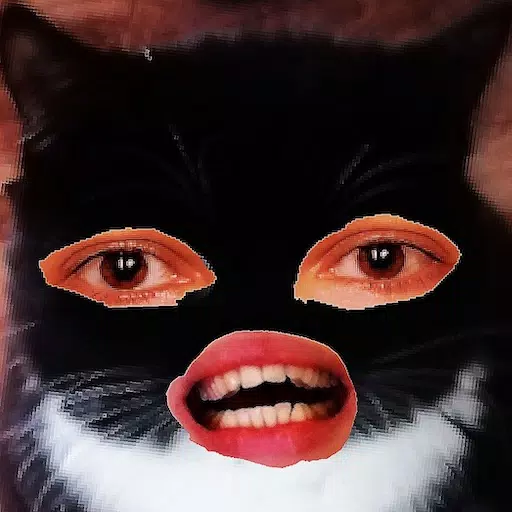
Cut out objects from photos and layer them onto other images seamlessly.
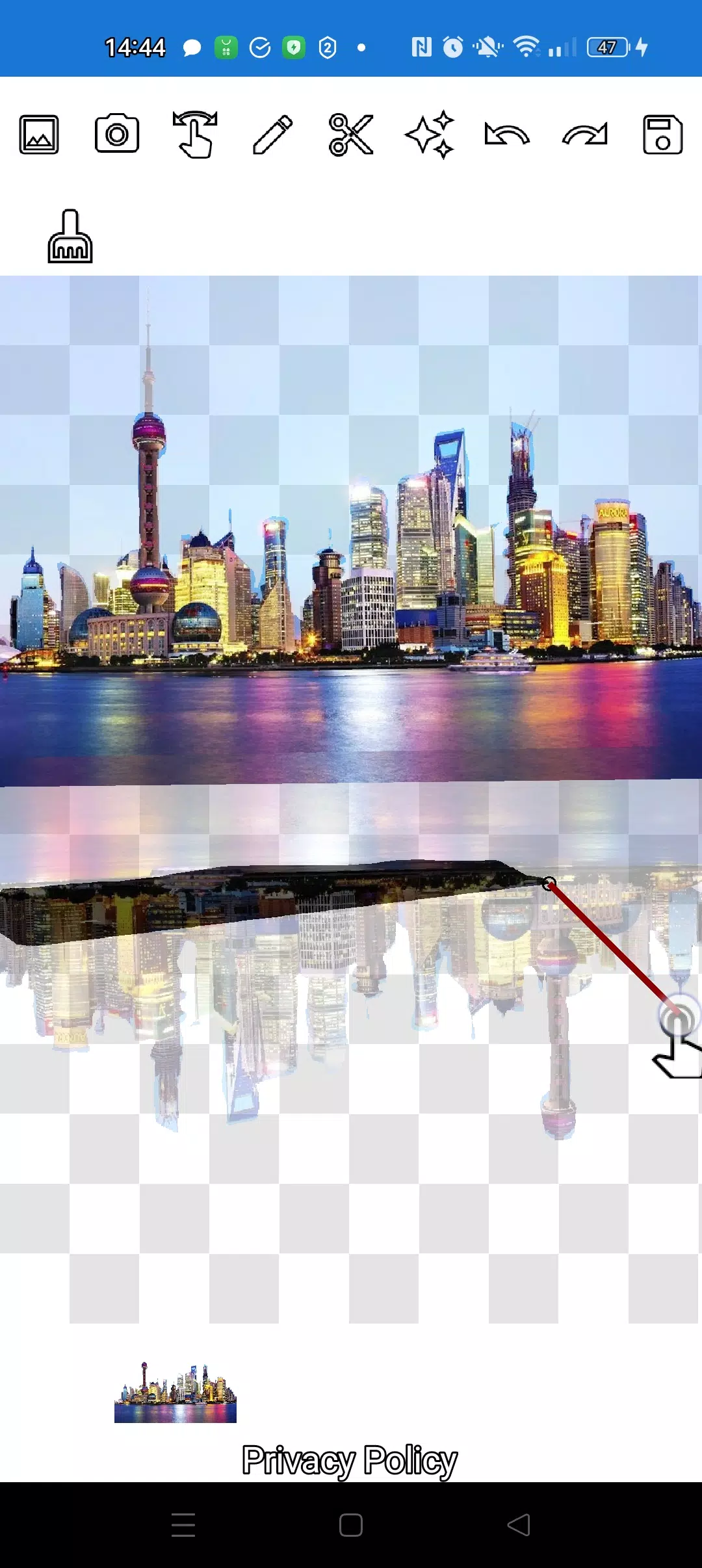
Precisely extract any object, no matter how small, using two intuitive tools: the pencil ✏️ and the lasso.
Draw with the pencil and adjust its transparency to switch to eraser mode. Customize the pencil width and use medium transparency for semi-transparent objects. Refine edges by adjusting transparency levels.
Tap the "magic" tool next to the save button to blend objects perfectly into the background.
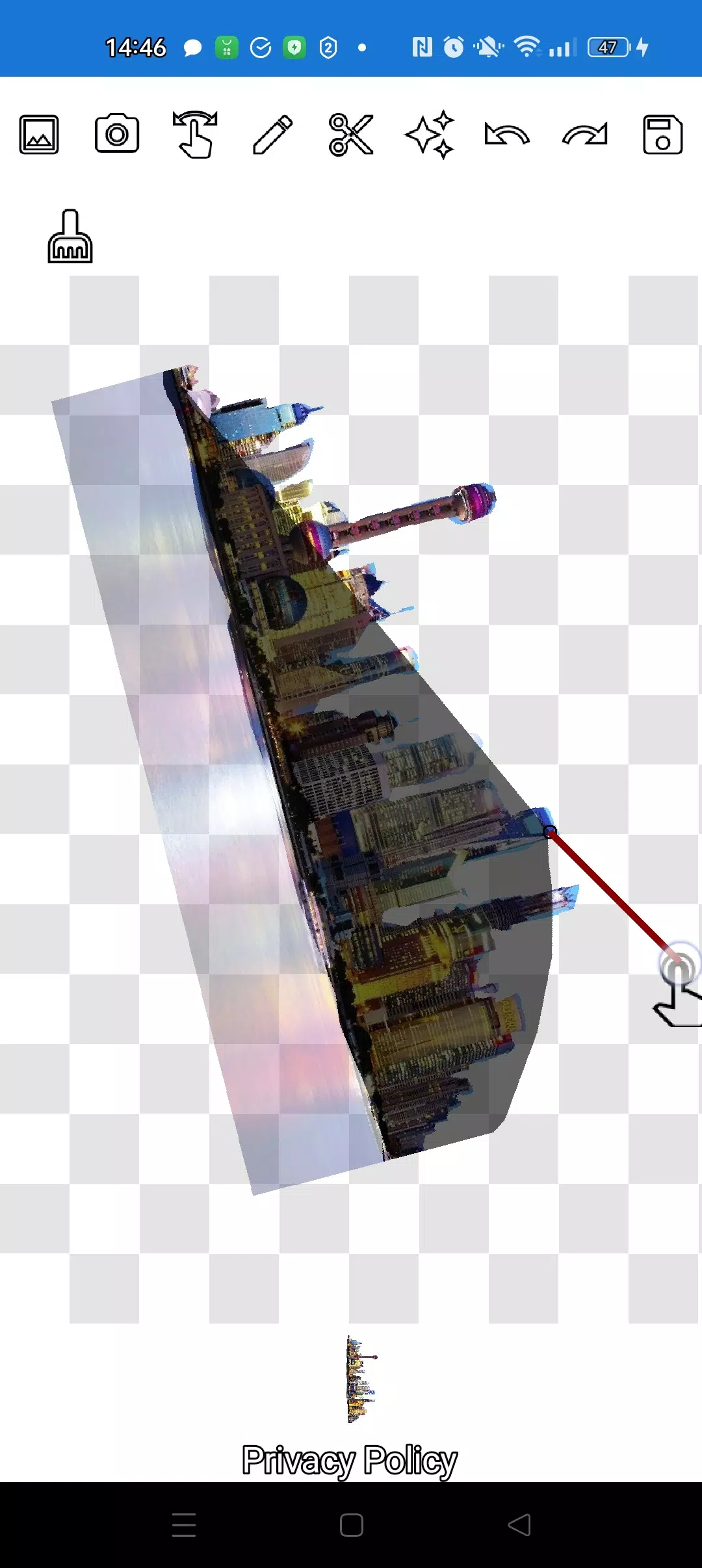
For intricate objects, zoom in closely using the manipulation mode (finger gesture) and carefully outline with the pencil or lasso.
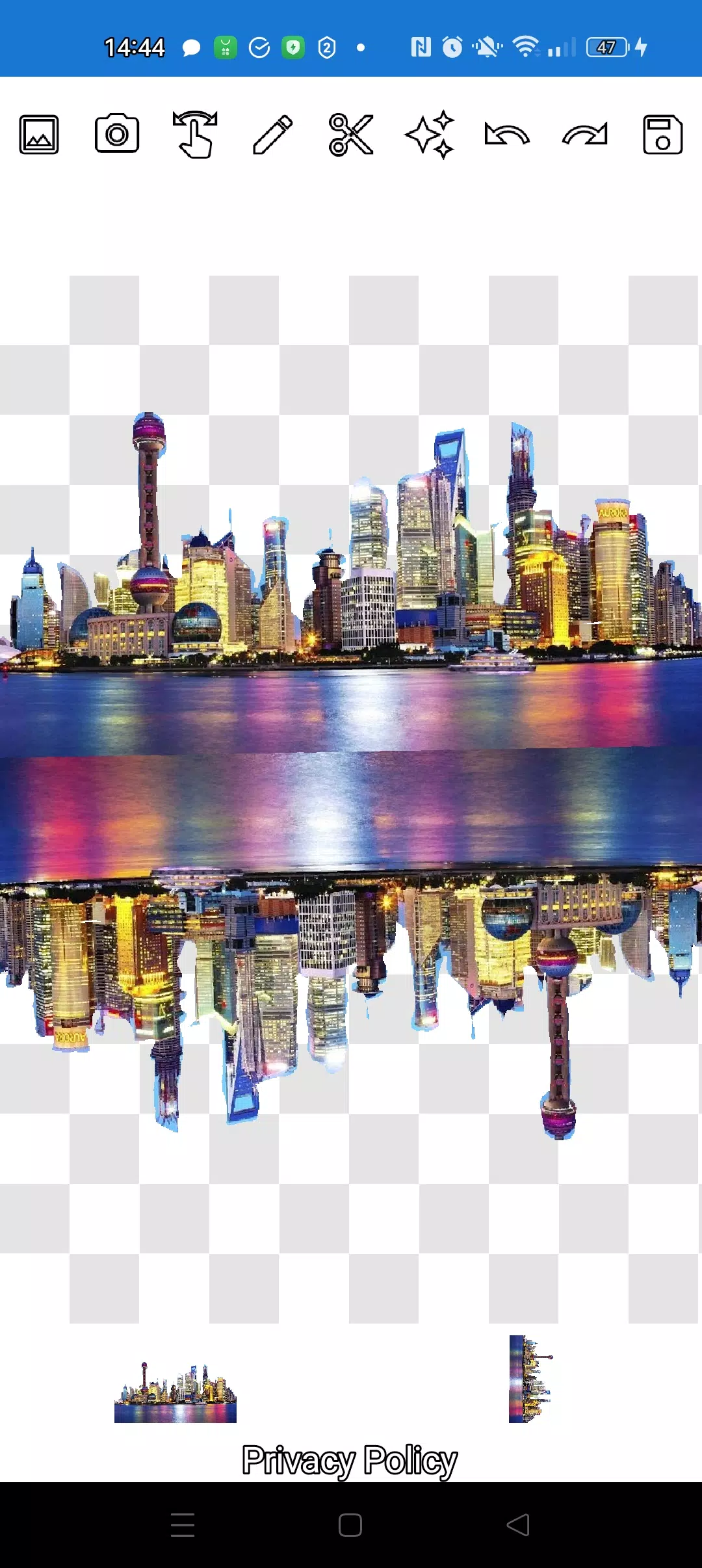
Create sophisticated compositions and collages within minutes!
Layer multiple objects freely. Select several photos from your gallery, cut out elements, and arrange them over a background. Save your final creation to the gallery. Pro tip: first choose the overlay image for easy cutting, then select the background—your overlay will remain in place. Simply tap a layer at the bottom to bring it to the front.
Remove unwanted images by swiping them almost off the screen.
Save your work by cropping to a selected area. In crop mode, choose a rectangular section and tap the checkmark to save to your photo gallery.
Manage layers effortlessly. All layers appear at the bottom—tap any layer to bring it forward. Control the arrangement of objects and background with ease.
The only learning curve is switching between modes (manipulation, pencil/eraser, or lasso). After a quick practice, it becomes second nature!
Impress friends on social media and messengers with creative images. Create fakes, memes, and jokes! This versatile tool is perfect for memes, business graphics, websites, logos, and banners when you need quick edits on the go.
Use the app anywhere—cafés, subway, or airplanes—it works completely offline!
Simple technologies from Pimur.
Thanks for reading! Please share your feedback below—it means a lot to us!
What's New in the Latest Version 4.5
Last updated on Sep 17, 2024
Minor bug fixes and improvements. Install or update to the newest version to check it out!
Tags : Art & Design