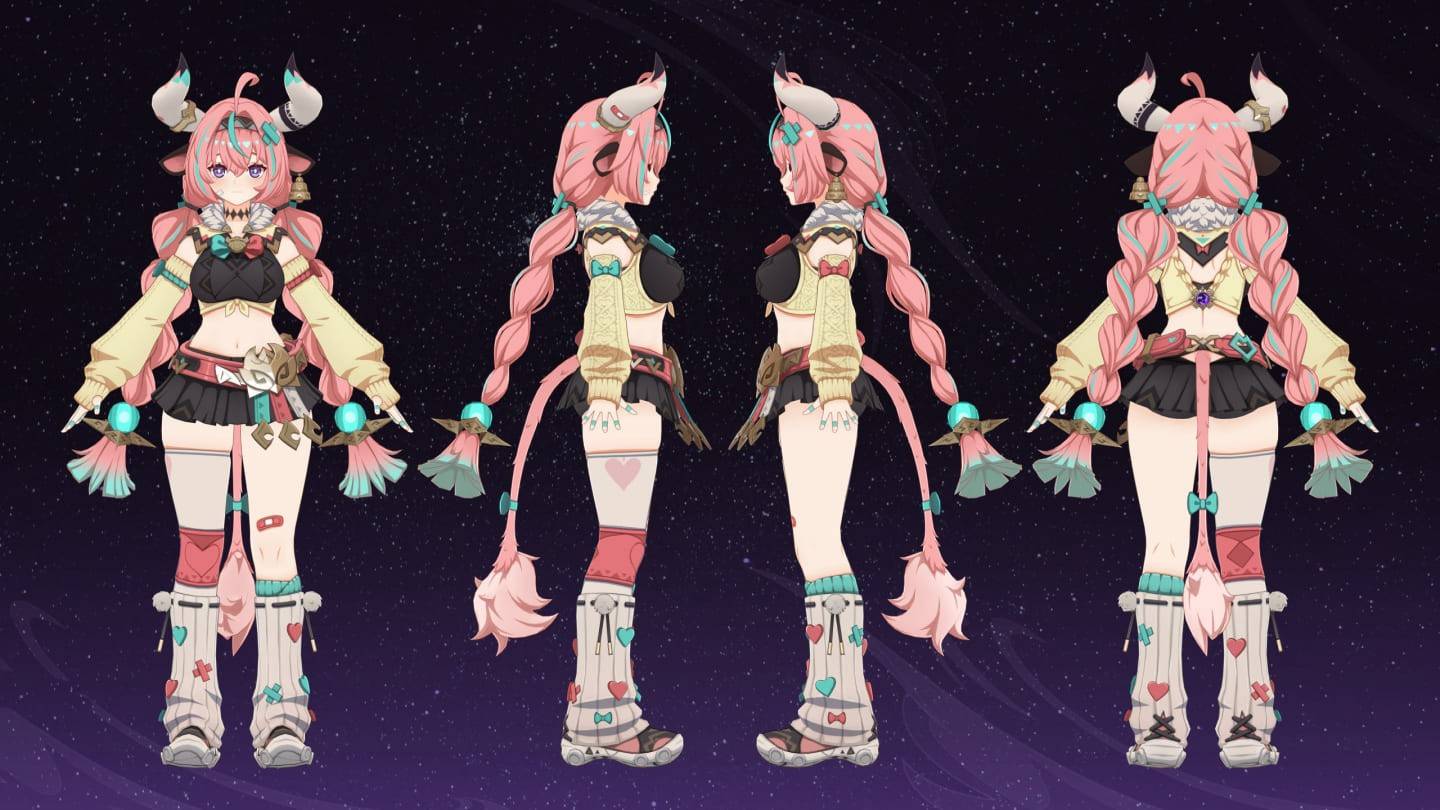
Experience Draconia Saga like never before with BlueStacks! This guide details how BlueStacks' powerful features – Keymapping, Multi-Instance, and Macro Recorder – can transform your RPG gameplay. Unlock superior control, efficiency, and multitasking to fully immerse yourself in Arcadia.
Mastering Keymapping for Superior Control
Precise controls are vital in Draconia Saga's action-packed combat. BlueStacks' Keymapping lets you ditch touchscreen controls for mouse and keyboard, providing superior control over your character's movements and attacks. This translates to easier dodging of enemy attacks and more effective offense, giving you a significant advantage in combat. This is especially useful when navigating the game's frequent area-of-effect attacks.
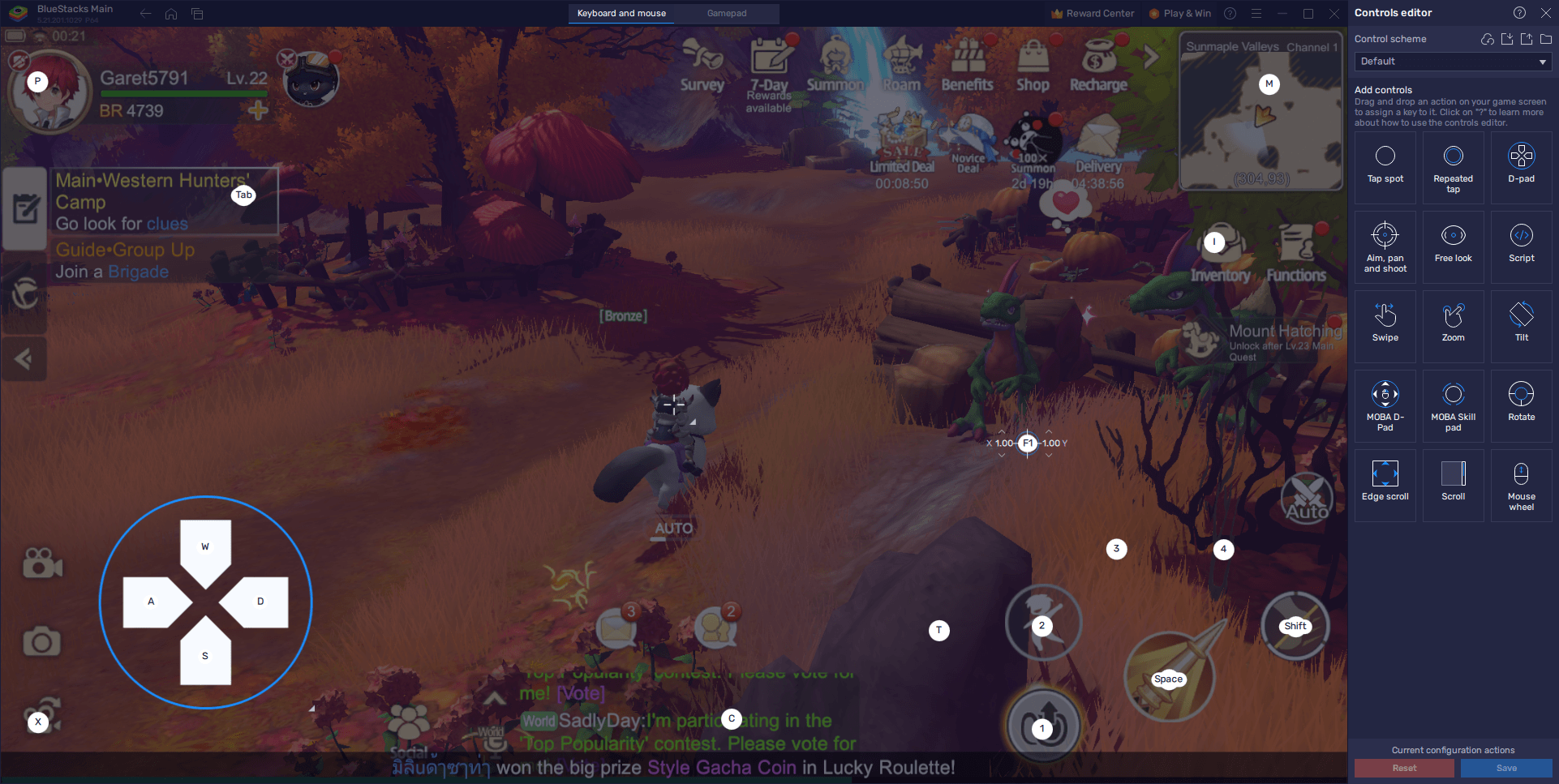
BlueStacks offers a suite of tools to optimize your Draconia Saga experience. Keymapping provides enhanced control, while maximizing visual settings ensures optimal graphics and frame rates. The Macro Recorder automates repetitive tasks, freeing you to focus on the strategic aspects of the game. Follow these tips for a smoother, more engaging Draconia Saga adventure on your PC or laptop with BlueStacks.